12
10. Machine operations (before 2016)
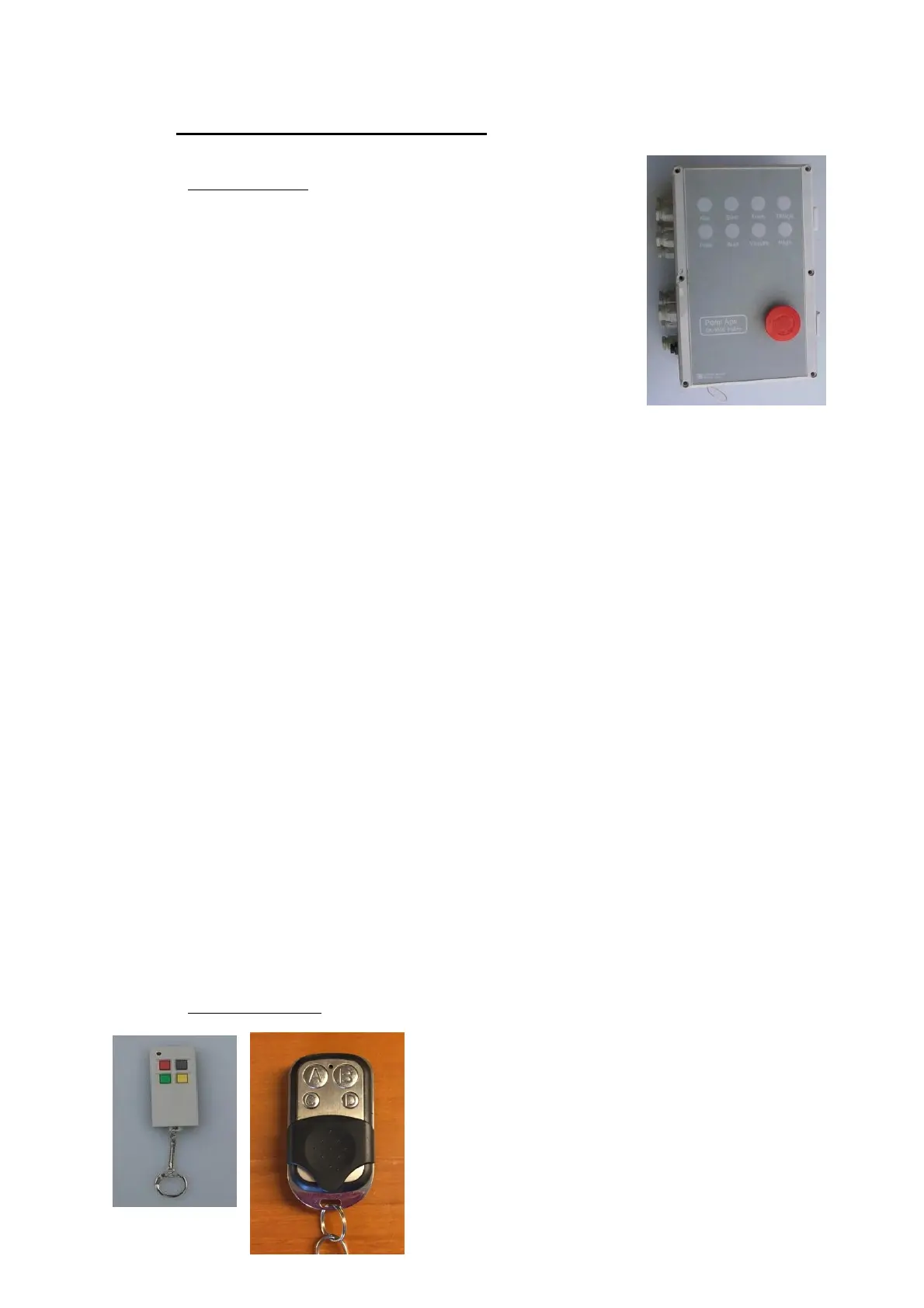
10.1. Electrical box
Emergency stop Depressing this button will stop all functions in
the electrical box. To reactivate turn the switch
from locked position, and re-activate the function
requested.
Ready When the emergency stop is released the lamp
ready is lit.
Start This button starts the wrapping process. It can also stop it again if pushed
once again.
Forward When pushing this button, the pusher arms run out.
Foil When pushing this button, the wrapper rotates the foil.
Auto When pushing this button, light is switched on and the machine will
automatically start wrapping when the last bale is positioned. By pushing
once again, it is switched off.
Spear Push this button to activate the chains on the spears.
Backward When pushing this button, the pusher arms retract.
10.2. Remote control
A/Red has the same function as Start.
B/Grey has the same function as Foil.
C/Green has the same function as Spear.
D/Yellow has the same function as Backward.



 To Next Page