6
6. Change from transport to wrapping
Position the machine with a tractor or loader in the correct direction, in stacking
position.
Disconnect the tractor and remove the cable.
Push the emergency stop.
Start the motor according to the motor instructions.
Switch the emergency stop out of lock-position.
Lift the entire machine by running down the supports. First the 2 at the rear end and then
the 2 in the front.
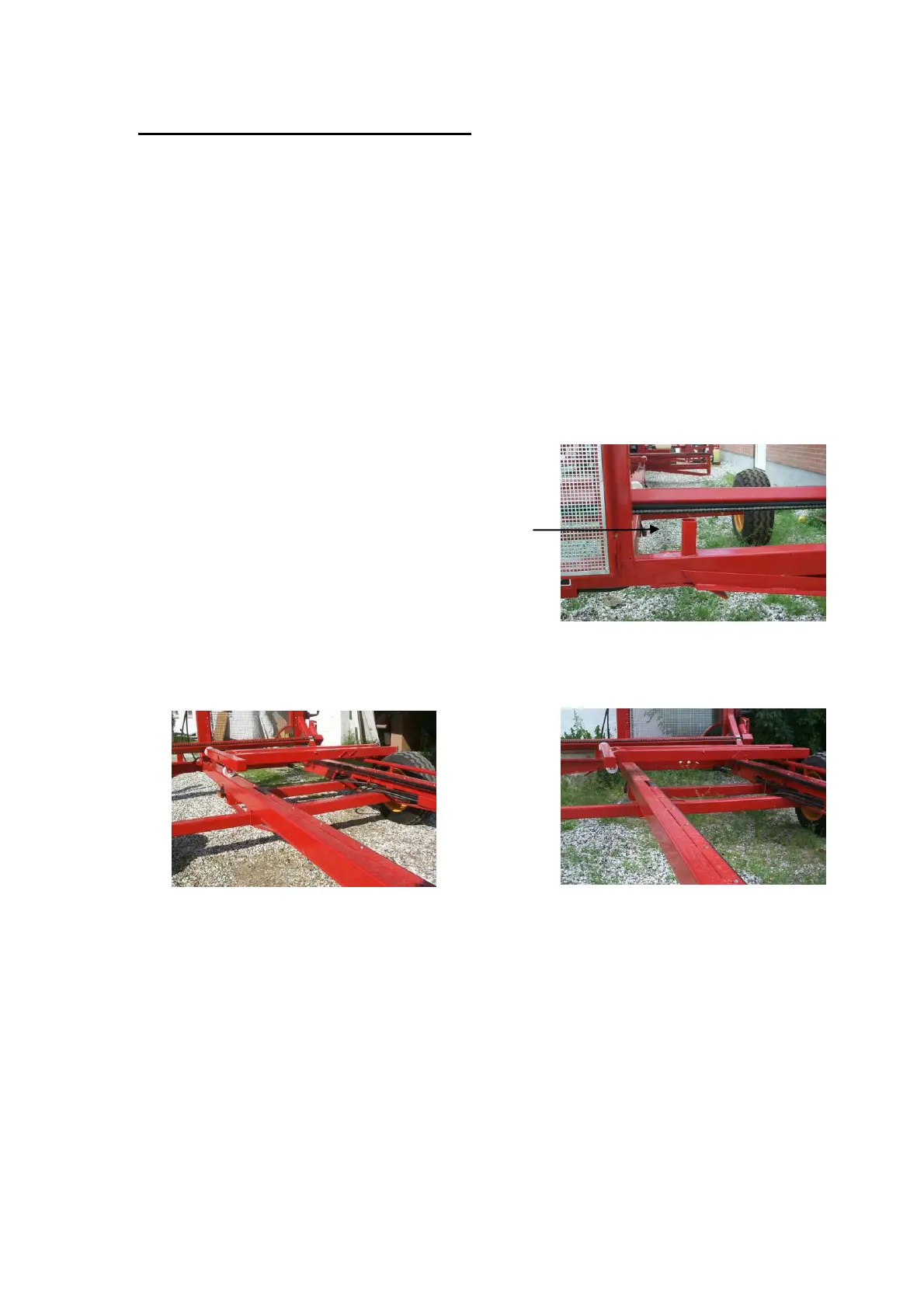
Remove the two wheels and insert the profile tube into the small profile tube in the rear
end (see illustration).
Place the wheels in the corners
Run up the supports, first the front supports and
then the 2 rear supports.
Change the pusher from transport position to wrapper position (see illustration).
Wrapper position Transport position
The machine is ready for wrapping.



 To Next Page