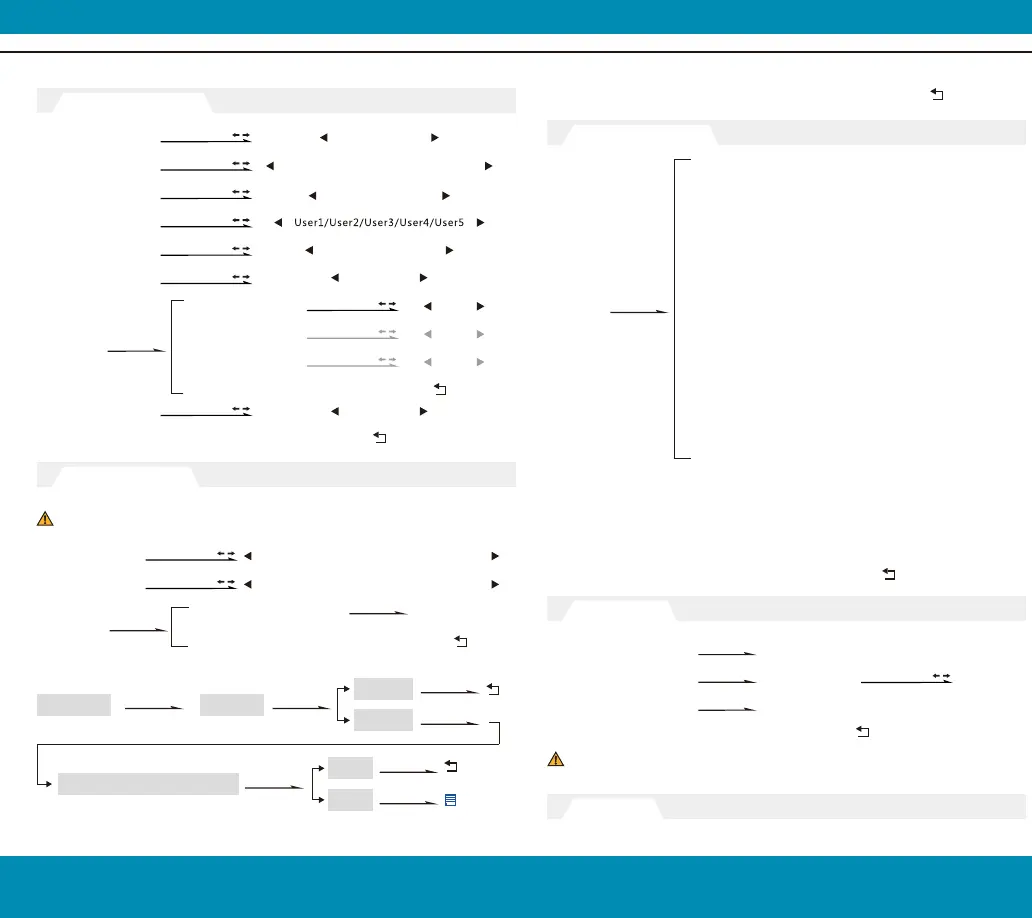
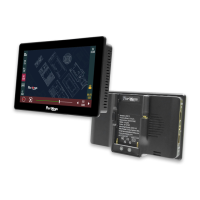
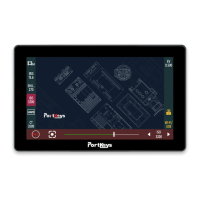
[Firmware]
[Function Setup]
[Exit]
[LUT Config]
Version Information
Update(USB)
Usage status
Exit
Please note our official website (www.pkscorp.com) timely update
the latest firmware!
Are You Sure? Yes/No
Firmware Ver BM7-V1.04 MCU Ver V3.03
Power Cycles 30 Run Time 000005.0H
按下MENU再按
导视框标记
退出
Function 4
(Same function 1)
Function 3
(Same function 1)
Function 2
(Same function 1)
Back
www.pkscorp.com
BM7
BM7
5 6
[System Config]
OSD-Language
OSD-Duration
OSD-Transparency
Menu Setup
DSLR AutoScaling
System Reset
Fan
Back
5Sec/10Sec/15Sec/20Sec/25Sec/30Sec/Off
Low/Middle/High/Off
DSLR-16:9/DSLR-3:2/
DSLR-Full/DSLR-Off
Off/On
Off/On
简体中文/English
Camera Calibration
Click to switch stored LUT configuration
Off/BMCC Film/BMCC 4K Film/Sony S-LOG2/
ABNorm Log-F/ABNorm Log-L/Alexa LogC
Function 1
*
Grids*
*
Peaking
*
False Color
*
Zebra
*
UnderScan
DSLR Scaling*
*
Waveform*
*
Zooming
*
Audio Meters
Check Field*
H/V Delay*
*
Guides*
*
Cross Hair
*
HDR Checking
Press MENU
Press MENU
Press MENU
Press MENU
Press MENU Press MENU
Press MENU
Press MENU
Press MENU
Press EXIT
Press MENU
Press MENU
Press MENU
Press MENU
Select LUT file
Stored from
USB
Stored LUT configuration
Back
Display Flip Mode
H Flip
V Flip
Back
Off/On
Off/On
Off/On
Flip Control
Copied the eube format LUT file to the U disk, then insert it to BM7 USB interface.
Back
USB Looks 3D LUT
Application of 3D LUT mode
USB drive
Return
storage
EXIT
Press MENU, Then
Press MENU, Then
Press MENU, Then
Press MENU, Then
Press MENU, Then
Press MENU, Then
Press MENU, Then
Press MENU, Then
Press MENU, Then
Press MENU, Then
Press MENU, Then
Press MENU, Then
Press MENU, Then
*Note: Set these functions onto
custom shortcut keys, the related
function setting menu appears
after 2 sceonds long press.
*
Note: Continuous click key to
cycle switch.
SERVICE HOTLINE:+86 4008090896


 To Next Page