X1.1~X3.0
X1.1~X3.0
www.pkscorp.com
BM7
BM7
7 8
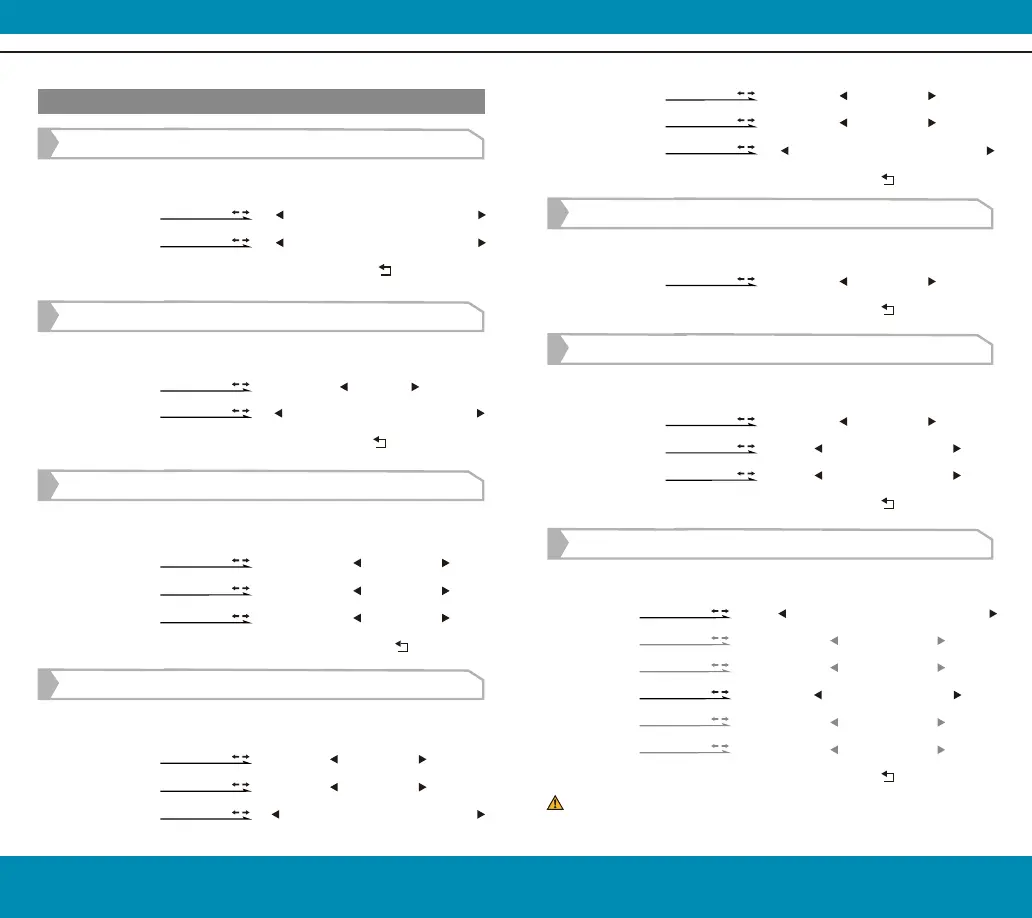
Off/On
0~128
Red/Green/Blue/Black/White
[
UnderScan
Setting]
Exit
Factor
Long press in 3 sec set "
UnderScan
" onto one custom function key
Long press in 3 sec set "
Audio Meters
" onto one custom function key
Long press in 3 sec set "Zooming" onto one custom function key
50~100
[
Audio Meters
Setting]
Audio Meters
Audio Channel
Position
Exit
Off/On
2 Channel/8Channel
Top/Division/Bottom
[Zooming Setting]
Position
X Offset
Y Offset
Ratio
H:
V:
Exit
Middle/L+T/R+T/R+B/L+B/User
-480~+480
-270~+270
User/X1.5/X2/2.5/X3
X1.01~x3.00
X1.01~x3.00
Low Area
Factor
Color
Exit
The offset value changes along with different input signal resolution.
*Shortcut keys (hidden menu operation) Operation:
Grids
Color
Exit
[Grids Setting]
Off/1/2/3/4/5/6/7/8/9/10
Red/Green/Blue/Black/White
[Peaking Setting]
Factor
Color
Exit
0-127
Red/Green/Blue/Black/White
[
False Color
Setting]
Over Warn.
Tooltip
Exit
Under Warn.
85~110
Off/On
-10~15
[
Zebra
Setting]
Factor
Color
High Area
128~255
Red/Green/Blue/Black/White
Off/On
Long press in 3 sec set "
Zebra
" onto one custom function key
Long press in 3 sec set "
False Color
" onto one custom function key
Long press in 3 sec set "Peaking" onto one custom function key
Long press in 3 sec set "Grids" onto one custom function key
Press MENU, Then
Press MENU, Then
Press MENU, Then
Press MENU, Then
Press MENU, Then
Press MENU, Then
Press MENU, Then
Press MENU, Then
Press MENU, Then
Press MENU, Then
Press MENU, Then
Press MENU, Then
Press MENU, Then
Press MENU, Then
Press MENU, Then
Press MENU, Then
Press MENU, Then
Press MENU, Then
Press MENU, Then
Press MENU, Then
Press MENU, Then
Press MENU, Then
Press MENU, Then
SERVICE HOTLINE:+86 4008090896


 To Next Page