1
1: Start
About user manual
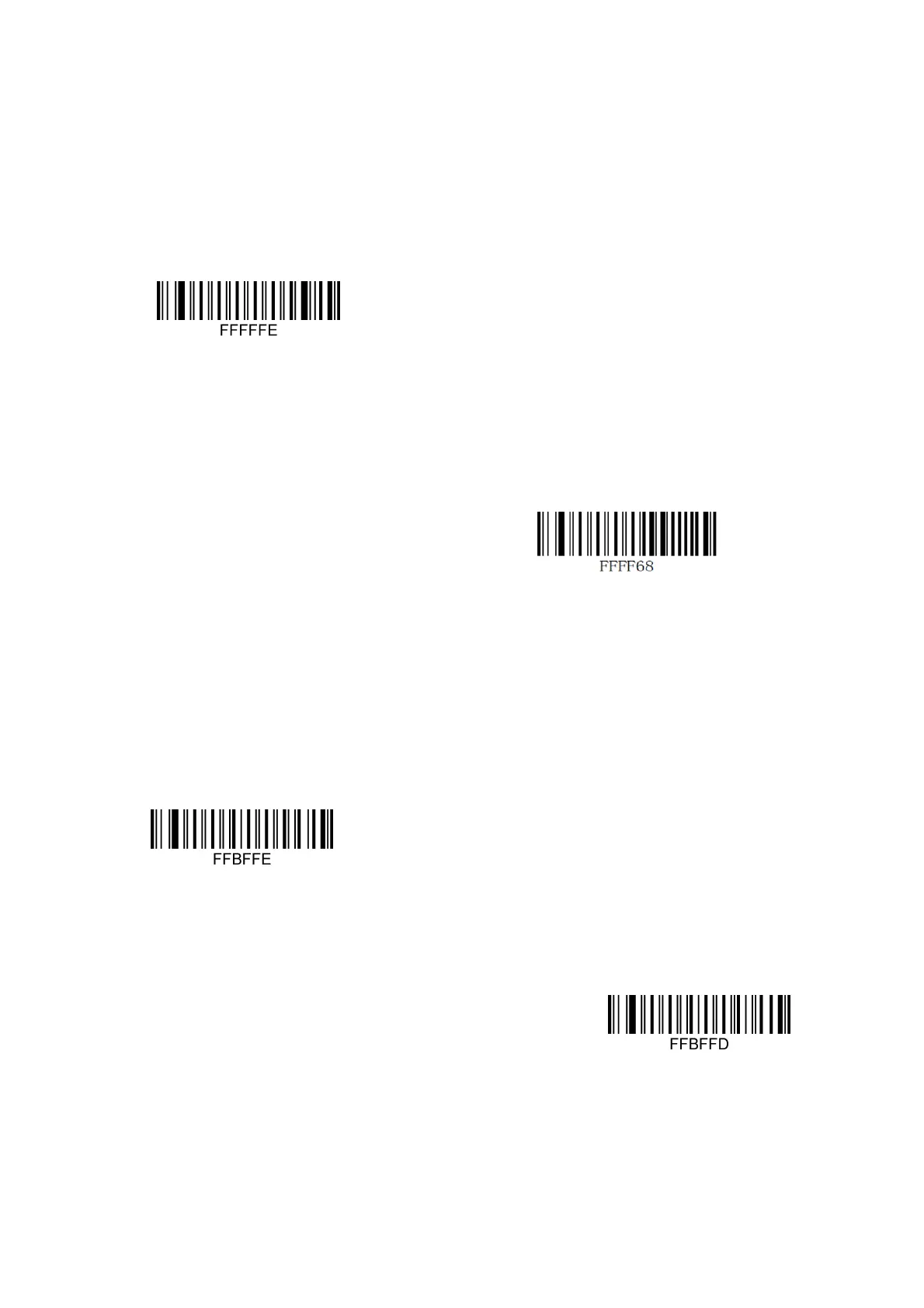
This user manual includes code system settings, function settings (lighting, keyboard type, and factory
reset, etc.) and interface settings. If you need to change the function you need, scan the configuration
according to the configuration code below. All bands (*) indicate the factory default value.
Reset default
Recall Default
Read the Version Number
Interface mode initialization
Identify it as a USB keyboard type, scan the "USB keyboard" barcode.
In the environment where the application software requires the serial port, USB can be
recognized as the USB COM type, and the USB COM type needs to be installed by the user
USB Keyboard
USB COM


 To Next Page