2
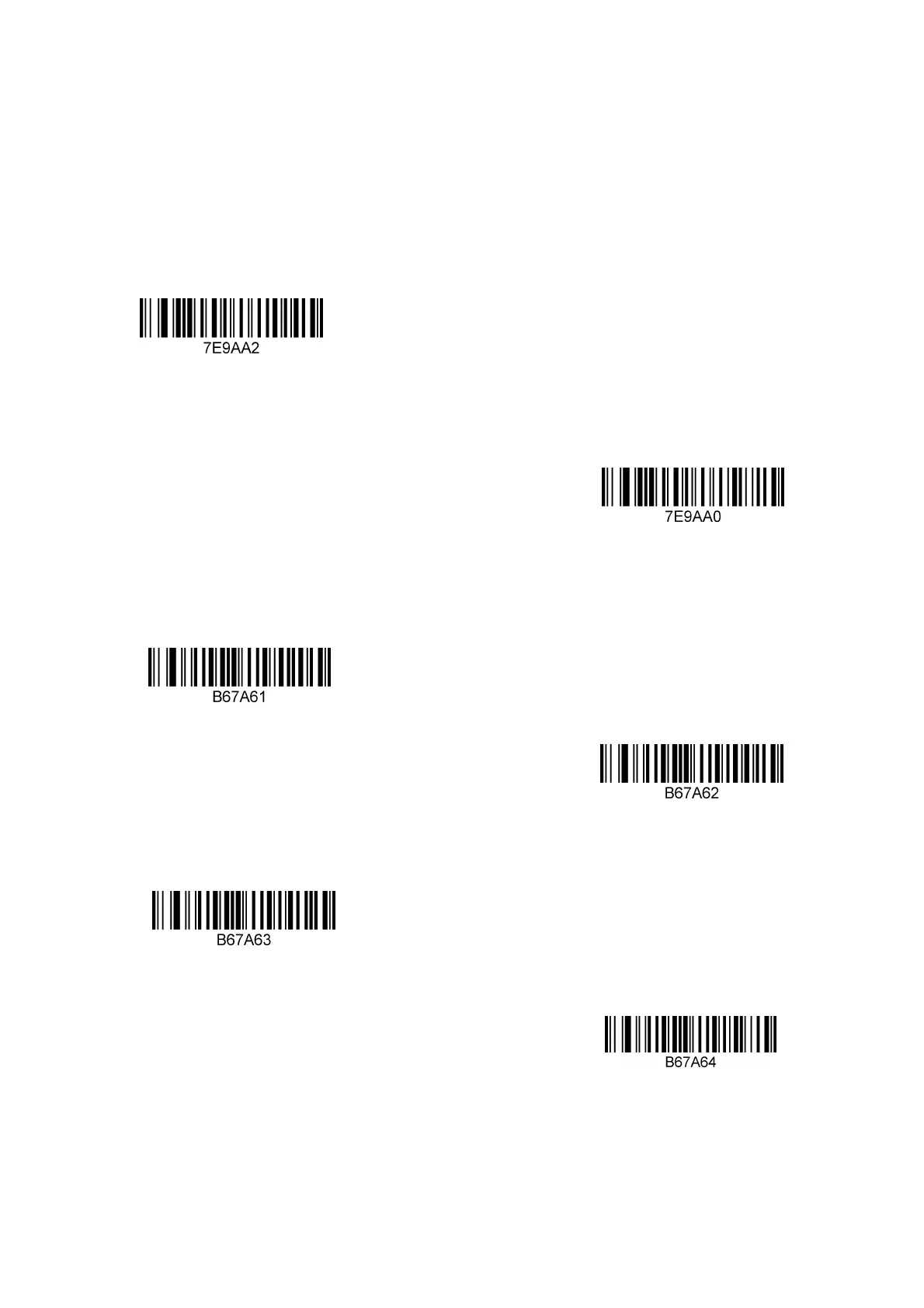
2: Function mode setting
About Function mode setting
In this chapter, you can configure the function mode of the device, including working
mode (such as image reversal, etc.), Aimer setting, lighting configuration, LED indicator
setting and speaker setting, etc. You only need to scan the corresponding configuration
codes as required.
Operating mode
* Manual trigger mode
Auto scan mode
here are 15 levels of sensitivity in auto scan mode, 1 is the highest, 15 is the lowest


 To Next Page