Status LED Indicator for Epson TM-m30 POS Receipt Printer
LED indicators for Epson printer can be found on the top side of the printer
compartment. It is primarily composed of three LED indicators, and each of
them works differently to deliver useful message regarding the current printer
status. Therefore, it is significant to observe the status of LED indicators
anytime to ensure your printer functions normally. For more detailed
information about LED status, please refer to the user manual for
Epson TM-m30 POS 3" Receipt Printer on Epson official website,
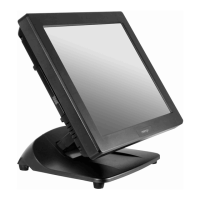
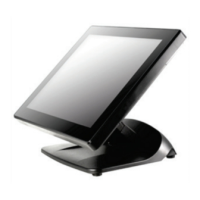
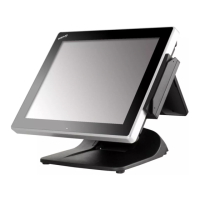
Adjusting LCD Monitor for a Better Viewing Angle
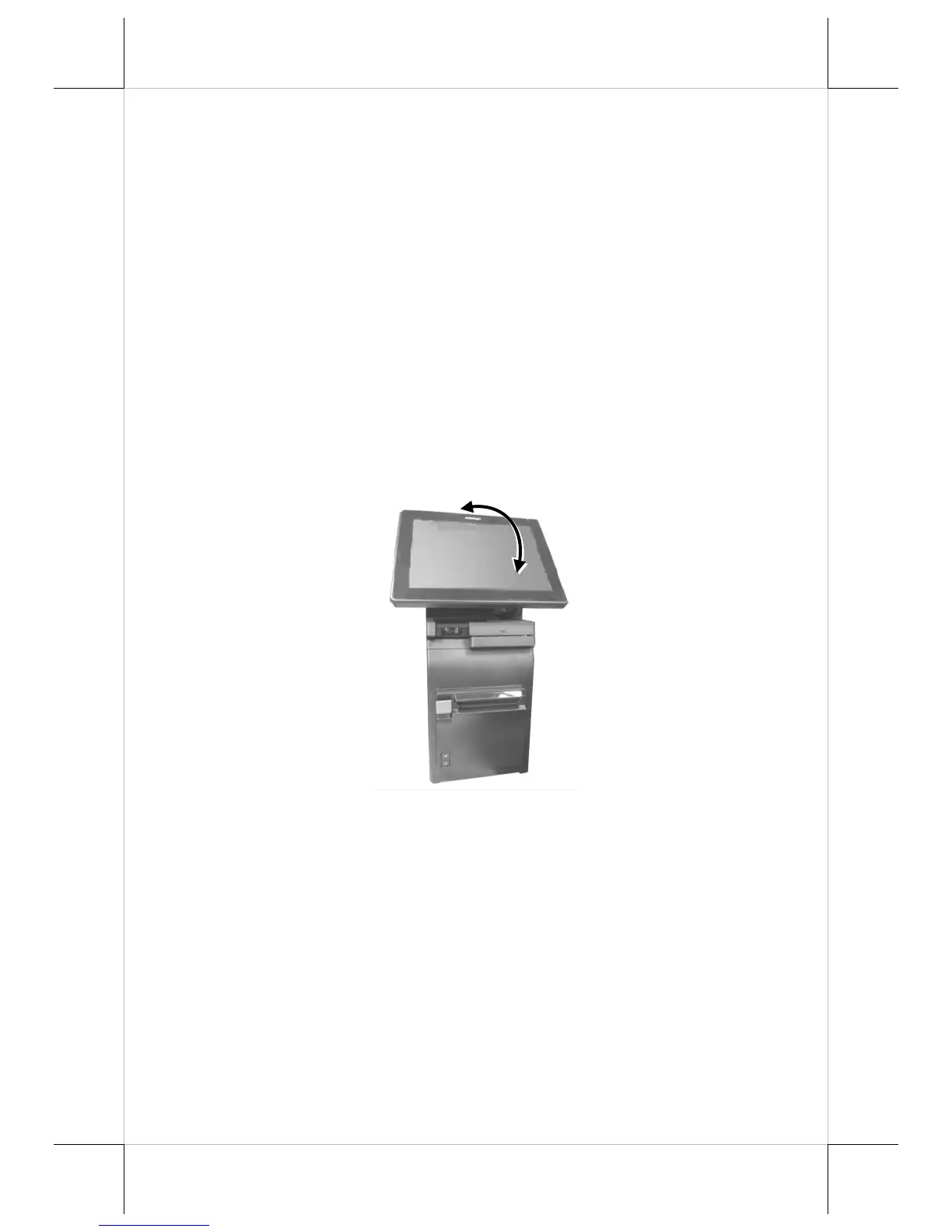
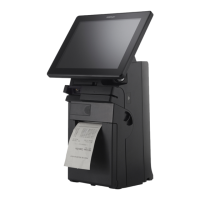
For an optimal viewing angle, please tilt the LCD monitor up and down in the
directions shown by the arrow in the below figure. Please be advised not to
touch LCD panel while setting up the tilt angle for
HS-3510W-E/3512W-E/3514W-E.


 To Next Page