Connecting Power Adapter
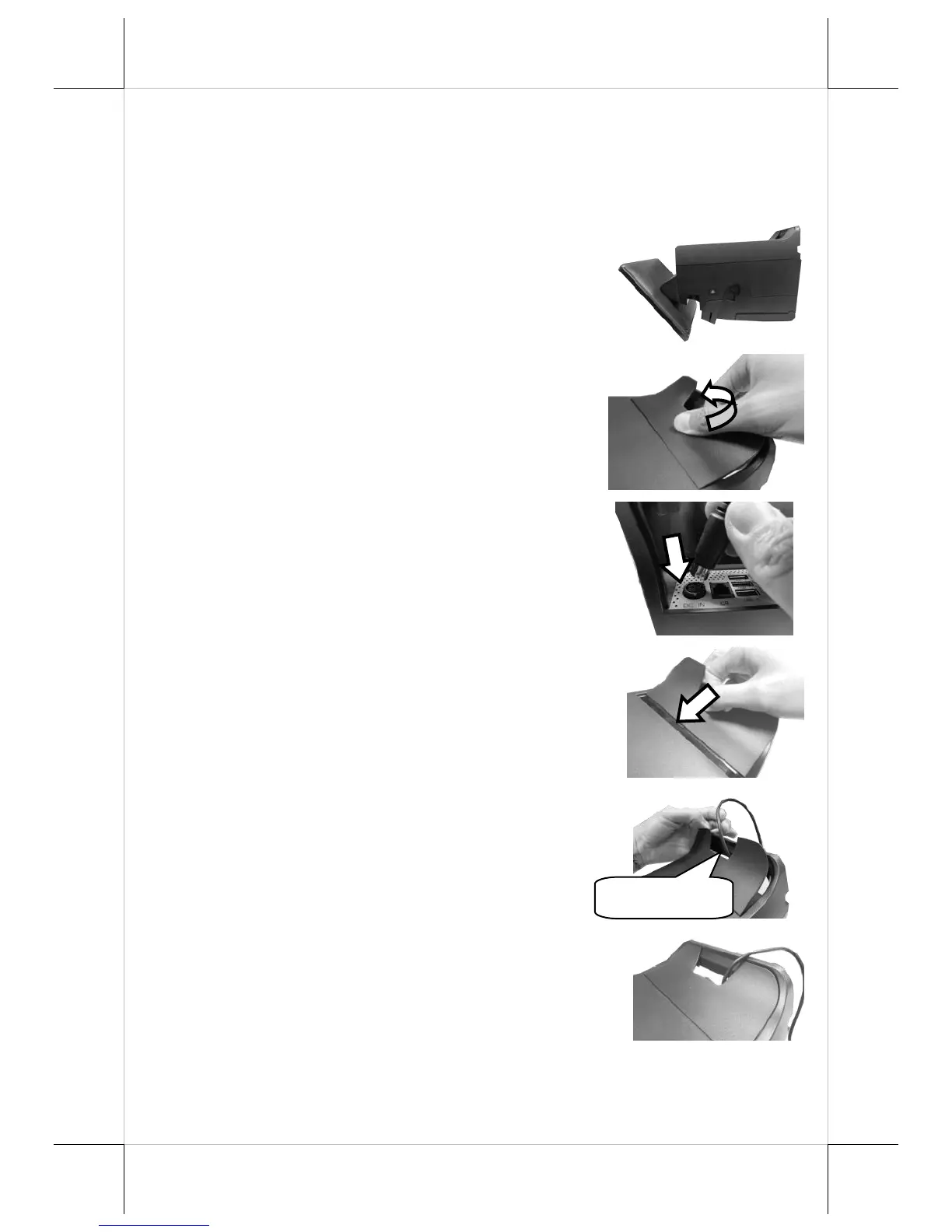
Please refer to the following instructions on how to connect power
adapter to HS-3510W-E/3512W-E/3514W-E and to organize your
cables.
1. Lay your desktop POS on a level
surface with its touch screen facing
down as shown in the figure.
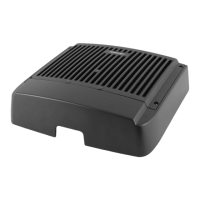
2. Hold the bottom I/O interface cover
with your thumb and forefinger, and
then gently pull the cover outwards to
remove the cover.
3. Connect power adapter and I/O cables
to the bottom I/O interface.
4. Have the cover join to the wedge
portions of the bottom I/O interface.
5. Before pushing the cover back into
place, neatly thread the cables through
the cable exit.
6. Press down the cover to close the
bottom I/O interface chamber.


 To Next Page