Restore LAN Information to Factory Default via LAN Info Reset
Among multiple built-in functions, LAN Info Reset mainly allows you to
reset LAN information to factory default. The following steps are provided to
help you complete the reset process.
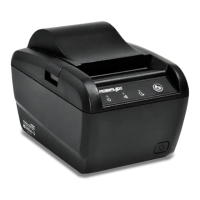
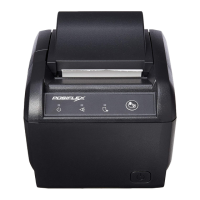
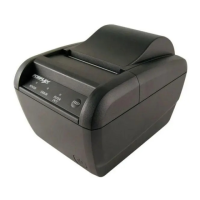
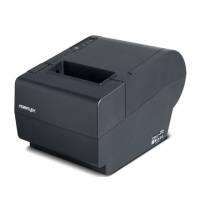
2. Open the cover of the printer.
3. Press Feed button five times after powering on the printer.
4. Close the cover of the printer.
5. The printer will emit one long beep sound and then print a test
page displaying LAN interface information.
6. Afterwards, the printer will restart by itself.
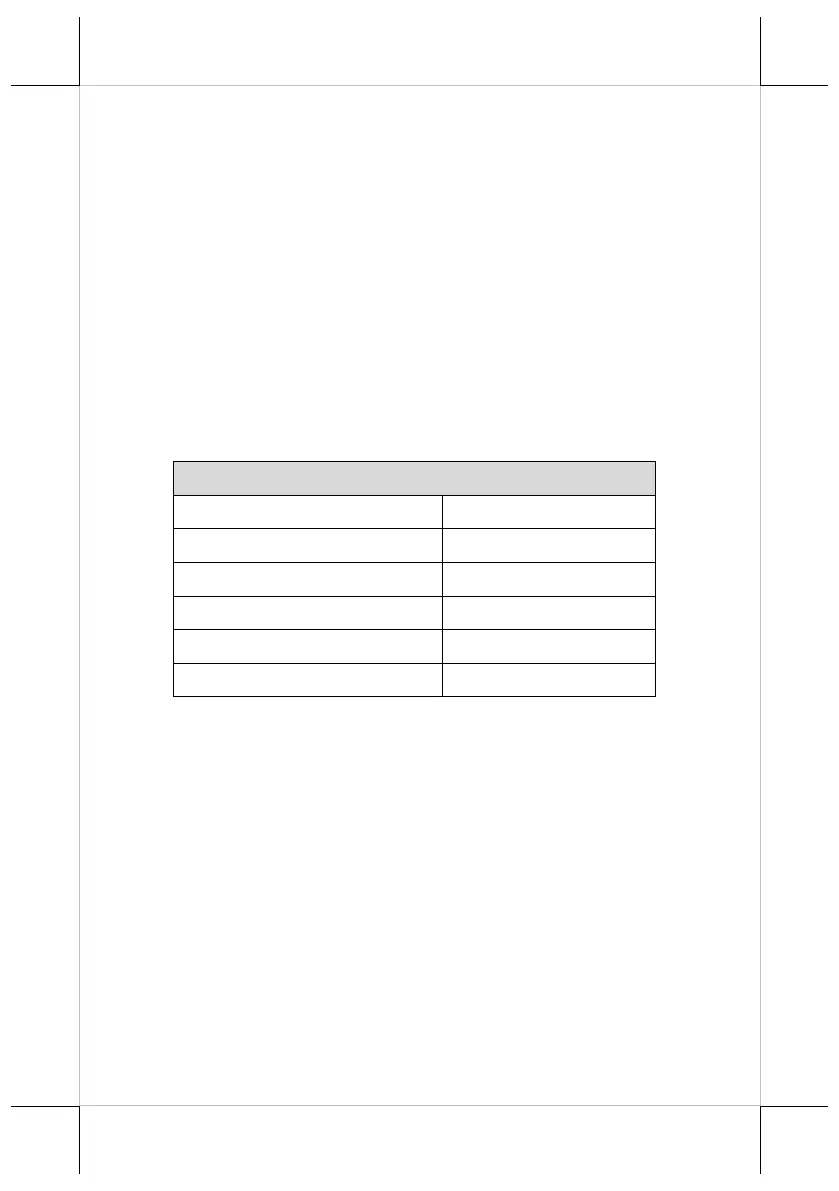
7. Ensure that LAN information is correctly set to factory default
as follows:
LAN Interface Information for Factory Default
Note: Values of the Items marked with an asterisk (*) are
reserved and not allowed to be changed.



 To Next Page