EasyManua.ls Logo

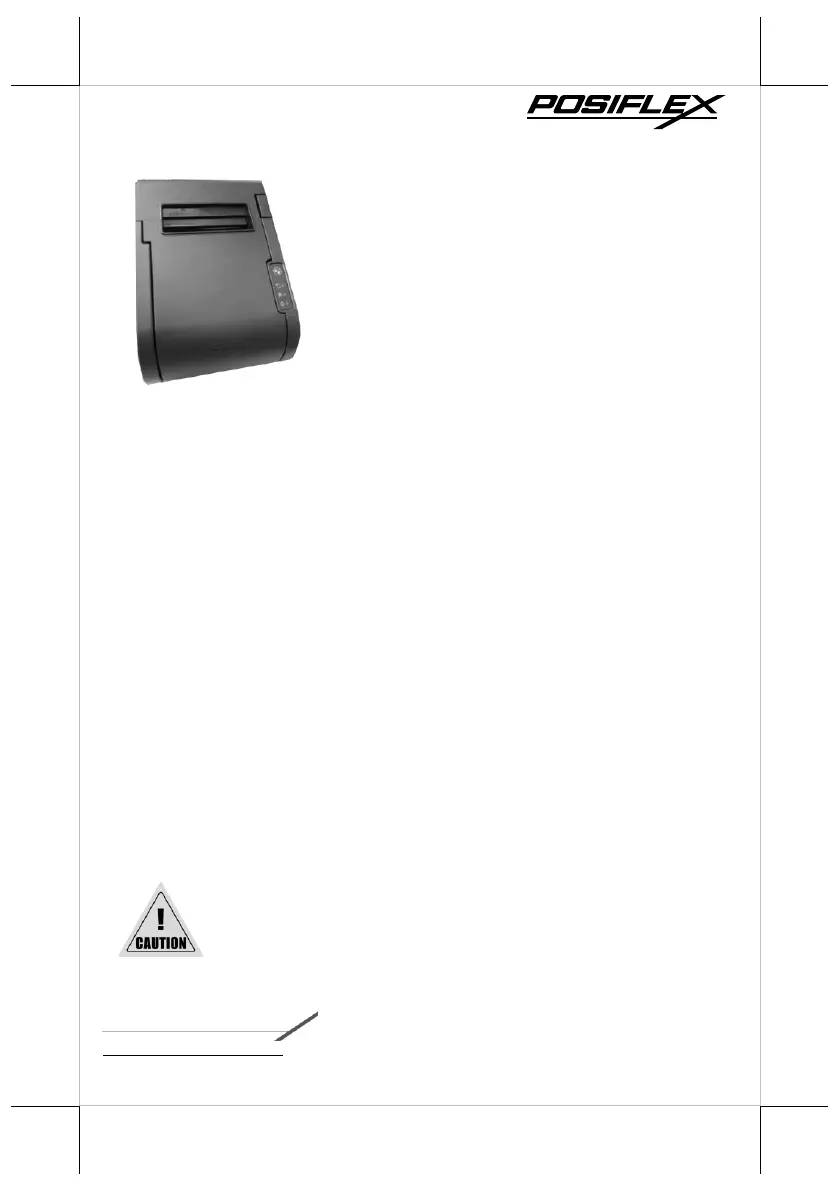
POSIFLEX PP-8900 - User Manual

POSIFLEX PP-8900
16 pages
Print Icon
To Next Page IconTo Next Page
Loading...
1
Package Contents
PP-8900 thermal printer (x 1)
Thermal paper roll (x 1)
Interface cable
(USB cable, or RS-232 cable) (x 1)
Paper separator for 2” thermal paper roll (x
1)
Power Adaptor (x 1)
Power Cord (x 1)
User manual (x 1)
Product Feature
3" high-speed thermal printer with auto cutter
Up to 250 mm/sec in low-noise printing
High-resolution printing up to 8 dots/mm and 576 dots/line
80 mm or 58 mm paper width support
QR code and PDF417 printing support
Wall-mount ready for flexible deployment
Drop-and-load action for easy paper roll replacement
Control over 2 cash drawers through 1 CR port
Interface : USB (True USB & Virtual COM selectable) + Serial + LAN
Using poor-quality thermal papers which contain impurity
particles, for instance, sands, or metals, will scratch the
thermal paper head, and such a damage is not covered
under the warranty.
19770903020 Ver. A0
http://www.posiflex.com
PP-8900 Thermal Printer
User Manual

Questions and Answers

  • J
    Joseph HowellAug 3, 2025
    What to do if the Error LED is on in my POSIFLEX Printer?
    • J
      Joshua YoungAug 3, 2025
      If the Error LED is on, first ensure that the paper cover of your POSIFLEX Printer is completely closed. If the error persists, check for any paper jams or foreign objects obstructing the paper cutter. Refer to the section on troubleshooting paper jams to resolve this. Also, the thermal head may be overheated; printing will resume automatically once the temperature decreases.
  • M
    Michael BushAug 14, 2025
    Why is the Paper-out LED indicator on my POSIFLEX Printer?
    • A
      angel20Aug 14, 2025
      If the Paper-out LED indicator is illuminated on your POSIFLEX Printer, verify that the paper roll is installed correctly.
  • M
    Melanie RomeroAug 25, 2025
    What to do if the Error LED indicator is flashing on my POSIFLEX PP-8900 Printer?
    • D
      David BrownAug 25, 2025
      If the Error LED indicator is flashing on your POSIFLEX Printer, power off the printer and wait for 10 seconds before powering it back on. If the error persists, it may indicate a malfunction.

Summary

Package Contents

Product Features

Views of PP-8900

Top View

Visual representation of the printer's top panel and controls.

Left-side View

Visual representation of the printer's left side, showing the power switch.

Bottom View

Views of I;O Interface

Loading Paper Rolls

Connecting Power Adapter and I;O Cables

Restore Software Switch to Factory Default

Restore LAN Information to Factory Default

Mounting PP-8900 onto a Wall

Troubleshooting Paper Jams

Status LED Indicator

Setting up Ethernet Printer

Cleaning

Cleaning the Printer Case

Procedure for cleaning the external printer case using a soft cloth.

Cleaning the Thermal Head and Platen Roller

Guidance on maintaining print quality by cleaning internal components.

Troubleshooting Common Printer Problems

Specifications

POSIFLEX PP-8900 Specifications

General IconGeneral
BrandPOSIFLEX
ModelPP-8900
CategoryPrinter
LanguageEnglish

Related product manuals