AK500 System Installation and User's Guide
Positron Access Solutions 54 Document 180-0037-003 R01
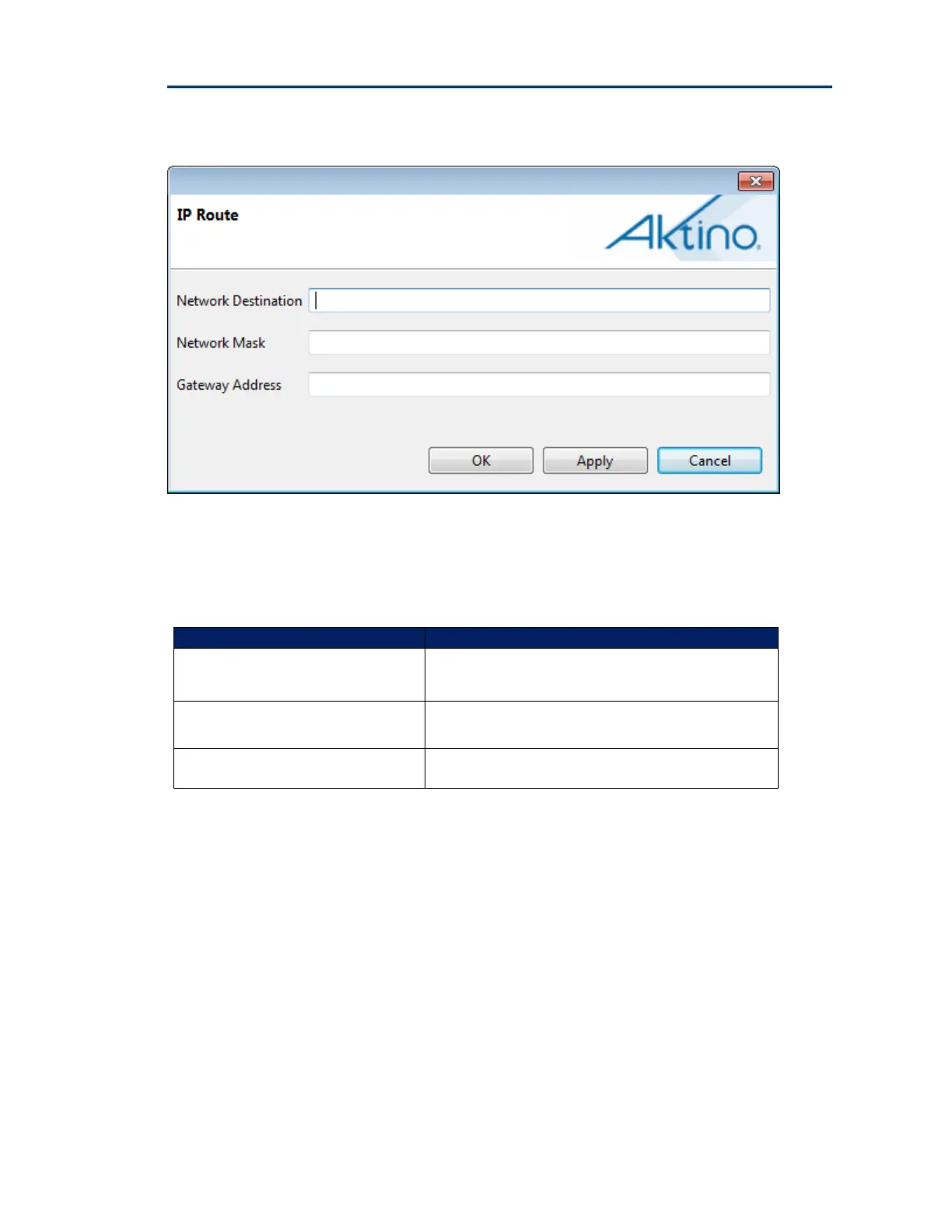
Click the Create button to display the following dialog:
See the following table for the IP Route Parameters and Values:
IP Route Parameters Values
Network Destination Destination Network Address
Network Mask Network Mask
Gateway Address Default Gateway Address


 To Next Page