AK500 System Installation and User's Guide
Positron Access Solutions 8 Document 180-0037-003 R01
1.3 AK500 Connections
1.3.1 Front View
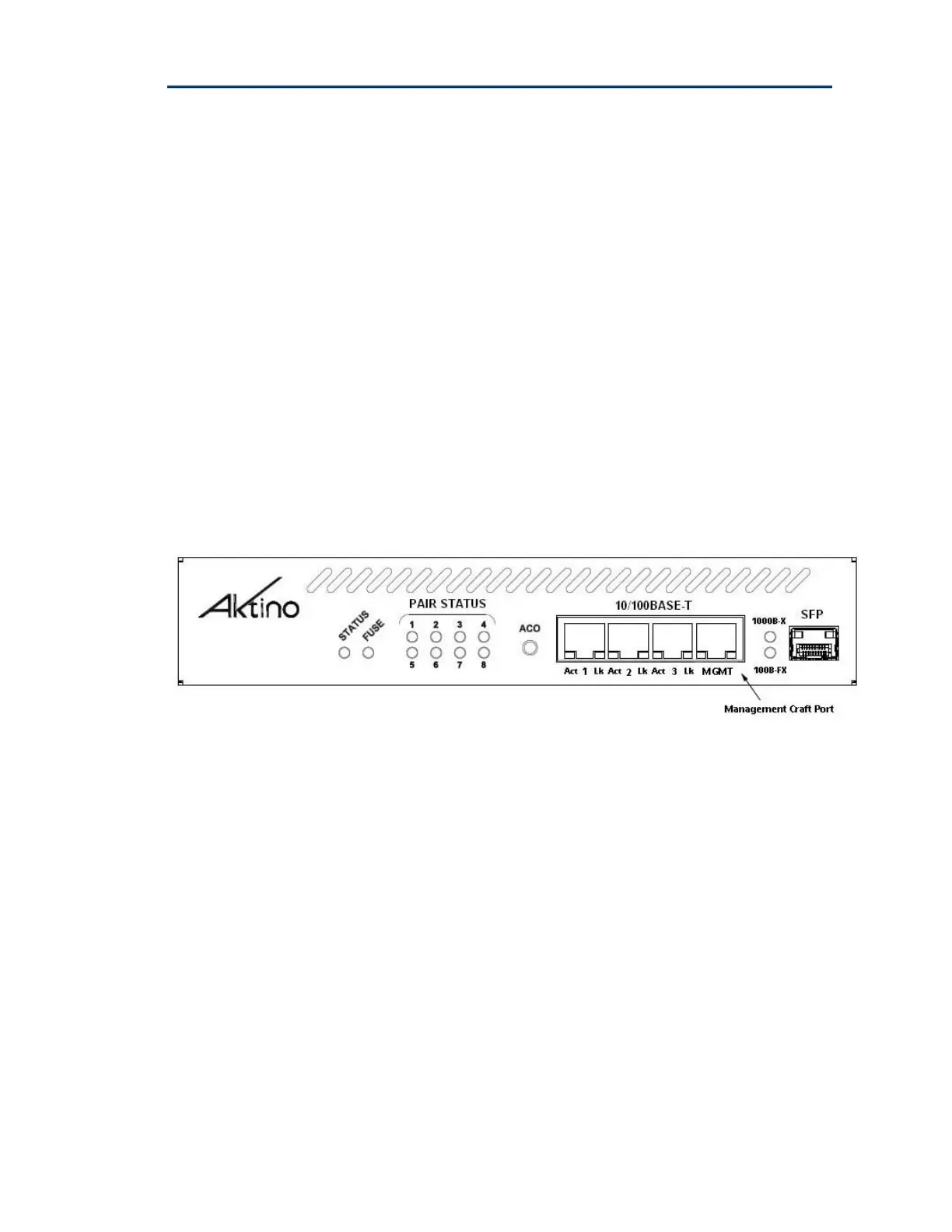
Figure 4 shows the AK500 CCU front panel and Figure 6 shows the AK500 CRU
front panel.
1.3.1.1 Management Connections
The RJ-45 port (located on the front panel) can be used for local or remote
management access. The Ethernet port automatically is set to either 10BaseT or
100BaseT and auto-sense the polarity of TX/RX (automatic MDIX).
Caution: In order to comply with the intra-building lightning surge requirements,
intra-building Ethernet management wiring must be shielded, and the shield for
the wiring must be grounded at both ends.
Figure 4 AK500 CCU Front Panel


 To Next Page