AK500 System Installation and User's Guide
Positron Access Solutions 80 Document 180-0037-003 R01
2.3.8 Tools
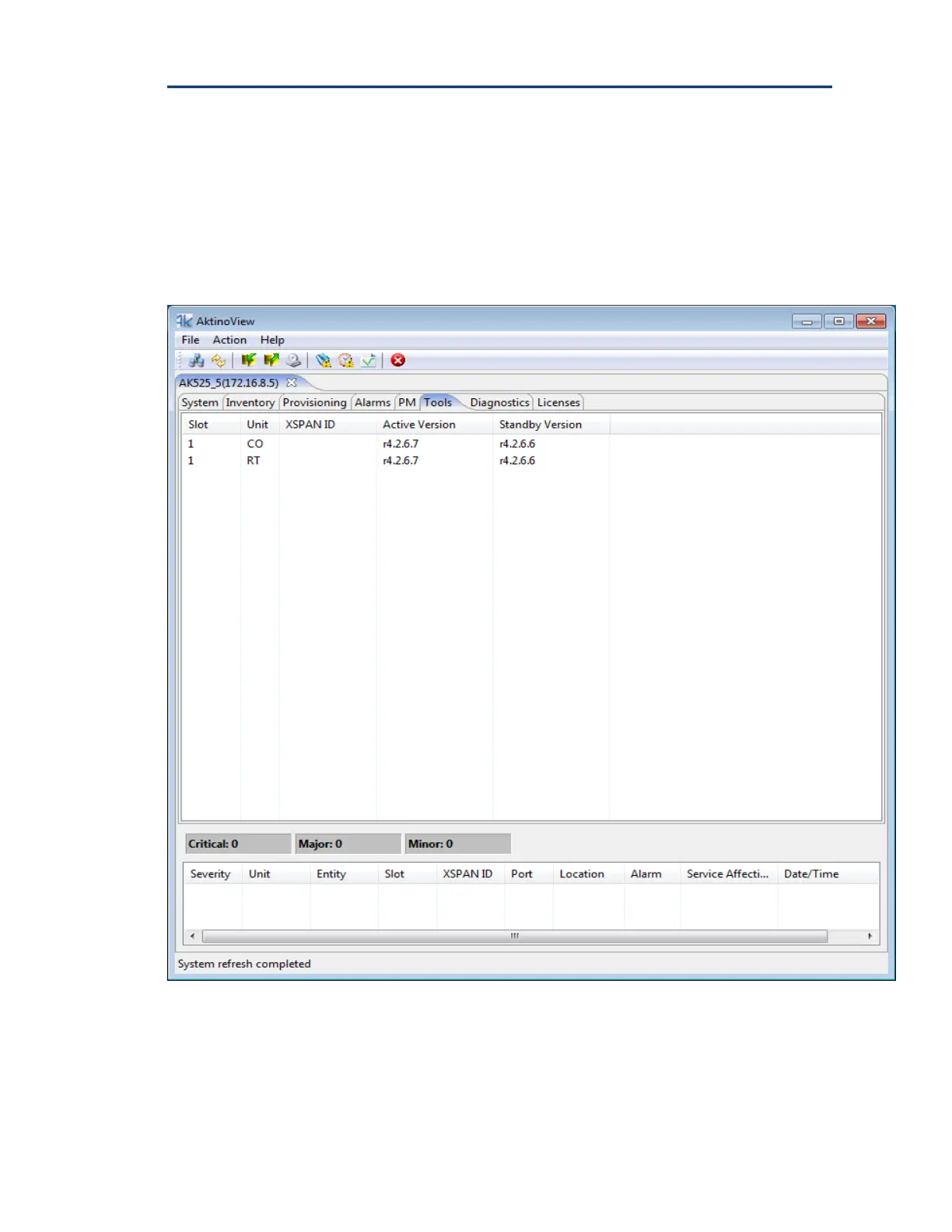
The Tools tab displays two firmware partitions, the Active and Standby Firmware
partition for each component of the AK500 system. The Active partition contains
the firmware version currently running. The Standby partition is used for
firmware upgrades and provides a means of having a backup firmware version
on the system.


 To Next Page