EasyManua.ls Logo

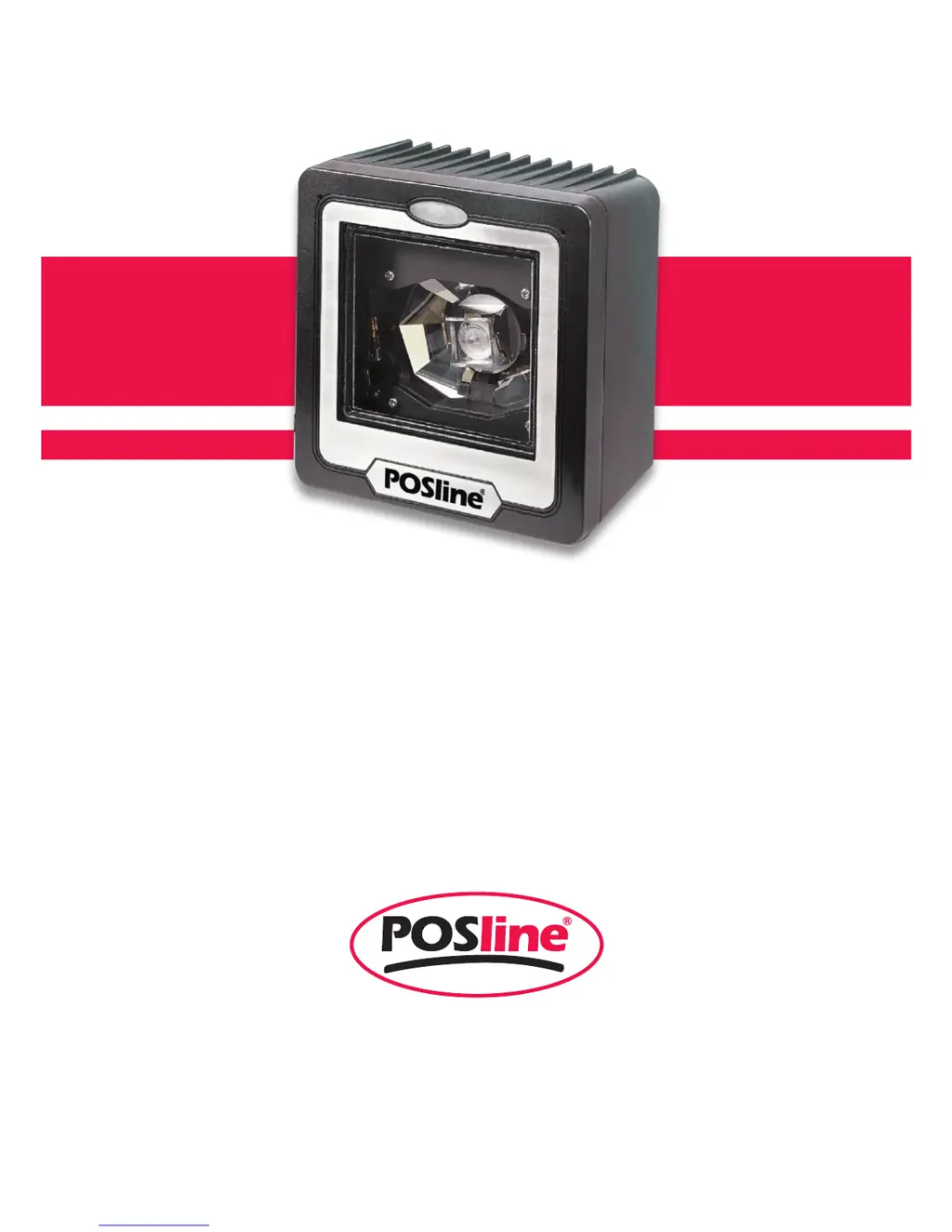
POSline SM2430 - User Manual

POSline SM2430
25 pages
Print Icon
To Next Page IconTo Next Page
Loading...
Manual del Usuario
SM2430
ESPECIFICACIONES SUJETAS A CAMBIO SIN PREVIO AVISO.

Other manuals for POSline SM2430

Questions and Answers

Summary

Connecting and Mounting the Scanner

Power Requirements and Connection

Details the scanner's power needs and connection options.

Verifying Scanner Operation Before Installation

Steps to confirm scanner functionality before final mounting.

Connecting to the Host System

Steps for connecting the scanner's interface cable to the host.

Setting Up the POSline SM2430 Scanner

Performing an Initial Scan Test

Verifies scanner performance by reading barcodes.

Operating the POSline SM2430 Scanner

Maintaining the POSline SM2430 Scanner

POSline SM2430 Scanner Specifications

Scanner Port Pin Assignments

Troubleshooting Common Scanner Issues

POSline SM2430 Specifications

General IconGeneral
Light Source650 nm visible laser diode
Scanning TechnologyLaser
Scan Rate100 scans per second
Operating Temperature0°C to 50°C
Humidity5% to 95% (non-condensing)
Resolution0.10 mm (4 mil)
InterfaceUSB, RS-232, Keyboard Wedge
Power Supply5V DC
Storage Temperature-20°C to 60°C
Supported SymbologiesUPC/EAN, Code 39, Code 128, Interleaved 2 of 5, Codabar

Related product manuals