1.5 Sleep Settings
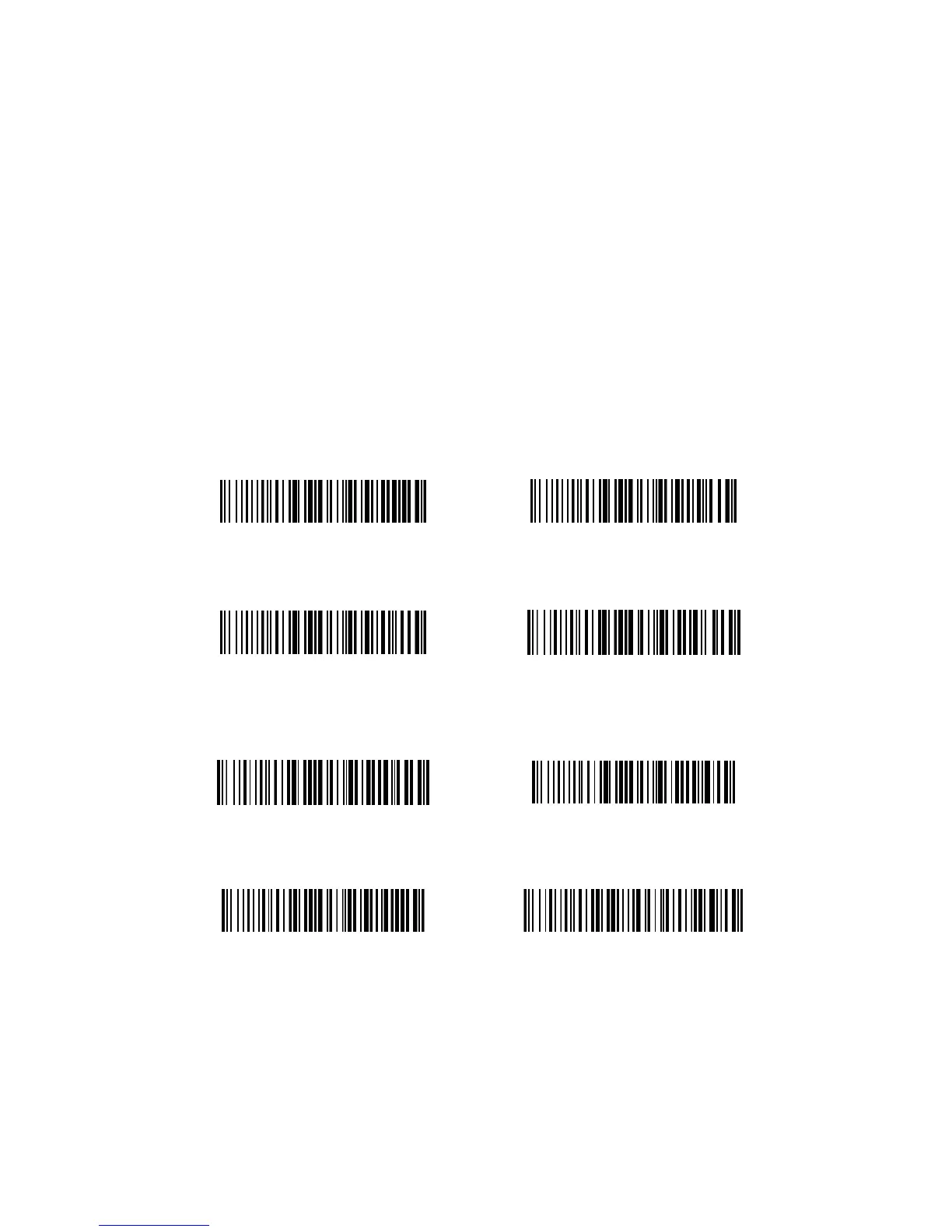
If the scanner has not been used for a set amount of time the
scanner will automatically enter sleep mode. To take the scanner
out of sleep mode simply press and hold the trigger for 1 second.
To change the amount of time before the scanner enters sleep
mode, scan one of the barcodes below.
WARNING: Longer sleep times may result in shorter battery life
20 Seconds
30 Seconds
1 Minute
2 Minutes
5 Minutes
10 Minutes
20 Minutes
Never


 To Next Page