12
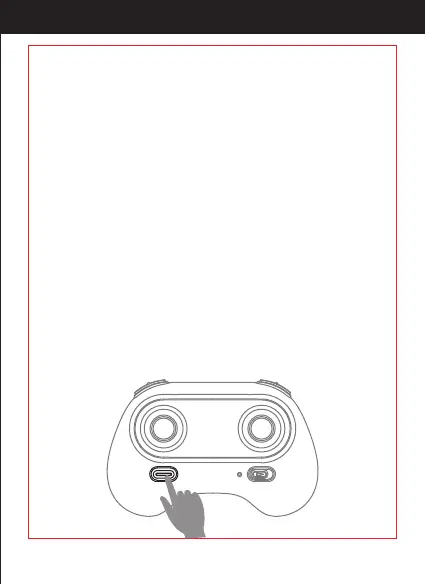
After calibration successfully, press this button, the drone will y up
and keep ying at an altitude of approximately 1.2 meters
automatically.
Press it to land the drone automatically. (In this mode, DO NOT touch
the left stick, otherwise it might not work).
In an emergency situation, such as if it is about to hit people or
obstacles, press the Take O/ Landing / Emergency Stop Button and
hold it for more than 1 second. The propellers will stop immediately
and the drone will fall.
Tip: Do not activate this function unless in emergency situation.
Because the drone will fall when the motors stop working.
http://www.ipotensic.com



 To Next Page