One button take-off: Short press the "take off and landing" button on the remote
control, hear a short "beep"; or click the "on/off" icon on the App to start the
virtual rocker, and click the icon " ";
Then, the aircraft will take off slowly and hover at an altitude of about 1.2 meters.
Manual landing: Pull down the throttle lever, push the throttle lever to the lowest
position and hold it, and the motor will stop after 3 seconds.
One button landing: Short press the "take off and landing" button on the remote
control, hear a short "beep"; or click the "on/off" icon on the App to start the
virtual rocker and click the icon " "; (The one-key takeoff/landing on the APP can
only be used when the mobile phone is directly connected to the aircraft.)
Then, the aircraft will land on the ground at a constant speed and the motors stop
rotating.
- 09 -
Level Calibration
After frequency linking, place the aircraft on the horizontal ground and press the
level calibration key of the remote control for calibration. Then, the drone tail light
"flashes alternately red and green" and turns green after calibration.
Taking Off and Landing
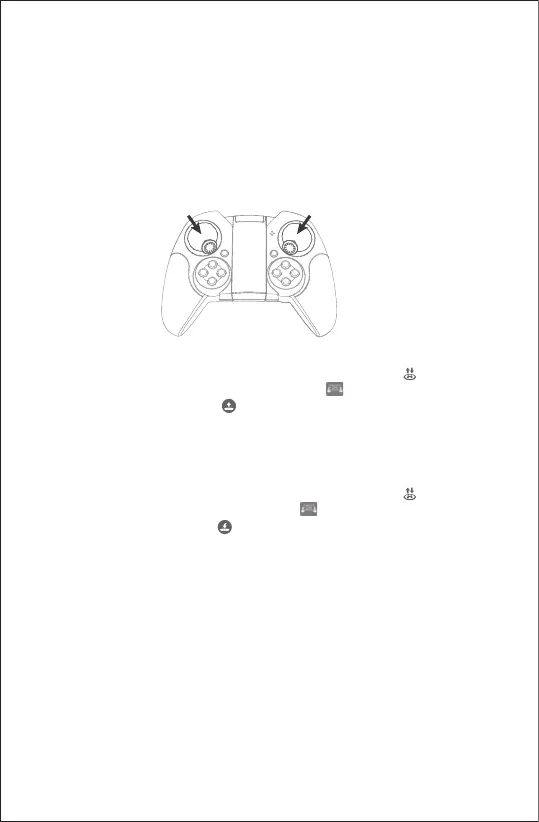
Manual take-off: Turn the left and right stick to the inside downwards at the same
time (Picture 1), and push the throttle stick(left stick) upward.
Picture 1



 To Next Page