- 14 -
6.7Running data query and setting
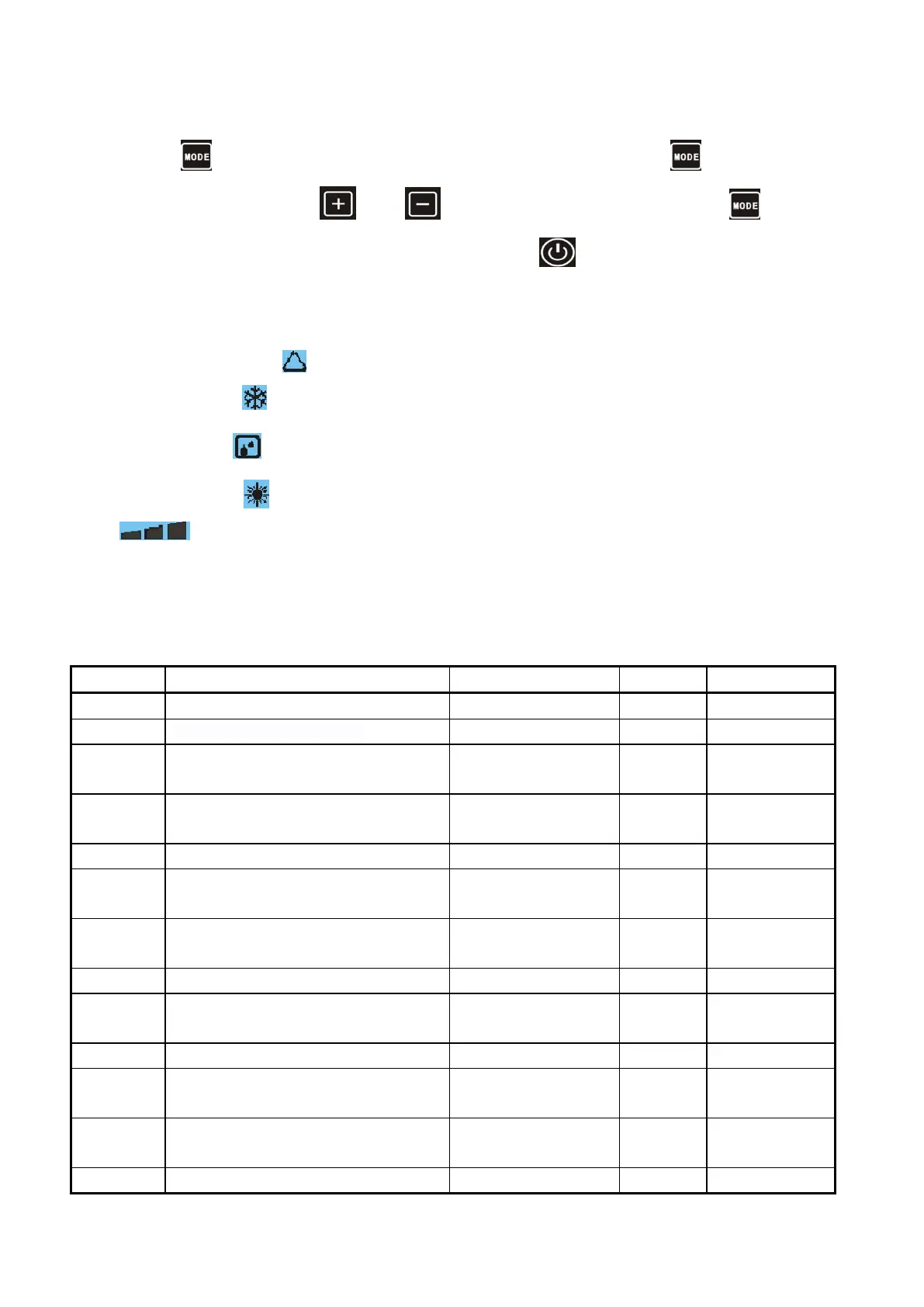
Long press button to enter parameters query state, in the query conditions click the button to enter
parameter setting state, combined with and button to change the parameter value, press button again
to determine modification, During the parameter query condition press the button to return the main interface;No
operation is retained in the query condition.
Special note:
During Automatic mode, the icon is displayed;
During Cooling mode, icon is displayed ;
During Defrosting , icon is displayed;
During Heating mode, icon is displayed;
ICONS are used to identify the WIFI signals, its twinkle when its not connect with the server; its keeps on means
connection well .
Operate at set time everyday
Water temperature difference back
to restart
Water Temperature difference to
stop
Defrosting on temperature (evaporator
coil temperature)
Defrosting exit temperature
(evaporator coil temperature)
Gas exhaust temperature protection
value
Max. water set temperature
Water pump operation mode
Water pump stop time after reaching
water set temperature



 To Next Page