- 18 -
WIFI Controller Function Specification
1、Android WIFI Module Set Up Steps:
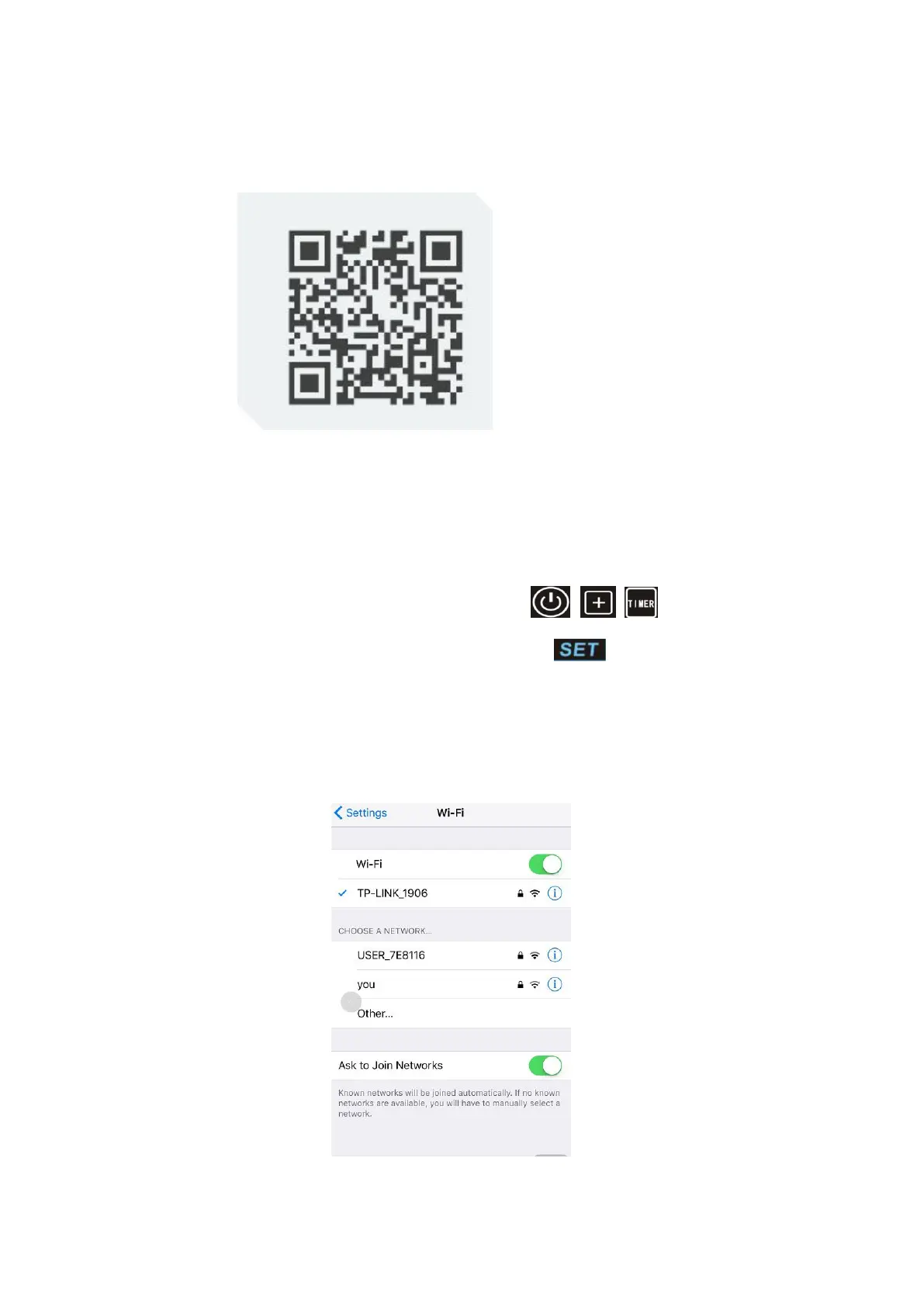
Scan the QR code to download or use the below link:
https://fir.im/124b to download and operate based on below steps .
Step 1:
Turn it on,when the drive by wire controller is out of full screen,buzzer rings
a sound like “Di”, it shows to be in the AP mode. Only when being in the AP mode,
the heat pump can be equipped with the WIFI module;
Enter the AP mode by hand(Press the button of
+ +
for 3 seconds in the
same time. When entering the AP mode, the button is twinkling;
Step 2:
Turn on the WIFI on phone and get it connected to the WIFI hot spot,the WIFI hot
spot should be connected to the internet,show on the picture:Connected to WIFI
hot spot“TP-LINK_1906”;



 To Next Page