21
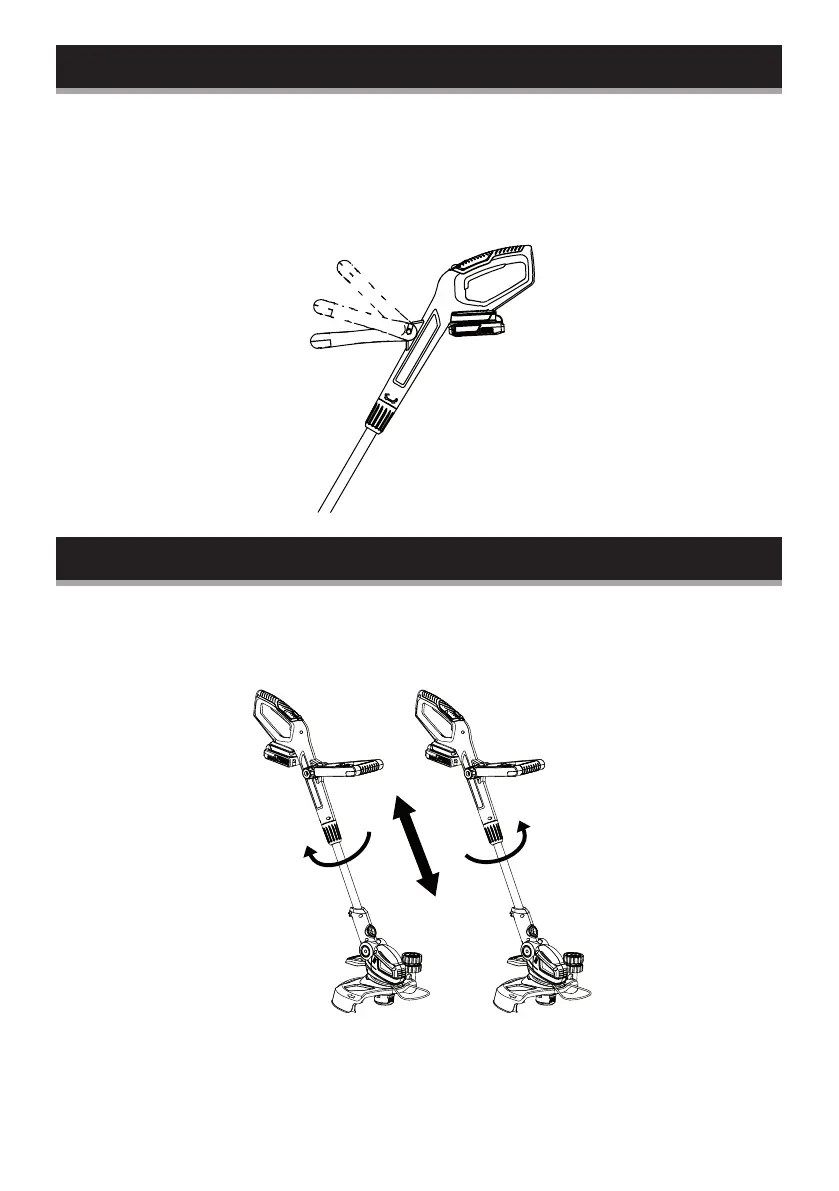
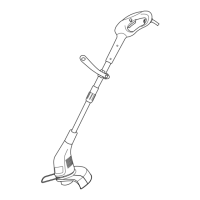
Front handle adjustment
Adjust the angle of the auxiliary handle to ease operation and
prevent loss of control:
1. Loosen the knob and move the handle up or downward.
2. Tighten the knob to secure the auxiliary handle in the adjusted
position.
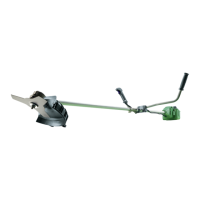
Height adjustment
1. Loosen the locking sleeve counter clockwise.
2. Adjust the pole length to fit your body height.
3. Tighten the locking sleeve anti-clockwise.


 To Next Page