16
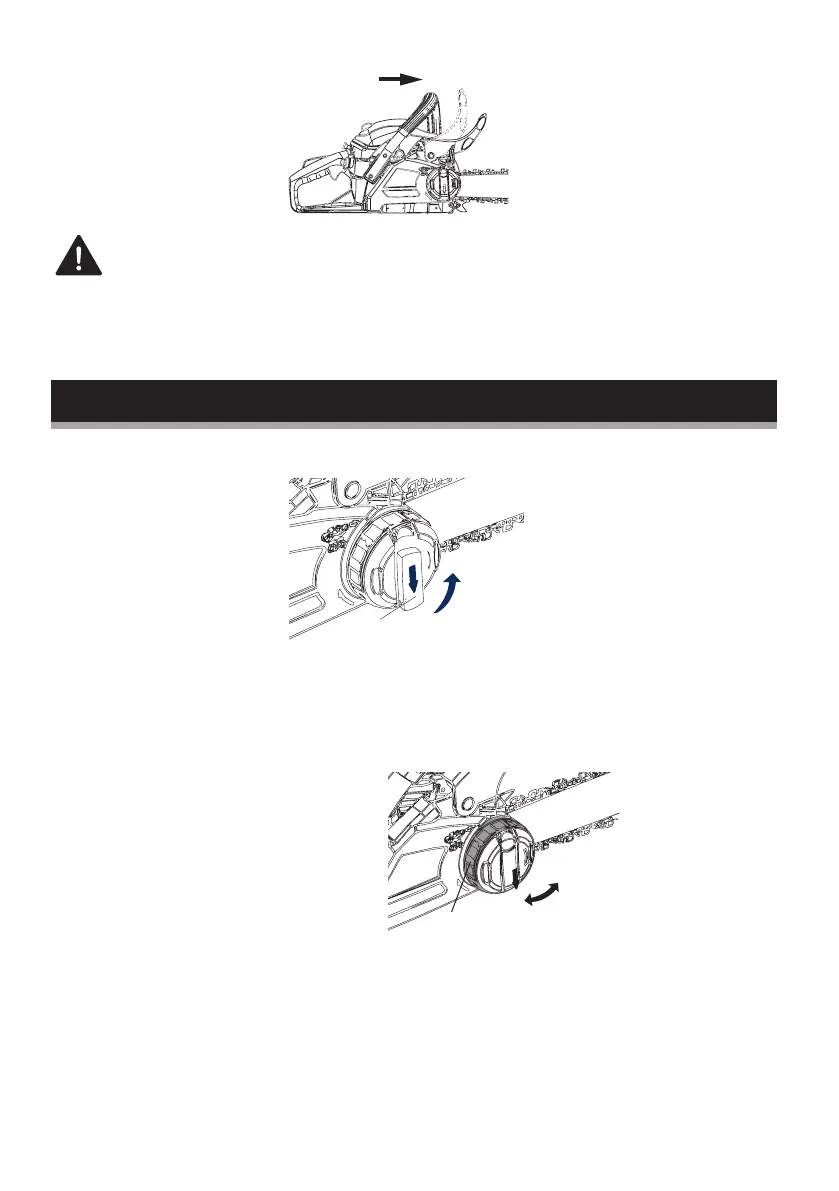
NOTE: The brake lever should snap into both positions. If
this is not the case, do not use your chainsaw. Contact the
helpline immediately on 01904 727 509.
ADJUSTING THE CHAIN TENSION
1. Place the chainsaw on flat ground. Slide the chain cover lever
(A) out, and slightly loosen the chain cover (anti-clockwise
rotating).
2. While holding the bar, adjust the chain tension by turning the
chain tension adjustment wheel (B) until the chain engages in
the bar channel.
Clockwise = Tighten
Anti-clockwise = Loosen
1
A
2
Tighten
B
Loosen
b


 To Next Page