EasyManua.ls Logo

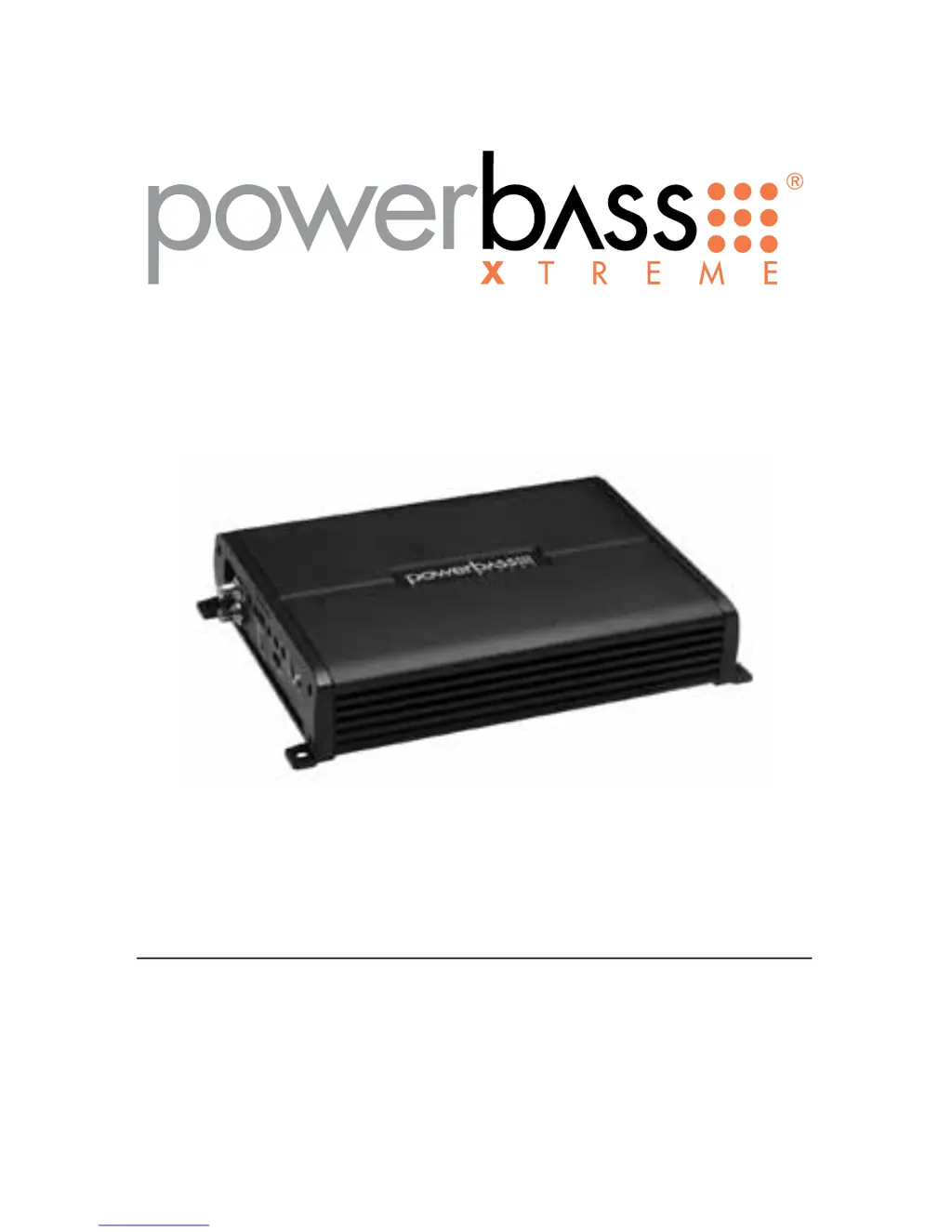
PowerBass XAX 500D - User Manual

PowerBass XAX 500D
24 pages
Print Icon
To Next Page IconTo Next Page
Loading...
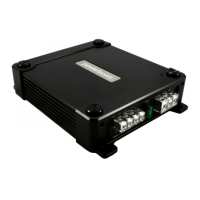
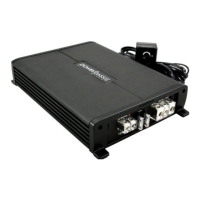
XAX 500D
XTREME SERIES MINI AMPLIFIER
Owners Manual
Please read through this manual to familiarize yourself with your new amplifier. Should your PowerBass
Xtreme mobile amplifier ever require service, you will need to have the original dated receipt.

Questions and Answers

  • B
    brownjulieAug 8, 2025
    How to fix alternator noise in PowerBass XAX 500D?
    • J
      Jeffrey RamirezAug 8, 2025
      If you're experiencing alternator noise that varies with RPM in your PowerBass Amplifier, try the following: * Check for a damaged RCA cable. * Check the routing of the RCA cable. * Ensure the source unit has a good ground. * Check the amp gain setting; if it's set too high, turn it down.
  • M
    Margaret ColemanAug 16, 2025
    What to do if Power LED is green but there is no output on PowerBass Amplifier?
    • J
      Jason WatkinsAug 16, 2025
      If the power LED on your PowerBass Amplifier is green but there's no output, consider these steps: * Check the RCA connections. * Test the speaker outputs with a known good speaker. * Substitute a known good source unit. * Check for a signal on the RCA cable using a VOM in AC position.
  • C
    cindycarlsonAug 23, 2025
    How to troubleshoot Power LED not ON on PowerBass XAX 500D Amplifier?
    • J
      jodi40Aug 23, 2025
      To troubleshoot why the power LED is not on for your PowerBass Amplifier, use a Volt Ohm Meter (VOM) to check: * The +12 Volt power terminal (it should read +12 to +16VDC). * The remote turn-on terminal (it should read +12 to +16VDC). * The ground terminal.
  • R
    Rachel AlvaradoOct 30, 2025
    What to do if the Red Status Protection LED is ON on my PowerBass XAX 500D Amplifier?
    • M
      Megan RichardsonOct 30, 2025
      If the red status protection LED is on and there's no output from your PowerBass Amplifier, and it's either very hot, shuts down when the vehicle is running, or plays at a very low volume, here's what might be happening and how to address it: * **Thermal Protection:** This could be due to thermal protection being engaged. Ensure there is adequate airflow around the amplifier and check the speaker terminals for proper impedance. * **Voltage Protection:** It's possible that voltage protection is engaged because the voltage to the amp is not within the 10-16.5 VDC operating range. Have the battery/charging system inspected. * **Short Circuit Protection:** The issue might be short circuit protection being engaged. Inspect the speaker wires for shorts to each other or the vehicle chassis...

Summary

AMPLIFIERS

D CLASS MINI AMPLIFIERS Overview

Introduction to the XAX series amplifiers, their capabilities, and essential safety precautions.

INSTALLATION GUIDE

Technical Features and Preparation

Lists key amplifier features and the essential tools required for a successful installation.

Installation Precautions and Mounting

Details safety guidelines and important considerations for securely mounting the amplifier.

Mounting Location Recommendations

Provides advice on selecting an optimal location for the amplifier, emphasizing ventilation.

CONTROL PANEL LAYOUT

Input and Signal Controls

Describes controls for INPUT, GAIN, SUB SONIC, PHASE, BASS FREQ, BASS EQ, LPF, and REMOTE.

Bridging and Status Indicators

Covers BRIDGED CONNECTION port, SLAVE/MASTER switch, and POWER/STATUS indicators.

Power and Speaker Connections

Details SPEAKER Output Terminals, FUSES, BATT+, REMOTE, and GND connections.

POWER WIRING AND SIGNAL CONNECTIONS

Power Wiring

Details direct connection to the battery, use of inline fuse/breaker, and cable routing.

Grounding

Explains locating a good ground source, preparing the surface, and securing the connection.

Remote Trigger Connection

Describes connecting to a switched +12V source for amplifier turn-on.

RCA INTERCONNECT WIRING

RCA Cable Routing and Noise Prevention

Guidance on selecting, routing, and protecting RCA cables from electrical interference.

SET UP ADJUSTMENTS

Input GAIN Adjustment

How to match amplifier input level to head unit output for optimal gain.

SUB SONIC and LPF Filter Adjustments

Filtering low and high frequencies to protect speakers and tailor sound.

BASS EQ and Remote Gain Control

Adjusting bass boost, frequency, and using the external gain controller.

SPEAKER WIRING AND CONFIGURATIONS

Speaker Load and Wiring Basics

Guidelines for speaker impedance, wire gauge, polarity, and connection methods.

Single Voice Coil Subwoofer Configurations

Wiring diagrams for connecting one or two single voice coil subwoofers.

Dual Voice Coil Subwoofer Configuration

Wiring diagram for a dual voice coil subwoofer and impedance notes.

Dual Link Amplifiers (Bridged)

Instructions for bridging two amplifiers for increased power output.

TROUBLESHOOTING TIPS

Power LED and Output Issues

Solutions for power indicator problems and lack of audio output.

Protection Mode and Low Volume

Addresses protection LEDs, overheating, shutdowns, and low audio playback.

Noise and Bass Response Problems

Solutions for alternator noise, static, and poor bass performance.

SPECIFICATIONS

Power Output and Performance

Details RMS power output at different impedances and maximum output.

Electrical and Crossover Parameters

Covers signal-to-noise, frequency response, crossover slopes, and filters.

Input and Dimension Details

Lists input gain, impedance, damping factor, fuse rating, and physical dimensions.

LIMITED WARRANTY POLICY

Warranty Coverage and Exclusions

Details warranty period, coverage, and conditions that void the warranty.

Service and Return Procedures

Outlines how to obtain service, including obtaining an RA# and return shipping.

PowerBass XAX 500D Specifications

General IconGeneral
Amplifier ClassD
Number of Channels1
RMS Power500W
Peak Power1000W
THD at Rated Power<1%
Signal to Noise Ratio>90 dB
Damping Factor>200
Crossover Range40Hz - 180Hz
Low Pass Crossover40Hz - 180Hz
Bass Boost0-12dB
Fuse Rating40A
RMS Power @ 4 Ohms250W
RMS Power @ 1 Ohm500W
Input Sensitivity0.2V - 6V

Related product manuals