EasyManua.ls Logo

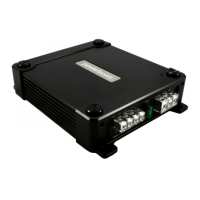
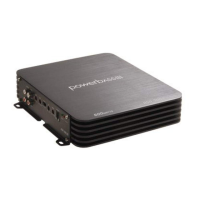
PowerBass XTA 4000D - User Manual

PowerBass XTA 4000D
28 pages
Print Icon
To Next Page IconTo Next Page
Loading...
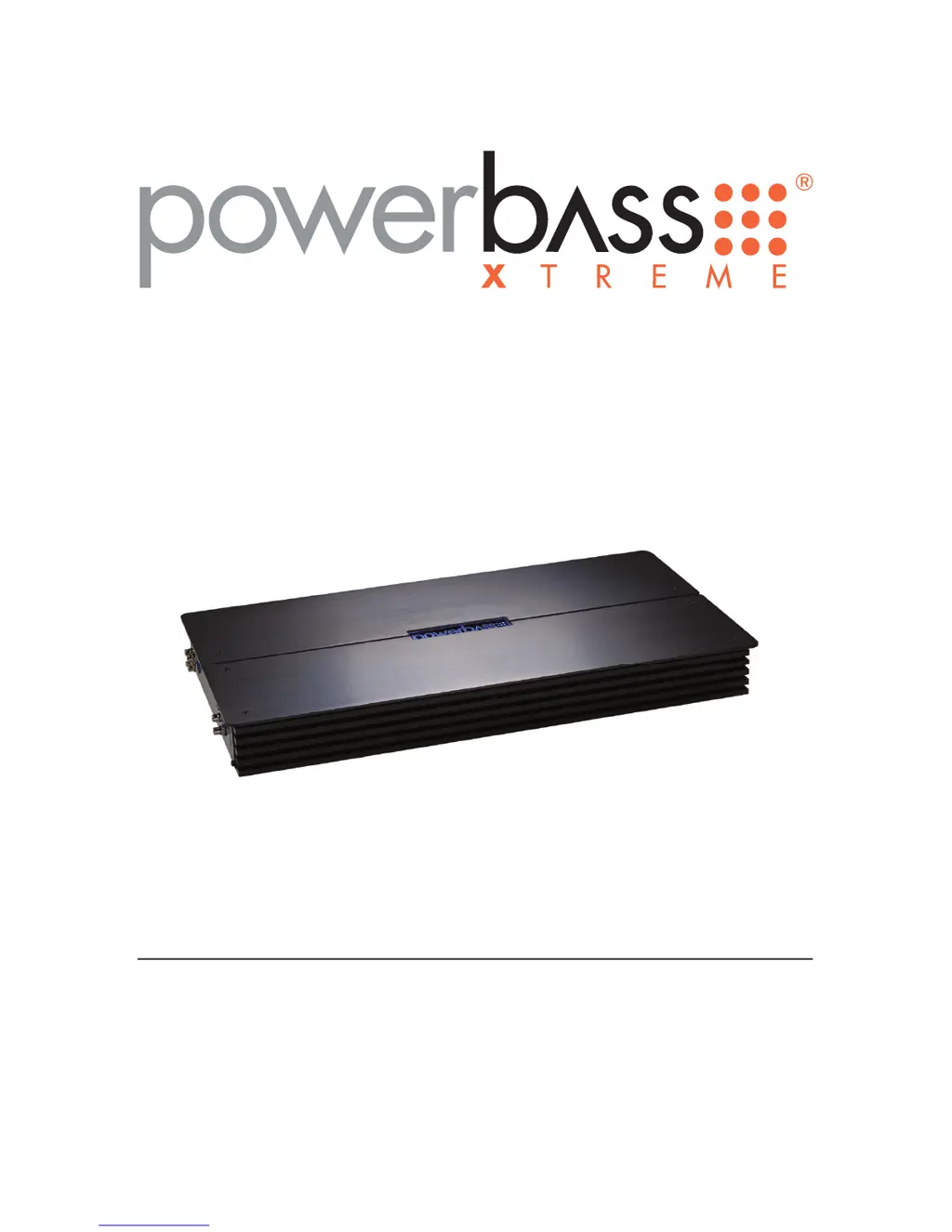
XTREME SERIES CLASS D AMPLIFIER
Owners Manual
Please read through this manual to familiarize yourself with your new amplifi er. Should your PowerBass
Xtreme mobile amplifi er ever require service, you will need to have the original dated receipt.
XTA 4000D
XTA 5000D
XTA 6000D

Questions and Answers

  • L
    Laura KingAug 9, 2025
    What to do if PowerBass Amplifier status LED turns red and there is no output?
    • O
      orussellAug 9, 2025
      The red status protection LED indicates that thermal, voltage, or short circuit protection has been engaged. Here's what to check: * **Thermal Protection:** Ensure proper speaker impedance at the terminals and adequate airflow around the amplifier. * **Voltage Protection:** Verify that the voltage to the amplifier is within the 10-16 VDC operating range. Inspect the battery and charging system. * **Short Circuit Protection:** Look for speaker wires shorted to each other or the vehicle chassis. Speakers operating below the minimum impedance can also trigger this.
  • H
    hortonandrewAug 14, 2025
    How to fix alternator noise in PowerBass XTA 4000D Amplifier?
    • C
      Christopher ProctorAug 15, 2025
      To address alternator noise that varies with RPM in your PowerBass Amplifier, check the following: * Inspect the RCA cable for damage. * Verify the routing of the RCA cable. * Ensure the source unit has a good ground connection. * Check the amplifier gain setting and reduce it if it's set too high.
  • K
    Kelly LaneAug 19, 2025
    What to do if PowerBass XTA 4000D power LED lights green but there is no output?
    • D
      Donald NielsenAug 20, 2025
      If the Power LED on your PowerBass Amplifier is green but there's no output, try these steps: * Check the RCA connections. * Test the speaker outputs with a known good speaker. * Substitute a known good source unit. * Check for a signal on the RCA cable using a VOM in AC position.
  • P
    Patrick HayesAug 25, 2025
    How to improve poor bass response in PowerBass XTA 4000D Amplifier?
    • H
      Heather JonesAug 25, 2025
      To improve poor bass response with your PowerBass Amplifier, check the speaker polarity. Reverse the connection of only one speaker to correct the polarity.
  • N
    Nicholas HernandezAug 30, 2025
    How to troubleshoot a PowerBass XTA 4000D Amplifier when the power LED is not on?
    • E
      Emily DavisAug 30, 2025
      Use a Volt Ohm Meter (VOM) to check the following: * +12 Volt power terminal (should read +12 to +16VDC). * Remote turn-on terminal (should read +12 to +16VDC). * Ground Terminal.
  • T
    Tiffany GilbertSep 3, 2025
    What to do if the PowerBass Amplifier power LED is green but there's no output?
    • L
      Laurie JeffersonSep 3, 2025
      If your PowerBass Amplifier's power LED is green, but you're not getting any sound output, here are a few things you can check: * Ensure that the RCA connections are properly connected. * Test the speaker outputs using a speaker that you know works correctly. * Try using a different source unit to see if that resolves the issue. * Check for a signal on the RCA cable using a VOM in the AC position. * If you are only using one amplifier, ensure the MASTER/SLAVE switch is in the MASTER position.

PowerBass XTA 4000D Specifications

General IconGeneral
BrandPowerBass
ModelXTA 4000D
CategoryAmplifier
LanguageEnglish

Related product manuals