EasyManua.ls Logo

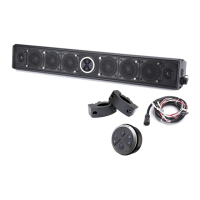
PowerBass XL-1000 - User Manual

PowerBass XL-1000
16 pages
Print Icon
To Next Page IconTo Next Page
Loading...
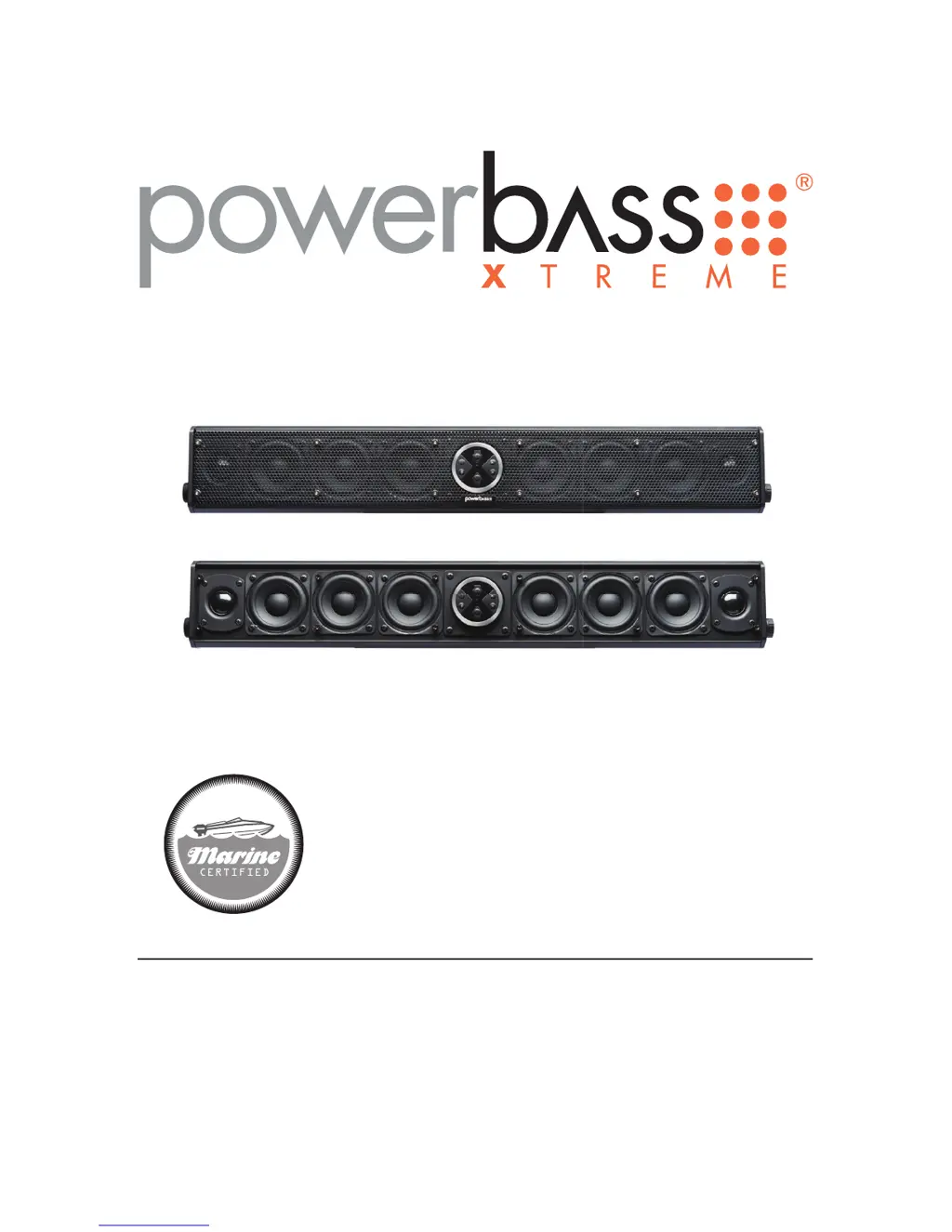
AMPLIFIED SOUNDBAR
Application Guide
Please read through this manual to familiarize yourself with your new speakers. Should your
PowerBass Xtreme Powersports Soundbar ever require service, you will need to have the original dated receipt.
XL-1000
XL-800

Questions and Answers

  • J
    Johnny JohnsonJul 27, 2025
    Why is there no sound coming from my PowerBass Speaker System?
    • L
      leah58Jul 27, 2025
      If you're not getting any sound from your PowerBass Speaker System, try these steps: Check the input device to ensure it is working correctly. Verify that your device is properly paired with the sound bar. Also, ensure that you are correctly connected to the AUX input cable.
  • B
    Benjamin RobinsonAug 2, 2025
    What to do if my PowerBass Speaker System has no power?
    • D
      David OliverAug 2, 2025
      If your PowerBass Speaker System isn't powering on, use a volt meter (VOM) to check the wiring. The red wire should read +12 to +16 VDC, and the black wire should read -12 to -16 VDC.
  • K
    Katherine ThomasAug 8, 2025
    Why is the output distorted on my PowerBass XL-1000 Speaker System?
    • M
      Mark WhiteAug 8, 2025
      If you're experiencing distorted output from your PowerBass Speaker System: * Check the input signal to ensure it does not exceed 3 volts. * Reduce the volume on either the soundbar or the connected device.
  • W
    wayne85Aug 14, 2025
    What to do if the sound cuts on and off on my PowerBass XL-1000?
    • L
      Laura RobinsonAug 14, 2025
      If the sound on your PowerBass Speaker System is cutting on and off: * Check the input signal to ensure it is at least 250mV. * Raise the volume on either the soundbar or the connected device.
  • D
    drewrileyAug 20, 2025
    Why is the red protection LED on my PowerBass XL-1000 Speaker System?
    • L
      levi18Aug 20, 2025
      If the red protection LED is illuminated on your PowerBass Speaker System, check the input voltage. Make sure the input DC voltage is between 8VDC and 16VDC.

Summary

Technical Features of PowerBass Xtreme Soundbars

Speaker and Audio Features

Details on speaker types, DSP, housing, and input/output functionalities.

Mounting and Accessory Options

Covers universal mounting brackets and optional accessories for installation.

XL-1000 Model Specifications

Detailed specifications for the XL-1000 amplified soundbar.

XL-800 Model Specifications

Detailed specifications for the XL-800 amplified soundbar.

Installation Experience and Guidance

General Installation Tips

Provides essential advice for safely and effectively installing the soundbar.

Preparing for Installation

Tools Required for Installation

Lists essential tools needed for the proper installation of the soundbar.

Installation Precautions and Safety

Highlights critical safety measures and warnings before and during installation.

Mounting the Soundbar

Using L-brackets for Mounting

Instructions on using the supplied L-brackets for mounting the soundbar.

Optional C-clamp Bracket

Details on the optional C-clamp bracket for alternative mounting solutions.

Mounting Location and Wiring

Fuse Requirements for Power Lead

Specifies the critical fuse placement and value for the power lead.

Power Wiring and Signal Connections

Explains how to connect the power, ground, and audio input/output wires.

Controller Layout and Ports

Soundbar Connection Ports Overview

Details the main and external controller connection ports on the soundbar.

Controller Operation

Basic Controller Button Functions

Details power, volume, track control, and input switching operations.

Advanced Controller Functions

Covers reset procedure and understanding the protection LED indicator.

Bluetooth Pairing and Operation

Auto-Turn Off Circuit Functionality

Information on the automatic power-off feature to prevent battery drain.

Troubleshooting Tips

Power and Sound Output Issues

Solutions for no power, no sound, and distorted or intermittent audio.

Bluetooth and LED Indicator Problems

Fixes for Bluetooth pairing failures and issues with the red protection LED.

PowerBass Xtreme Limited Warranty Policy

Warranty Coverage and Terms

Details the product warranty period, coverage, and conditions for claims.

Warranty Exclusions and Service

Lists conditions that void the warranty and instructions for returns.

PowerBass XL-1000 Specifications

General IconGeneral
BrandPowerBass
ModelXL-1000
CategorySpeaker System
LanguageEnglish

Related product manuals