9
© All rights reserved. All trademarks are property of their respective owners.
Overload/Fault indicator lit
or constant buzzer beeping
UPS load exceed the capacity
UPS overloading
Remove or shut down the less essential load
Battery mode duration
below expectation
Batteries aren't fully charged
Batteries are worn out or faulted
Ensure enough recharge time for UPS
Run a self-test to check battery status
Replace UPS battery if the problem remains
The charger is out of order Contact for technical assistance
Green mode enabled.
No-load or light load shutdown engaged
Operation normal
Turn off green mode to disable such function
The battery fault indicator
occurred
Battery not connected
Check the UPS batteries;
make sure they are well connected
Battery out of order or damaged Replace battery
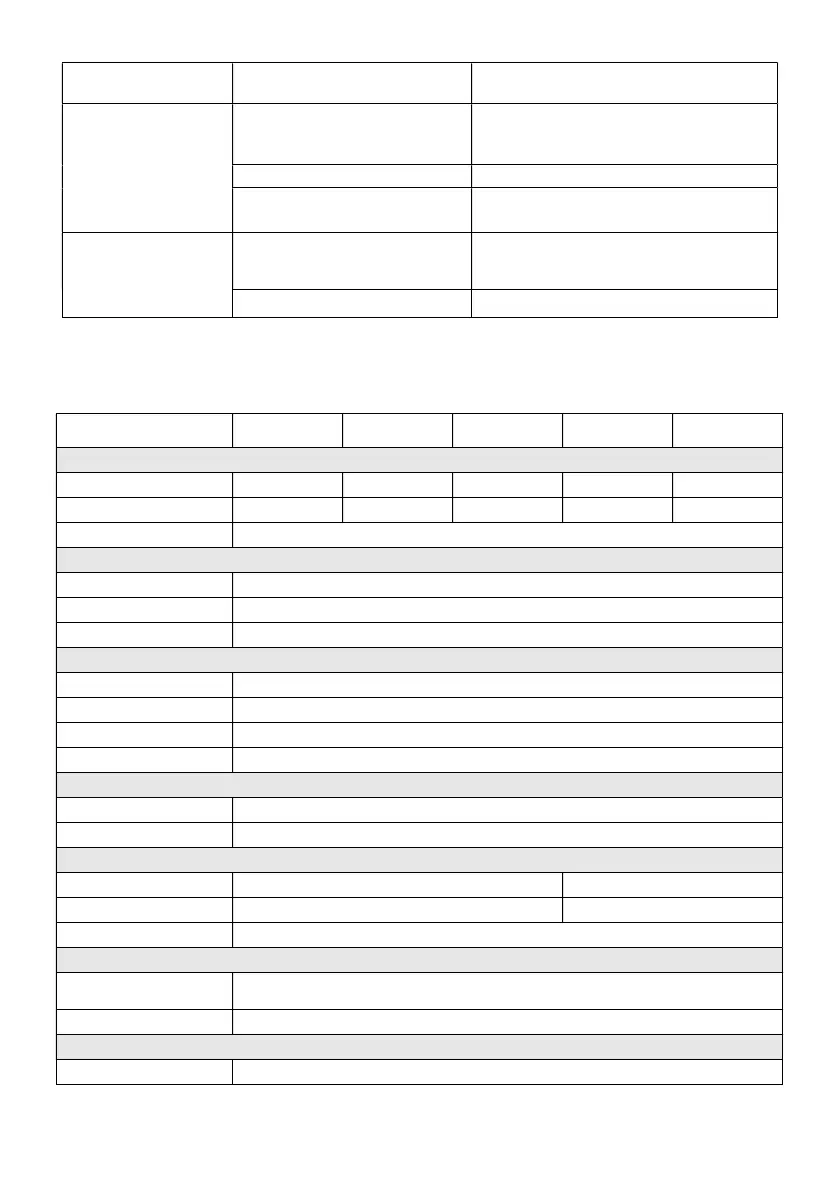
APP-B Technical Specifications
Model
425A/AP 525A/AP 625A/AP 825A/AP 1000A/AP
Configuration
Capacity (VA) 425 VA 525 VA 625 VA 825 VA 1000 VA
Capacity (Watts) 255 W 315 W 375 W 495 W 550 W
Form Tower Type
Input
Voltage 100 / 110 / 120 VAC or 220 / 230 / 240 VAC
Input Voltage Range 75 - 150 or 165 - 300 VAC
Input Frequency Range 50 Hz / 60 Hz (Auto Sensing)
Output
Waveform(Battery-Mode) Simulated Sine Wave
Voltage 100 / 110 / 120 VAC or 220 / 230/ 240 VAC
Frequency(Battery-Mode) 50 Hz / 60 Hz ± 0.5 Hz
Transfer Time 2 - 4 ms (Typical)
Protection
Full Protection Overload, Surge, Short Circuit
Tele Communication RJ11 / RJ45 : AP model
Battery
Type 12V 7.2Ah 12V 9 Ah
Quantity 1 1
Typical Recharge Time 6-8 hr to 90%
Management & Communication
Indicator
LED Control Panel : IMP model
Digital Control Panel : IMD model
Communication Port USB B type : AP model
Physical
Dimensions (WxDxH) (mm) 105 x 334 x 168



 To Next Page