19 GB/CY
3. Press the MODE button
4
. The
product is now ready for the second
measurement.
4. Measure the next volume.
5. Press the + / = button
12
. The mes-
sage “+“ appears in the display.
6. Press the RM button
10
. The result of
the first measurement is shown in the
lower row of the display.
7. Press the + / = button again. Both
measurements are added and the
result is shown in the lower row of the
display.
8. Repeat steps 2 to 7 to add further
measurements.
9. Press the MODE button to leave the
addition mode. All the measurements
will be deleted.
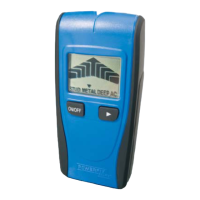
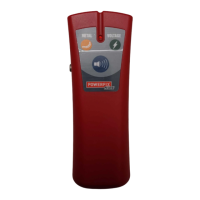
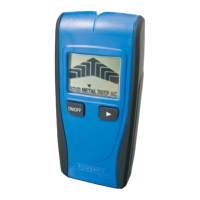
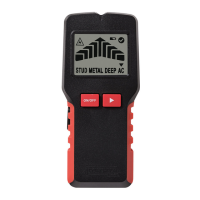
Locating concealed
objects
Hints: Before using the product for this ta
sk,
first test it by locating a metal pipeline or
electrical power cable at a known position.
In cases of doubt, always ask a qualified
building contractor.
Attention!
Should the product find a live wire carry-
ing alternating current, (
) appears in the
display. Under no circumstances should
you drill at this location!
Danger of electric shock!
Tips on measurement
- The calibration button must remain pressed
during the entire search process (cali-
bration and search).







 To Next Page