6.4.2 Programming Variable Back Gauge Positions
Variable cutting programs are useful for cutting a series of non-identical stacks from a
larger stack. A variable cutting program moves the back gauge toward or away from the
cut line in intervals that you program according to the following instructions:
1. Activate the cutter by turning the ON/OFF toggle switch and key switch to the on
position. Answer the false clamp prompt.
2. After the back gauge Position and Speed are displayed, press the SETUP key to
change to the automatic mode.
3. Press 2 on the keypad.
4. At the display prompt, select either 1) the running method or 2) the key entry method. If you select running method,
press the jog keys to move the back gauge to the required first cutting position. Press the ENTER key to install the
current position.
Repeat this procedure for up to ten entries. If you select the key entry method, press the numerical and decimal point
keys to enter the first position. Press the ENTER key to install the position.
Repeat this procedure for up to ten entries.
In either running method or key entry, press the ENTER key to end the entry procedure (if less than ten positions are
desired).
5. At the display prompt, press 1 to not store the positions. (Positions not stored are deleted when cutter power is switched
off.) After this selection, the back gauge will move to the first cutting position.
Verify the positions by pressing the Next key. To return the back gauge to the first
operating position, press the CE key followed by the ENTER key.
6. Press 2 to store this program in your PowerLine’s memory, where it will remain until
you alter it.
7. Your PowerLine
TM
Cutter can store up to ten (0 - 9) programmed cutting sequences.
Press the appropriate number on the keypad to store this set.
8. The back gauge moves to the initial cutting position and the cutter changes to the automatic mode. You may begin to
cut.
7.0 Maintenance
WARNING! This machine contains a powered cutting knife which can cause serious or even fatal injury.
Never connect power to the machine until you are ready to set up and operate the electric cutter. To
prevent injury, never place hands or arms under the cutting blade, do not operate the machine with any
covers removed or safety features disabled, and cut only paper materials. Before attempting any main-
tenance procedure, be sure power is disconnected and locked out.
Programmed Set Number x
Updated
Set Number (0-9)
To Be Updated ___
Store This Set?
1=No 2=Yes
Variable Set Installed
Position 1
Installed
Position 2?
Enter Value or Jog
Position 1
Installed
Position 1?
Enter Value or Jog
Choose Type of Set 1=Fixed
2-Variable
Define a New Set of Positions
PowerLine
TM
Operating Instructions
10
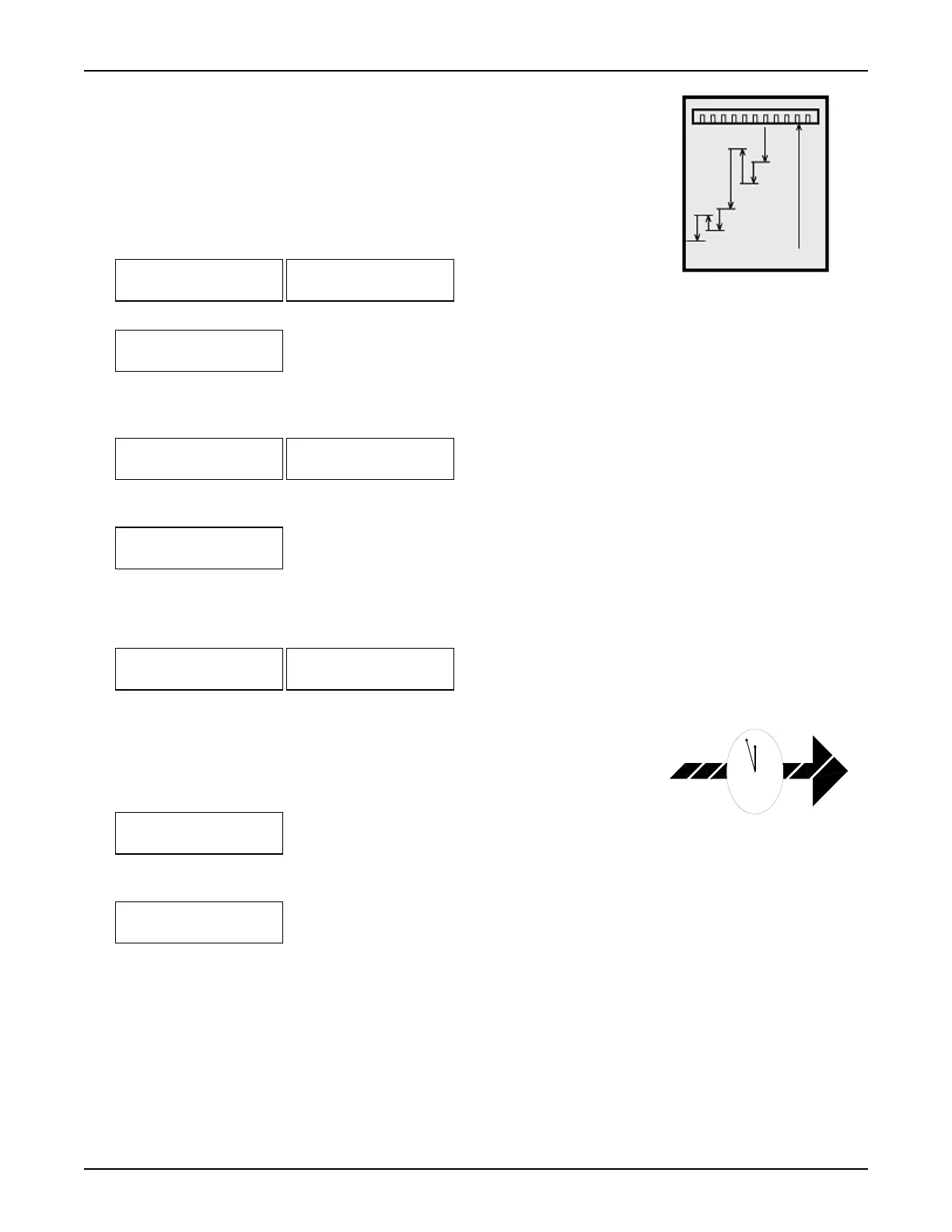
Variable cutting programs start at a
programmed point and move the
back gauge by varying intervals
after each cut.



 To Next Page
 Loading...