7.4 Clamp Height Adjustment
WARNING! The cutting blade is extremely sharp. Serious bodily harm can result from mishandling.
The paper clamp height should be adjusted so the bottom of the paper clamp is always approximately 1/8" below the blade
edge when both are in the maximum “up” position. To adjust the clamp height: lower the paper clamp (only). Loosen the
two hex key buttonhead screws on the paper clamp limit switch bracket.
Note: The slotted screw hole in the bracket allows vertical adjustment.
If the clamp is above the bottom (sharp edge) of the blade, lower the clamp limit switch bracket slightly and tighten the
bracket retaining screws. Raise the clamp and check. Repeat until the clamp is approximately 1/8" below the blade. If the
clamp is too far below the edge of the blade, raise the paper clamp limit switch bracket. Check clamp height and repeat, if
necessary.
Note: Always securely tighten the bracket retaining screws.
7.5 Cutting Stick Rotation
The design of the PowerLine
TM
cutting stick allows rotation to eight cutting locations.
(The stick may be rotated to four surfaces and reversed from end to end.) To rotate the
stick proceed as follows:
1. Turn off power to the cutter and raise the front cover. Turn the key switch to the off
position (key vertical).
2. Carefully lift up one end of the cutting stick.
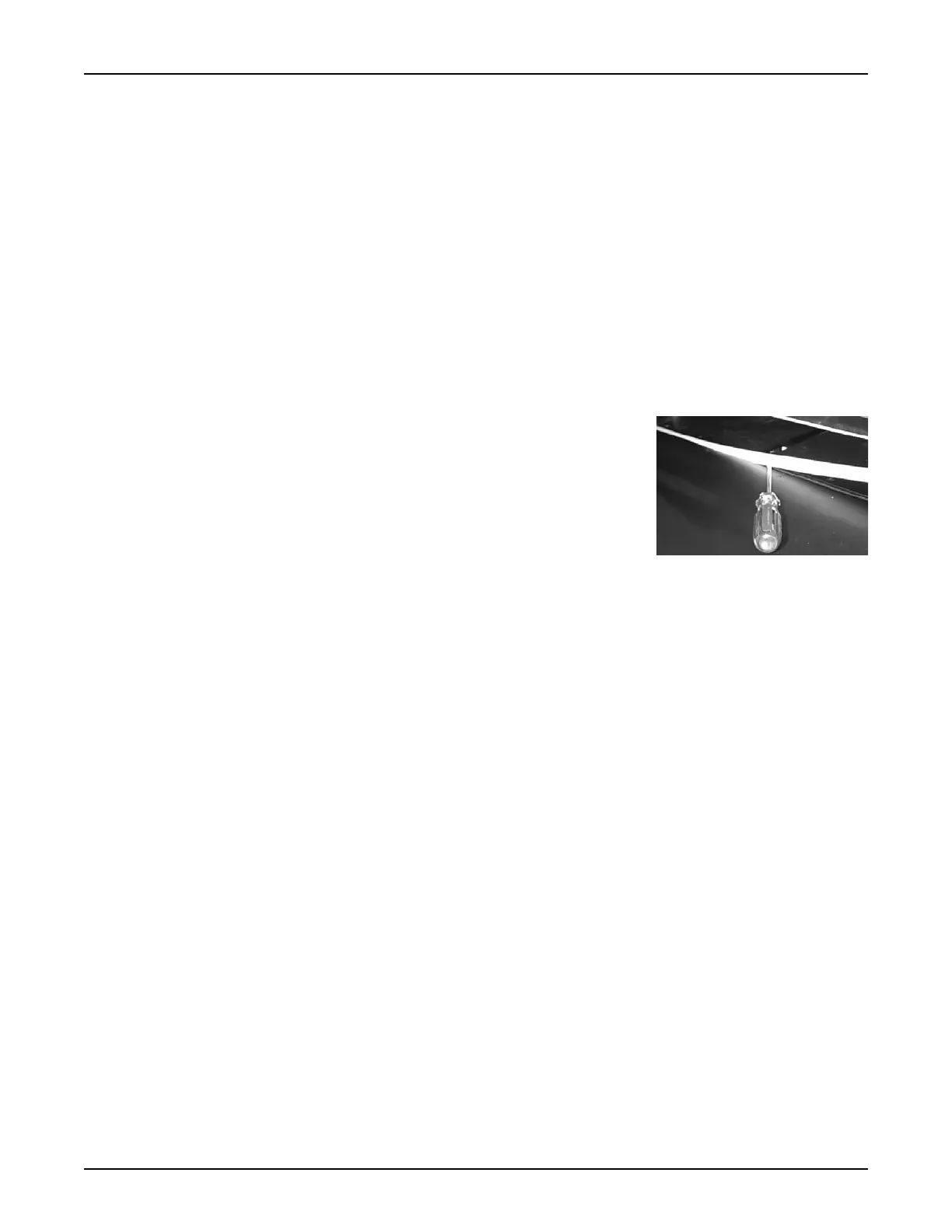
3. Place a flat tipped screwdriver under the raised end of the cutting stick and slide it
under the length of the stick to completely remove it from the channel.
4. Rotate the stick to a new surface and place it back into the channel. When all four surfaces have been used, reverse the
stick end to end and repeat the rotation process as needed. Replace the stick when a correctly adjusted new, or resharp-
ened blade will no longer cut completely through the bottom sheet of a stack.
7.6 Back Gauge Squaring Adjustment
If the cutting distance is not within 1/64" from one end of the back gauge to the other, proceed as follows:
1. Loosen the hex head bolt that secures the back gauge to the slider block (top rear center of the back gauge).
2. Loosen or tighten the socket head screws on the rear side of the back gauge as follows:
A. Cut paper at each end of the back gauge to determine which end needs to move closer to the cutting area. Slightly
loosen the socket head screw on the corresponding side. Slightly tighten the socket head screw on the opposite side.
B. Recheck the back gauge squareness by cutting paper positioned at each end of the back gauge.
C. Repeat the adjustment as necessary and retighten the hex head bolt.
7.7 Back Gauge Slider Block Adjustment
1. Position the back gauge to approximately 20".
2. Turn off power by turning the key switch to off (key vertical) and unplug the power cord from the power outlet.
3. Remove the lower rear cover. First move the screws/nuts joining the lower front and rear covers. Then remove the
cross point screws that secure the lower rear cover to the chassis. Allow the lower rear cover to drop until it clears the
lower front cover. Pull the lower rear cover forward and set it aside.
4. There are four screws that secure the nut plate assembly to the front of the slider block. The bottom 2 screws are socket
head cap screws, one of which also secures a lock washer. The top 2 are cross point screws. Loosen only the cap screw
with the lock washer.
5. The adjustment system is a push/pull arrangement that features Two hex socket screws extend approximately 1/4" from
the side of the block. The other two screws extend through the block and are secured by two nuts. Slightly loosen the
front socket head cap screw that extends from the side of the slider block. Slightly tighten the other front socket head
cap screw that is threaded into the opposite side of the slider block. Tighten the screw until a slight resistance/bind is
felt when manually moving the back gauge. Next, slightly loosen the rear socket head cap screw that extends from the
side of the slider block. Slightly tighten the other rear socket head cap screw that is threaded into the opposite side of
the slider block to obtain smooth movement of the back gauge with no binding. Verify that the back gauge end play is
minimal.
PowerLine
TM
Operating Instructions
13



 To Next Page
 Loading...