第 15 页 共 16 页
3.4 Monitor mode
3.4.1 How to enter monitor mode
During HMI idle, Press key, then press key, entry monitor mode. Use keys and
keys to switch to watch the parameters. About the monitor parameter, please refer the sheet 4, HMI
will back to idle if no wheel or no press the key in regulates time.
3.4.2 Monitor mode parameter table
Table 3-3 monitor mode parameter
Name Parameter unit comment
1 0
Counter stitches
1 1
Counter trimming
2 0
V
DC Bus Voltage
2 1
RPM
Motor speed
2 2
0.01A
One phase current
2 3
degree
Initial angle
2 4
degree
Mechanical angle
2 5
——
Sampling value of pedal voltage
2 6
0.001
motor/machine head run ratio
2 7
hour
Motor total run time
Monitor
status
3 8
——
Sampling value of potentiometer at
machine head
3.5 Wrong warning mode
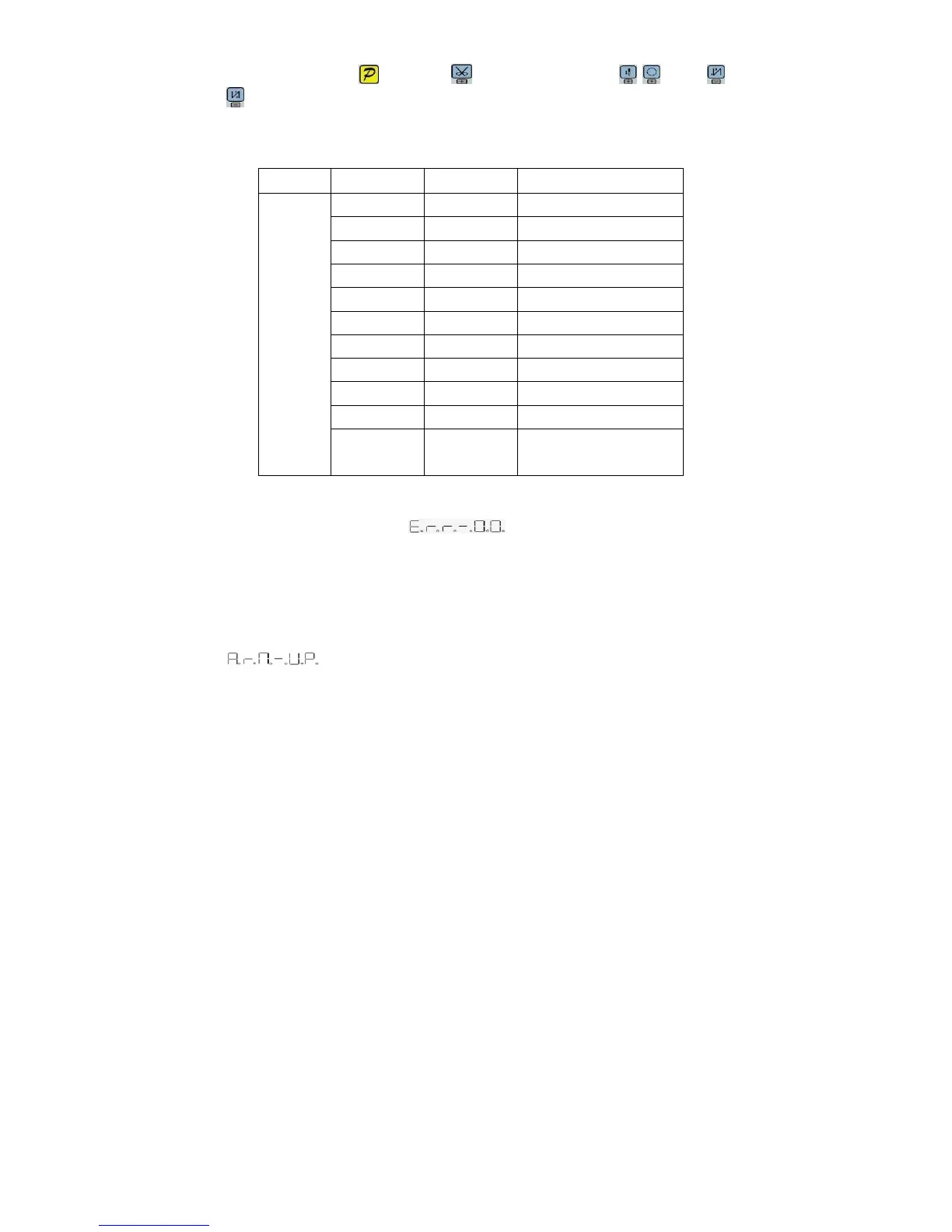
If the HMI detects something wrong from controller, it will jump automatically to warning mode, and
show error code by 8-segment.see 。During wrong warning mode, the user can
set technician parameter change, administrator parameter and HMI parameter self-change or monitor
mode. Exit these modes not back to idle but back to wrong warning mode. It will return normal status
after fixing error and resetting power.
3.6 Safety switch warning mode
If HMI test safety switch warning, it will jump automatically to safety switch warning mode, see
. During wrong safety switch warning mode, the user can set technician parameter,
administrator parameter and HMI parameter self-change or monitor mode. Exit these modes not back
to idle but back to wrong warning mode.(It is reunification
with the switch input, does not distinguish between safety switch, scissors protection switch)
4 Parameter reset to factory settings
4.1 Restore storage parameter for factory of control


 To Next Page