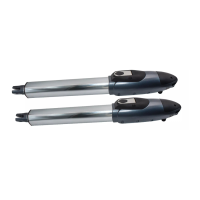
ARTICULATED ARM OPENERS USER MANUAL
16
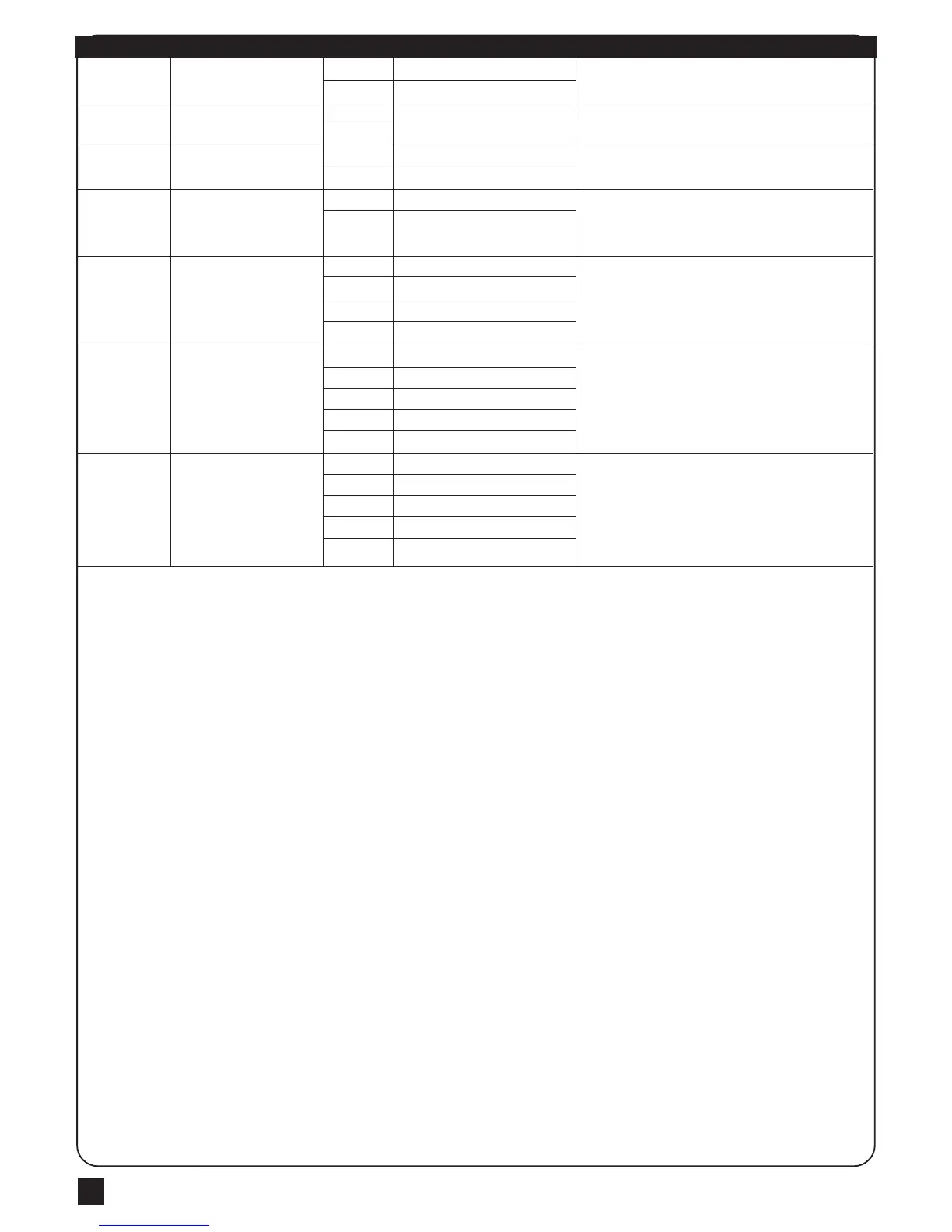
LED Display Definition Function Table Description
Photocell 1 function
Photocell 2 function
Buzzer function
Latch release function
Open/Stop/Close/Stop
function key
Pedestrian Mode function key
Auto-Close function Key
FC
FD
FE
FF
FG
FH
FI
FC-0
FC-1
FD-0
FD-1
FE-0
FE-1
FF-0
FF-1
FG-1
FG-2
FG-3
FG-4
FH-0
FH-1
FH-2
FH-3
FH-4
FI-0
FI-1
FI-2
FI-3
FI-4
Function OFF
Function ON
Function OFF
Function ON
Function OFF
Function ON
Function OFF
Function ON
A Key
B Key
C Key
D Key
Function OFF
A Key
B Key
C Key
D Key
No key to control
A Key
B Key
C Key
D Key
1. The factory setting is "FC-0".
1. The factory setting is "FD-0".
1. The factory setting is "FE-1".
1. If the function on, the gate will move forword a little before the
gate operate for releasing the latch.
2. The factory setting is "FF-1".
1. The factory setting is "FG-1".
1. The factory setting is "FH-2".
1. The key is to turn on or off the Auto-Close function.
2. The factory setting is "FI-3".
3.When the flasher and buzzer is running, the auto closed
button has no function till flasher and buzzer finish running.



 To Next Page