TONGSHENG POWERTRAIN TECHNOLOGY CO.,LTD 9/15
Description: torque value display range is 0‐255, the corresponding
voltage is 0‐5v, in the case of ignoring the pedal, display, 50‐120
meansthatthetorqueisnormal.
5.4. Set the function
1) Enter the setting interface
Press
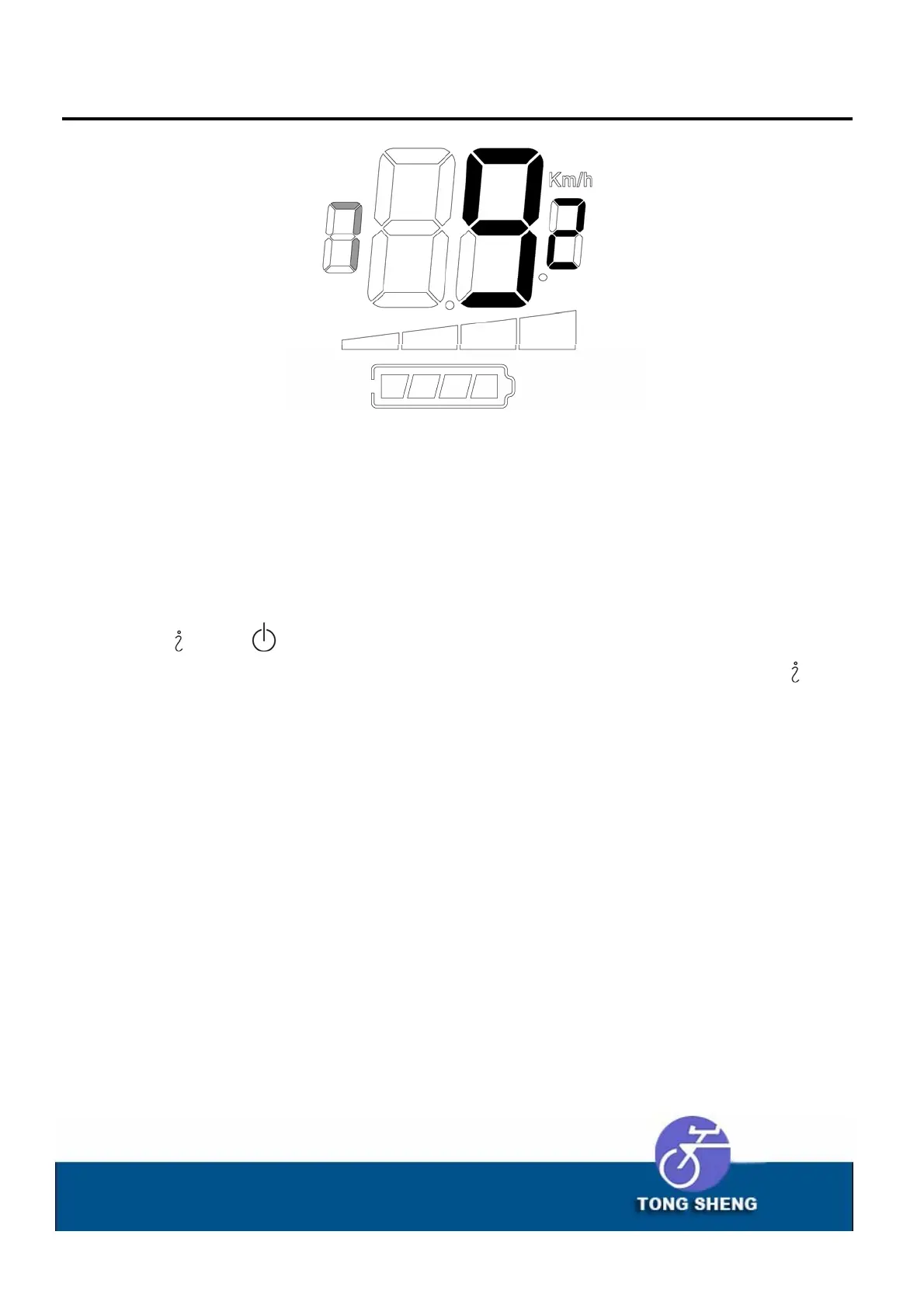
and buttonfor3 secondsatthesametime,themeter
will enter the setting state, and then continuously press the
button, until the digital flash on the far left of the display panel
(showningray),anddisplay1,pressagain,thevaluebecomes2,and
so on, 3, 4, 5, 6, back to the main interface, the setting process is
over.In this process, the corresponding parameters are set for
differentNumbers.



 To Next Page