EasyManua.ls Logo

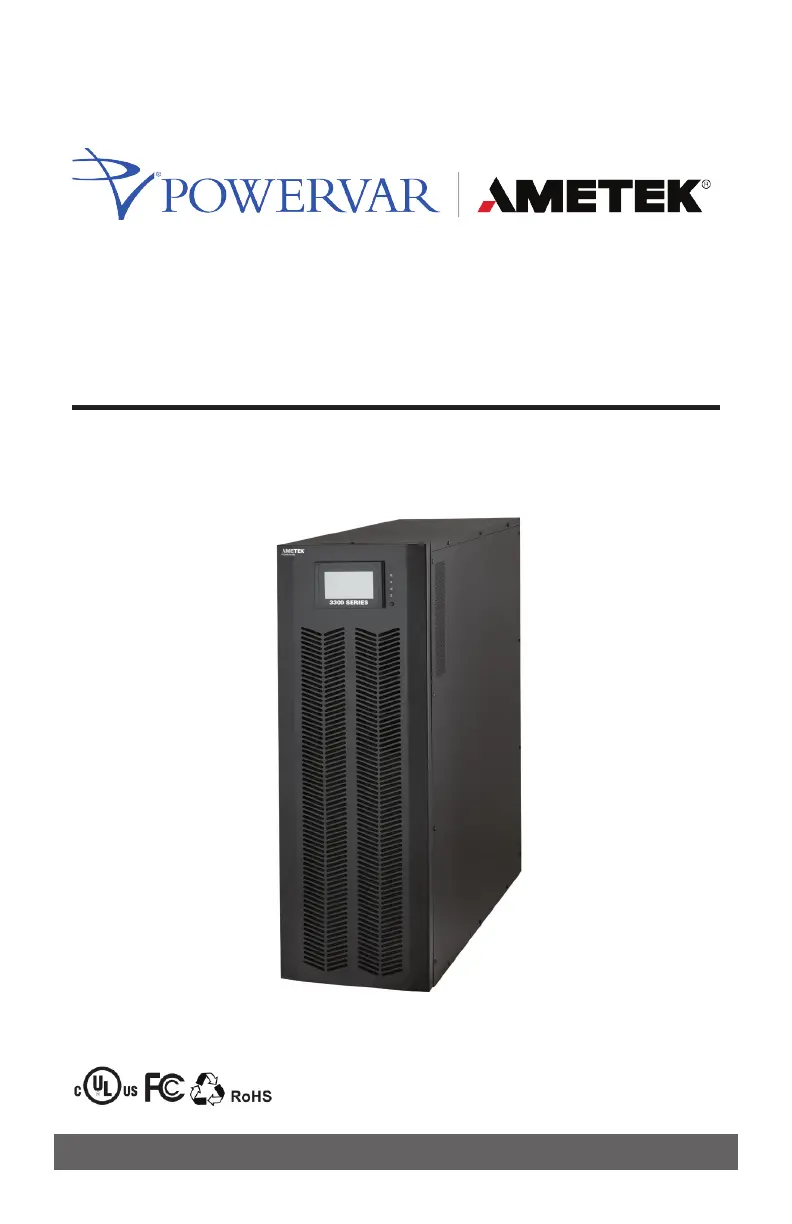
Powervar AMETEK 3300 Series - User Manual

Powervar AMETEK 3300 Series
72 pages
Print Icon
To Next Page IconTo Next Page
Loading...
3300 Series UPS
Users Manual
10 kVA / 15 kVA / 20 kVA / 30 kVA / 40 kVA

Questions and Answers

  • E
    efloresAug 15, 2025
    What to do if Powervar AMETEK 3300 shows warning code 09?
    • B
      bthompsonAug 16, 2025
      Warning code 09 indicates that the Powervar UPS is overloaded. To resolve this, remove excess loads from the UPS output. It may also mean that devices connected to the UPS are being fed directly by the electrical network via the Bypass; in this case, you should still remove excess loads. If the UPS is locked in Bypass mode after repetitive overloads, remove excess loads, then shut down and restart the UPS.
  • O
    ooconnorAug 18, 2025
    What to do if Powervar AMETEK 3300 UPS fault code 43 is displayed?
    • R
      Randall MooreAug 18, 2025
      Fault code 43 means the Powervar UPS has been overloaded for too long and shut down automatically. You should remove excess loads from the UPS output and then restart it.
  • J
    Jessica MoralesAug 21, 2025
    Why is the battery backup time shorter than expected on my Powervar UPS?
    • D
      Dennis WarrenAug 22, 2025
      A shorter than expected battery backup time on your Powervar UPS can be due to the batteries not being fully charged. Charge the batteries for at least 7 hours and then check capacity. If the problem still persists, consult Powervar.
  • R
    ryanhillAug 25, 2025
    What does it mean if my Powervar UPS shows fault code 14, 15, 16, 17, 18, or 19?
    • W
      Walter SmithAug 25, 2025
      Fault codes 14, 15, 16, 17, 18, or 19 indicate that the Powervar UPS shut down automatically because a short circuit occurred on the UPS output. Check the output wiring and the connected devices for a short circuit.
  • J
    Jessica MayAug 28, 2025
    Why does my Powervar AMETEK 3300 display warning code 02?
    • L
      levyjustinAug 28, 2025
      Warning code 02 on your Powervar UPS indicates that the input neutral wire is disconnected. Check and correct the input neutral connection. If the connection is okay and the warning persists, check the input fuses of S and T. It could also mean that the S or T input fuse is broken, in which case you should replace the fuse.
  • G
    gandrewsAug 31, 2025
    What does warning code 0A mean on a Powervar AMETEK 3300 UPS?
    • A
      Ashley McguireAug 31, 2025
      Warning code 0A on a Powervar UPS means that either the fan is locked or not working, or the UPS temperature is too high. Check the fans and notify dealer.
  • M
    michael70Sep 2, 2025
    What does warning code 01 mean on my Powervar UPS?
    • J
      Jamie MorrowSep 2, 2025
      Warning code 01 indicates that the external or internal battery is incorrectly connected. Check if all batteries are connected well.
  • M
    Michael ChavezSep 6, 2025
    How to fix Powervar AMETEK 3300 UPS warning code 0B?
    • J
      John WhiteSep 6, 2025
      Warning code 0B means the EPO (Emergency Power Off) function is activated. This is because the EPO switch is in the “OFF” status or the jumper is open. Set the circuit in closed position to disable the EPO function.
  • D
    Diane TaylorSep 9, 2025
    What to do if there is no display on my Powervar AMETEK 3300?
    • T
      Tanya DavisSep 9, 2025
      If there is no indication and alarm on the front display panel of your Powervar UPS, even though the mains is normal, the AC input power may not be connected well. Check if the input cable is firmly connected to the mains.
  • A
    amanda84Sep 12, 2025
    What to do if other fault codes are shown on LCD display and alarm beeps continuously on Powervar UPS?
    • D
      Daniel JosephSep 12, 2025
      A UPS internal fault has occurred. Contact Powervar.

Summary

IMPORTANT SAFETY INSTRUCTIONS

Save Manual and Follow Instructions

Keep manual for future reference; read before installation/operation.

INSTALLATION

Wiring Terminal Views

Diagrams illustrating rear panel and input/output terminal views for different models.

Single UPS Installation Guide

Step-by-step installation guide.

Parallel System Installation Procedures

Procedures for installing UPS units in a parallel configuration.

OPERATION

Initial Operation and Panel Overview

Guide for first-time power-up, LCD panel, and LED indicators.

Control Screen Operations

Instructions for using the Control screen to manage UPS functions.

TROUBLESHOOTING

Common UPS Symptoms and Solutions

Table of common UPS symptoms, causes, and remedies.

SPECIFICATIONS

Powervar AMETEK 3300 Series Specifications

General IconGeneral
BrandPowervar
ModelAMETEK 3300 Series
CategoryUPS
LanguageEnglish

Related product manuals