Installation
5
Powerware
®
3115 User’s Guide
S
www.powerware.com
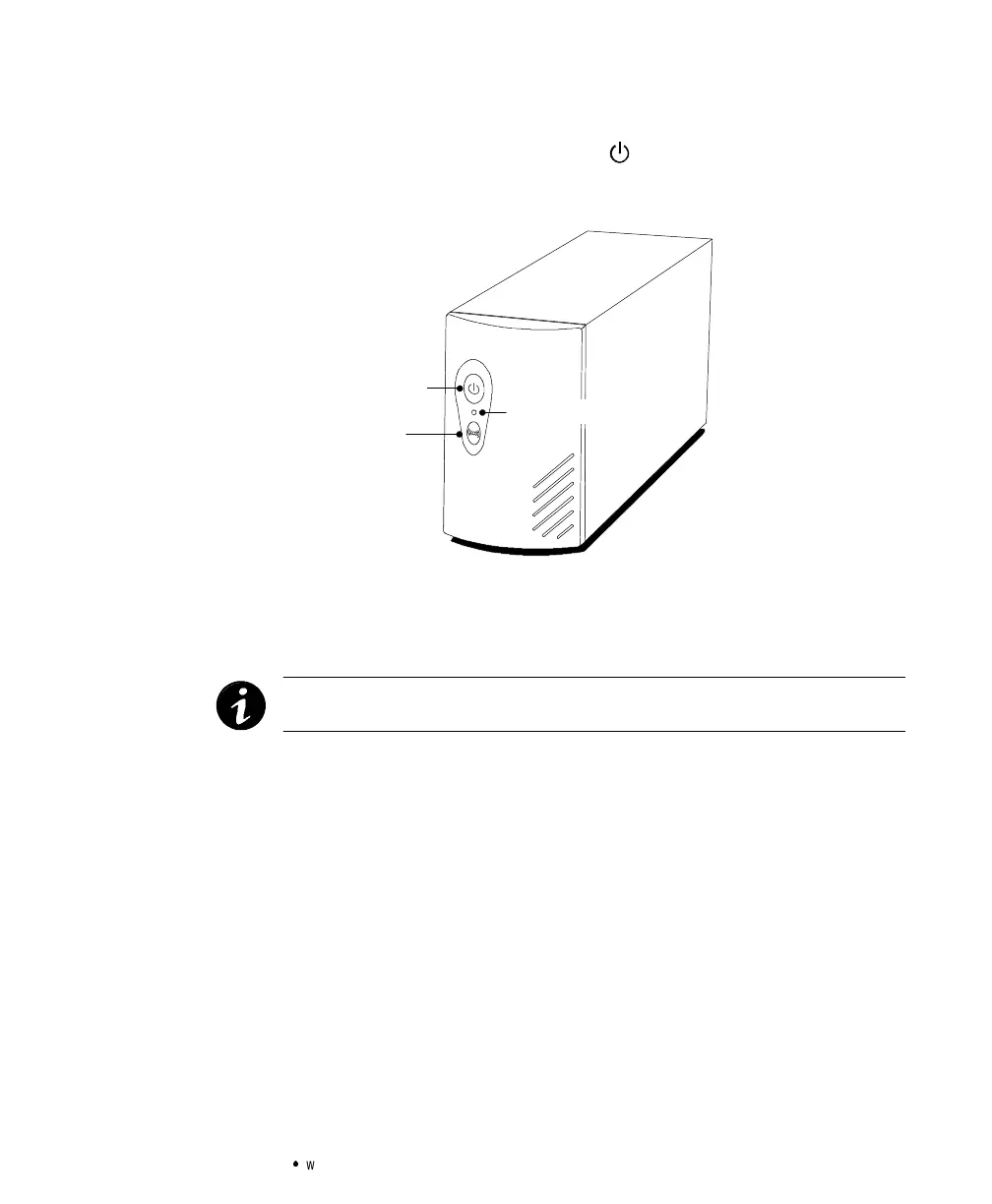
5. Start the UPS by pressing the button as shown in Figure 2.
The Power On indicator illuminates indicating that power is
available from the rear receptacles.
On/Off Button
Power On Indicator
Test/Alarm Reset Button
Figure 2.Powerware 3115Front Panel
The UPS conducts a self-test and enters Normal mode. If the
alarm beeps, consult “Troubleshooting” on page 23.
NOTE The UPSchargesto 90%in approximately12 hours.However,it is
recommended thatthe UPSchargefor 24 hoursafter installation or long storage.



 To Next Page