Operation and Configuration
11
Powerware
®
3115 User’s Guide
S
www.powerware.com
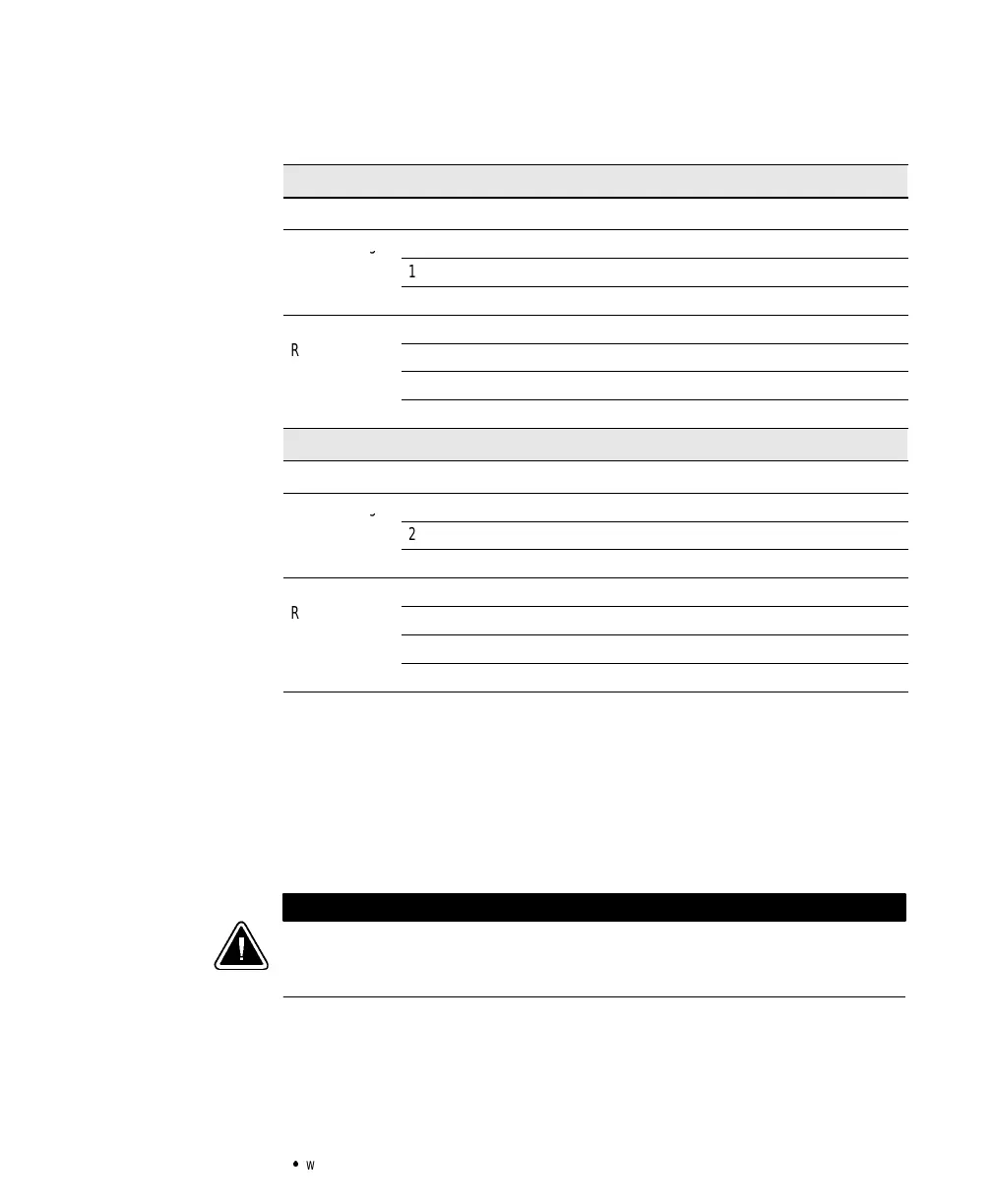
Table 1. DIPSwitch Settings
120V Models
DIPSwitch1 DIPSwitch2 DIPSwitch3 DIPSwitch4
Output Voltage
110V ON OFF
120V* OFF OFF
127V OFF ON
Utility Power
103V - 142V* OFF OFF
Range
98V - 142V
ON ON
93V - 142V OFF ON
88V - 142V ON OFF
230V Models
DIPSwitch1 DIPSwitch2 DIPSwitch3 DIPSwitch4
Output Voltage
220V ON OFF
230V* OFF OFF
240V OFF ON
Utility Power
196V - 260V* OFF OFF
Range
186V - 260V
ON ON
176V - 260V OFF ON
166V - 260V ON OFF
*Default position
Communication Port Configuration
To establish communication betweenthe UPS and a computer, connect
your computer to the UPS communication port using the supplied
communicationcable. Use only the factory-supplied cable and software.
See Table 2 for detailed information.
CAUTION
To preventdamagetoyourequipment,connectonlyafactory-suppliedcableoracable
built tofactoryspecifications(see Table 2)to thecommunication port. Astandard
serialcablemaydamage yourcomputer.



 To Next Page