500 - 1400 VA
User’s Manual
1015715
Revision B
8
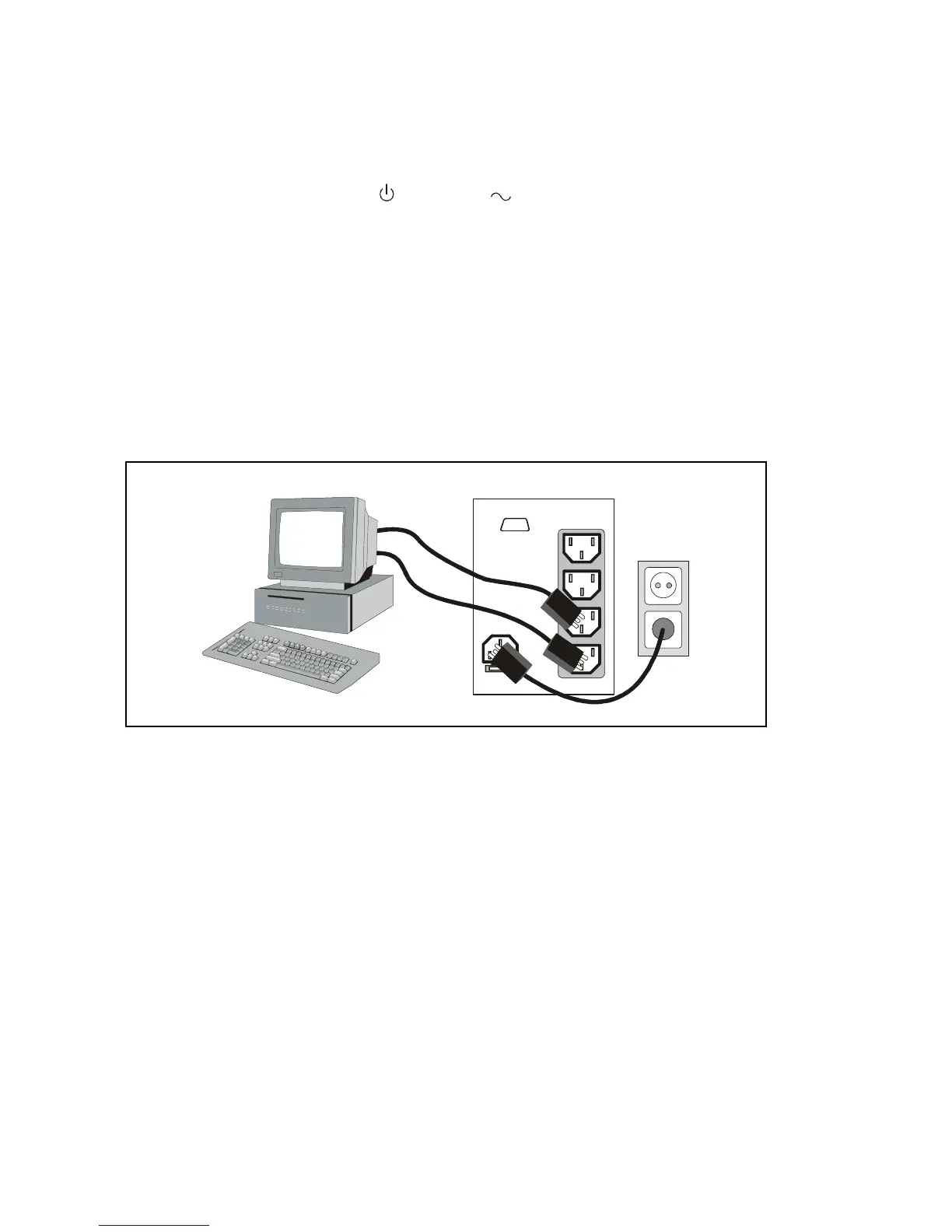
3. Plug the equipment to be protected into the UPS output receptacles.
DO NOT protect laser printers with the UPS because of the exceptionally high
power requirements of the heating elements.
4. Start the UPS by pressing the
button. The indicator illuminates indicating
that power is available from the UPS output receptacles.
The UPS conducts a self–test and enters Normal mode. If the alarm beeps or a
UPS alarm indicator stays on, see Table 3 on page 16.
The installation is complete. To learn how to operate the UPS, see “Operation” on
page 10.
NOTE
The batteries charge to 90% capacity in approximately 3 hours. However, it is
recommended that the batteries charge for 6 to 24 hours after installation or long-
term storage.
Figure 2. Installation
Your Load
LS3












 To Next Page