24 PowerXL
™
SplitBrew
™
Programming Your Coffee Maker
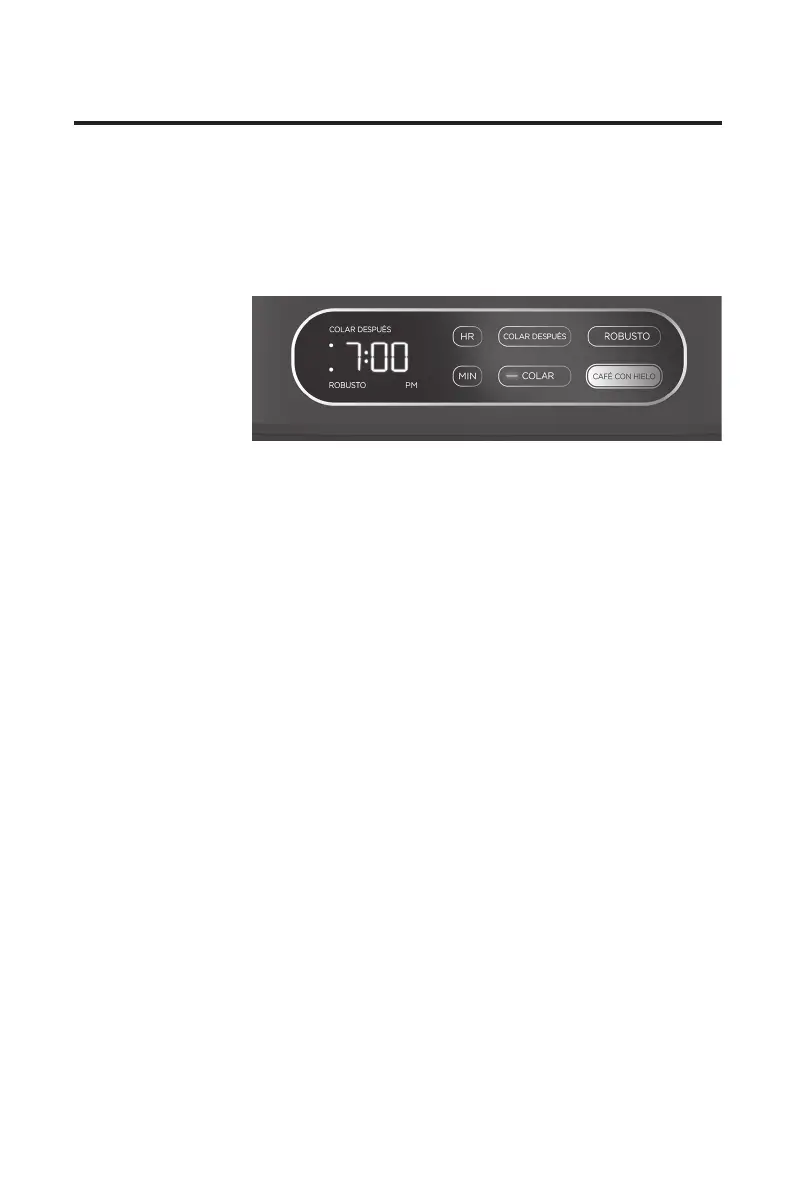
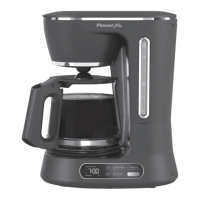
Setting the Digital Clock
1. Plug the coffee
maker into
a standard
electrical outlet.
2. The numbers
and colon on
the digital clock
displaywillash
“12:00.”
3. PresstheHRandMINbuttonsuntilthecorrecttimeisshownonthedisplay.
Thecolonwillcontinuetoashevenafterthetimeisset.
4. Intheafternoon,“PM”willilluminateonthedisplay.If“PM”isnotilluminated
on the display, the time is set to AM.
5. To change the time after it has been set, press either the HR or MIN button
oncetoenterthetime-settingmodeandfollowthestepsabove.
Note:Iftheapplianceisunpluggedorpowerisinterruptedeven
momentarily, the time may need to be reset.
Instructions for Use


 To Next Page