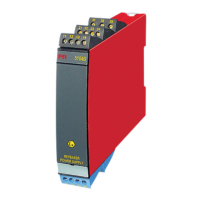
8 9106 - Product Version 9106-001
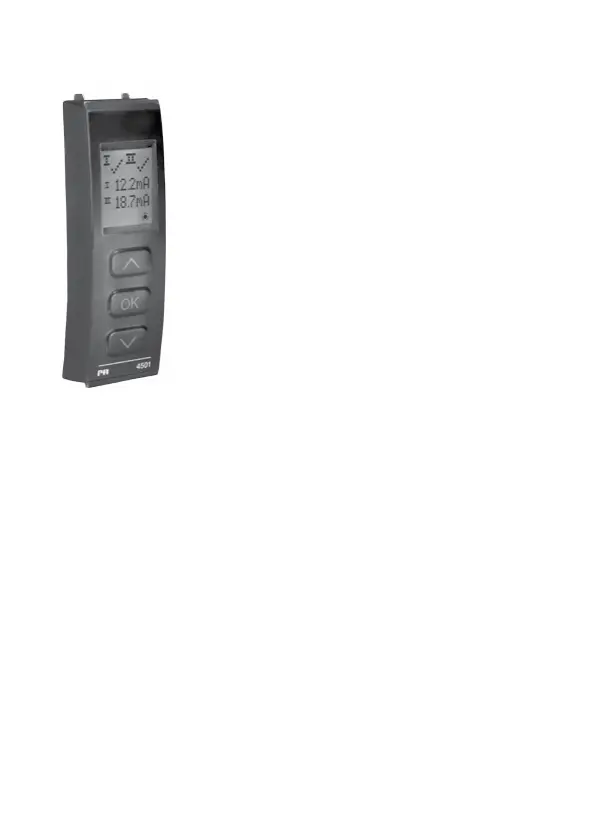
PR 4501 DISPLAY / PROGRAMMING FRONT
Functionality
The simple and easily understandable menu structure
and the explanatory help texts guide you effortlessly and
automatically through the configuration steps, thus making
the product very easy to use. Functions and configuration
options are described in the section ”Configuration /
operating the function keys”.
Application
• Communicationsinterfaceformodificationofoperationalparametersin
9106.
• Whenmountedintheprocess,thedisplayshowsprocessvaluesanddevice
status.
Technical characteristics
• LCDdisplaywith4lines;Line1(H=5.57mm)showsstatusforeachchannel
(OKorerror).Line2(H=3.33mm)showsloopcurrentinmAforchannel1or
tagno.,line3(H=3.33mm)showsloopcurrentinmAforchannel2ortag
no., and line 4 shows communications status.
• Inordertoprotecttheconfigurationagainstunauthorisedchanges,accessto
the menus can be blocked by a password.
Mounting / installation
• Click4501ontothefrontof9106.



 To Next Page