EasyManua.ls Logo

Praktica EE2 - User Manual

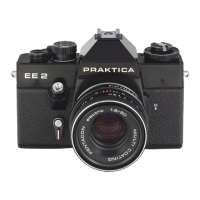
Praktica EE2
58 pages
Print Icon
To Next Page IconTo Next Page
Loading...
Question and Answer IconNeed help?

Do you have a question about the Praktica EE2 and is the answer not in the manual?

Praktica EE2 Specifications

General IconGeneral
BrandPraktica
ModelEE2
CategoryDigital Camera
LanguageEnglish

Summary

Opening the Camera Back

Loading the Film

Closing the Camera Back

Preparing for Exposure

Setting Film Speed

Automatic Exposure Control and Light Metering

Shutter Speed Correction

Focusing

Microprism Screen Focusing

Focusing using the microprism screen for clear, fuzz-free images.

Circular Groundglass Focusing

Focusing using the groundglass area, suitable for macro/micro.

Depth of Field Indication

Shutter Speed Indication

Releasing the Shutter

Fixed Shutter Speeds

Self Timer Operation

Changing the Film

Changing the Lens

Flash Exposures

Battery Check

Camera Maintenance

Related product manuals