VOICE FEATURES
RECEIVE INCOMING
TEXT MESSAGE
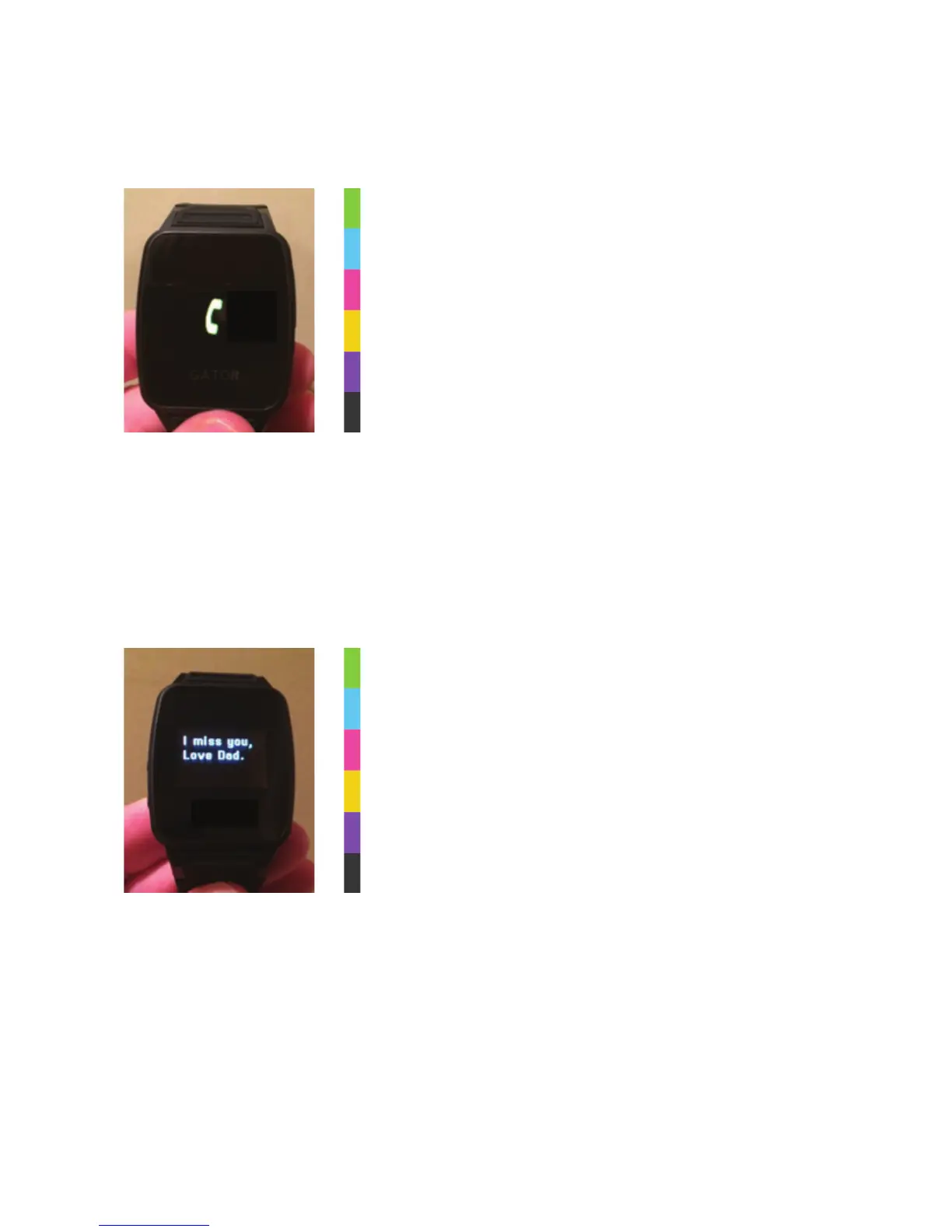
When your child presses the Volume Buttons
on the side for three seconds, the phone icon
appears. The number being called will be heard
ringing through the Caref speakerphone. Your
child simply needs to talk into the Caref Watch,
just as they would a speakerphone.
The phone icon will appear when Caref is
receiving a call as well. To answer the call, the
child must hit the PLUS (+) Volume button. Be
sure to practice this with your child.
Parents can send text messages right to a
child’s watch! But good news…it will only
receive text messages from SAFE numbers
programmed into the app. This is designed
to protect your child from getting texts from
unwanted people. We will teach you how to
program these numbers later in the manual.



 To Next Page