GEOFENCE
ADD GEOFENCE
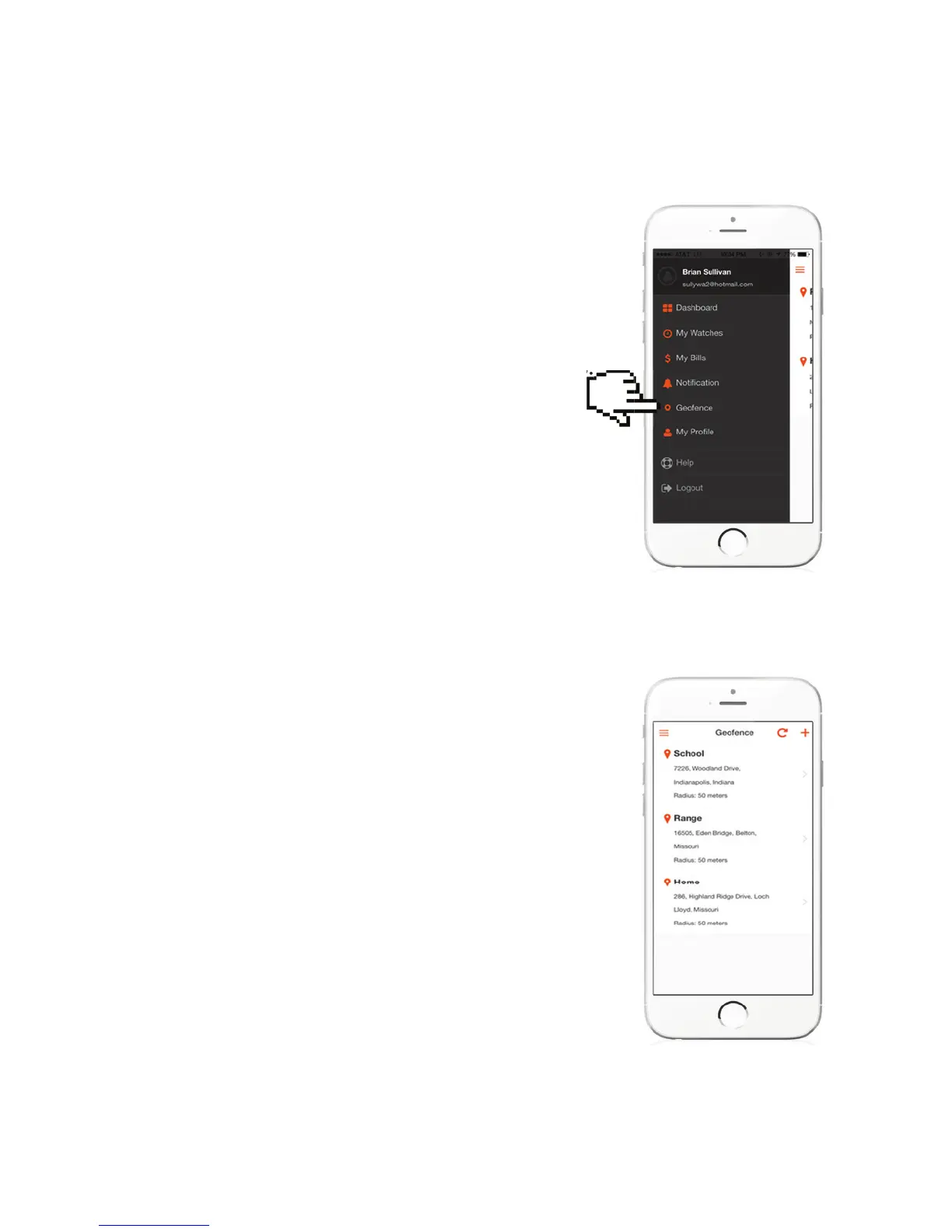
From the main menu in your app, you will set
Geofence safe zones that you can “designate”
to your watches. For example, you might
have three children and decide to set up one
Geofence for HOME and one at school for each
child. This means you would set four Geofences.
(From individual watch settings you will assign
the Geofence to a speci c watch. More on that
later)
Press on “Geofence” to create.
Press the PLUS (+) button in the upper right of
the screen to Add a Geofence.
child. This means you would set four Geofences.



 To Next Page