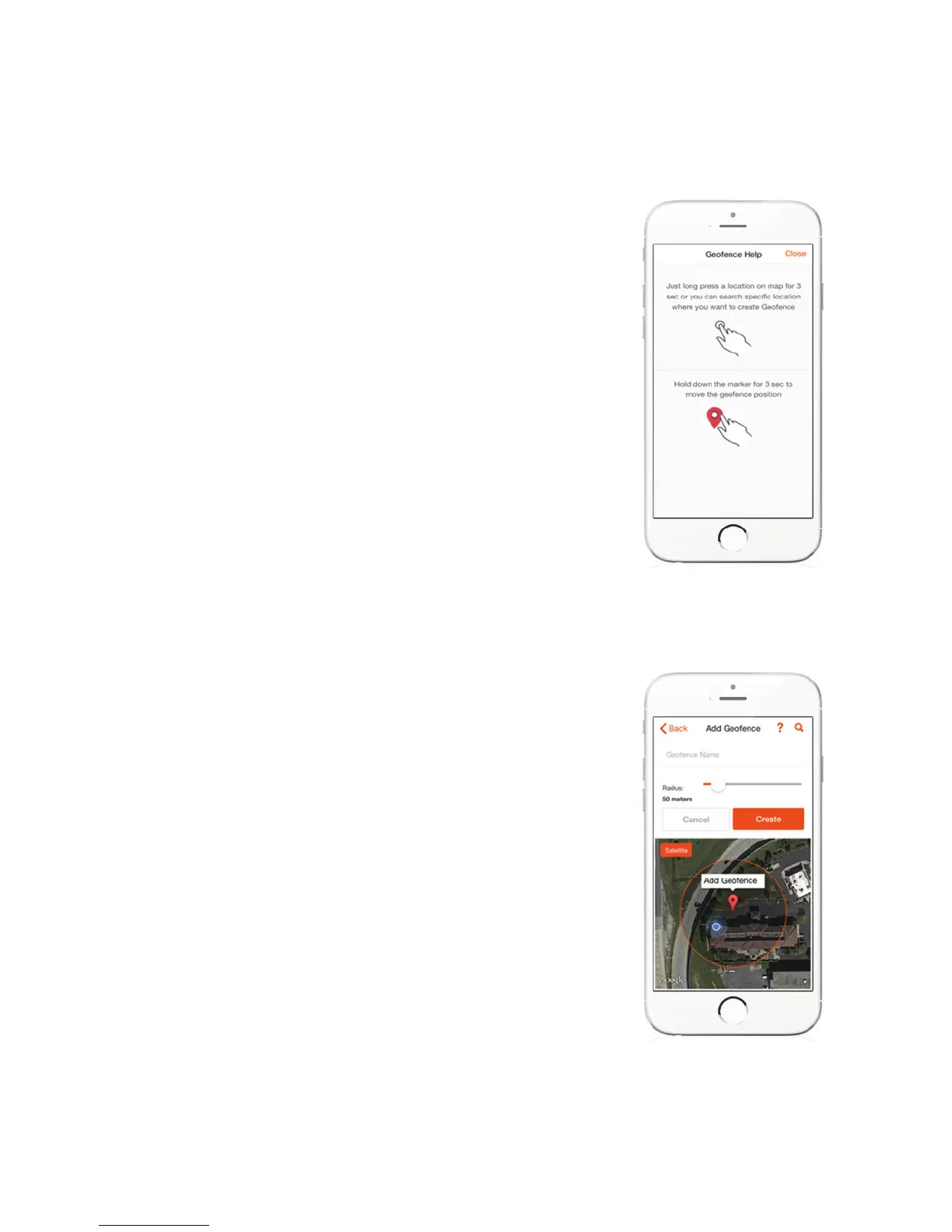
GEOFENCE HELP
ADD GEOFENCE
Follow the instructions on the screen to set
your Geofence.
Name your Geofence (Home, School, etc.) and
set the size of your zone in meters. Hit CREATE
when done. Again, you can set up several
Geofences and assign them later.



 To Next Page