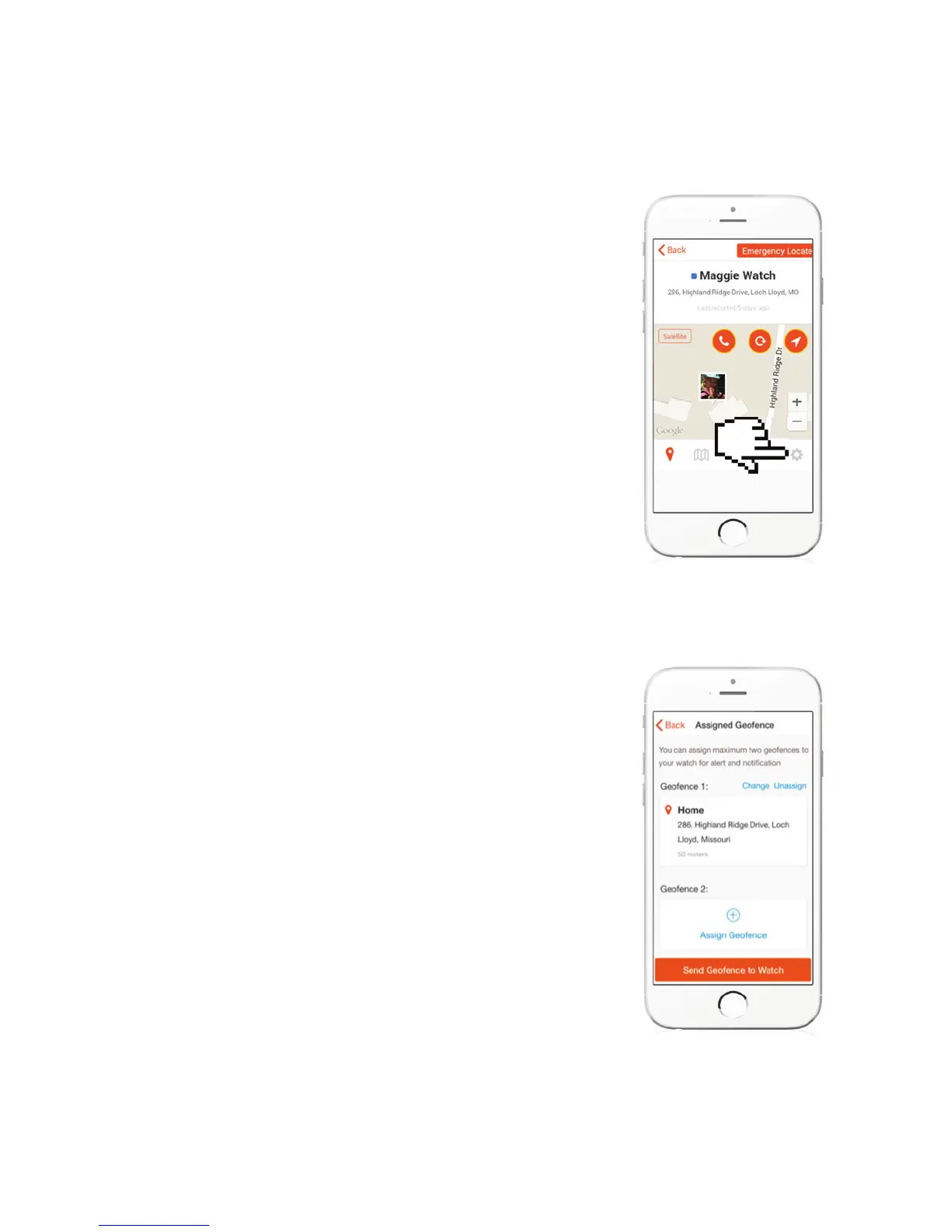
HIT SETTINGS TO GET TO GEOFENCE
ASSIGNMENT SCREEN
ASSIGN GEOFENCE
Press on (+) Assign Geofence, and from the
list, select the safe boundaries you would
like to set. Then press “Send Geofence to
Watch”
When the watch goes outside of the
boundary, you will receive a PUSH
NOTIFICATION on your app.



 To Next Page