STEP 3:
STEP 4:
STEP 5:
ACTIVATE YOUR ACCOUNT
DOWNLOAD MOBILE APP
MOBILE APP AND
MAPPING INSTRUCTIONS
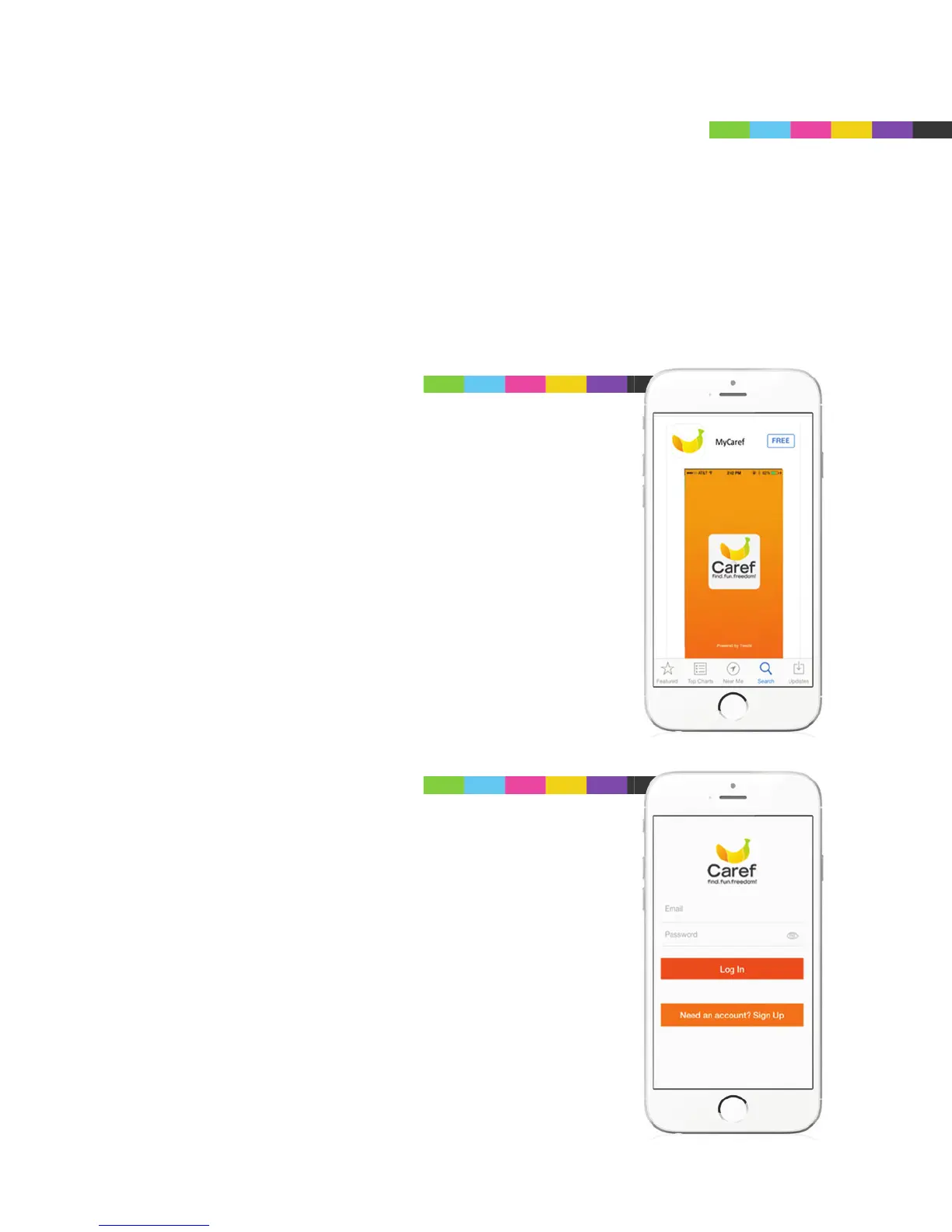
It’s now time to download the MyCaref Mobile App from either Google
Play™ or the Apple™ App Store. Account activation can also be set up
on your computer but it is easier to do it right through the mobile app:
SEARCH: MyCaref
Go to the App Store (iPhone) or Google Play
(Android) and search CAREF. Then download the
FREE App.
To create a NEW ACCOUNT, touch Need an
Account? Sign Up.
If you set up an account through the Web, simply
Log In with the user name and password that you
created.



 To Next Page