Page 12
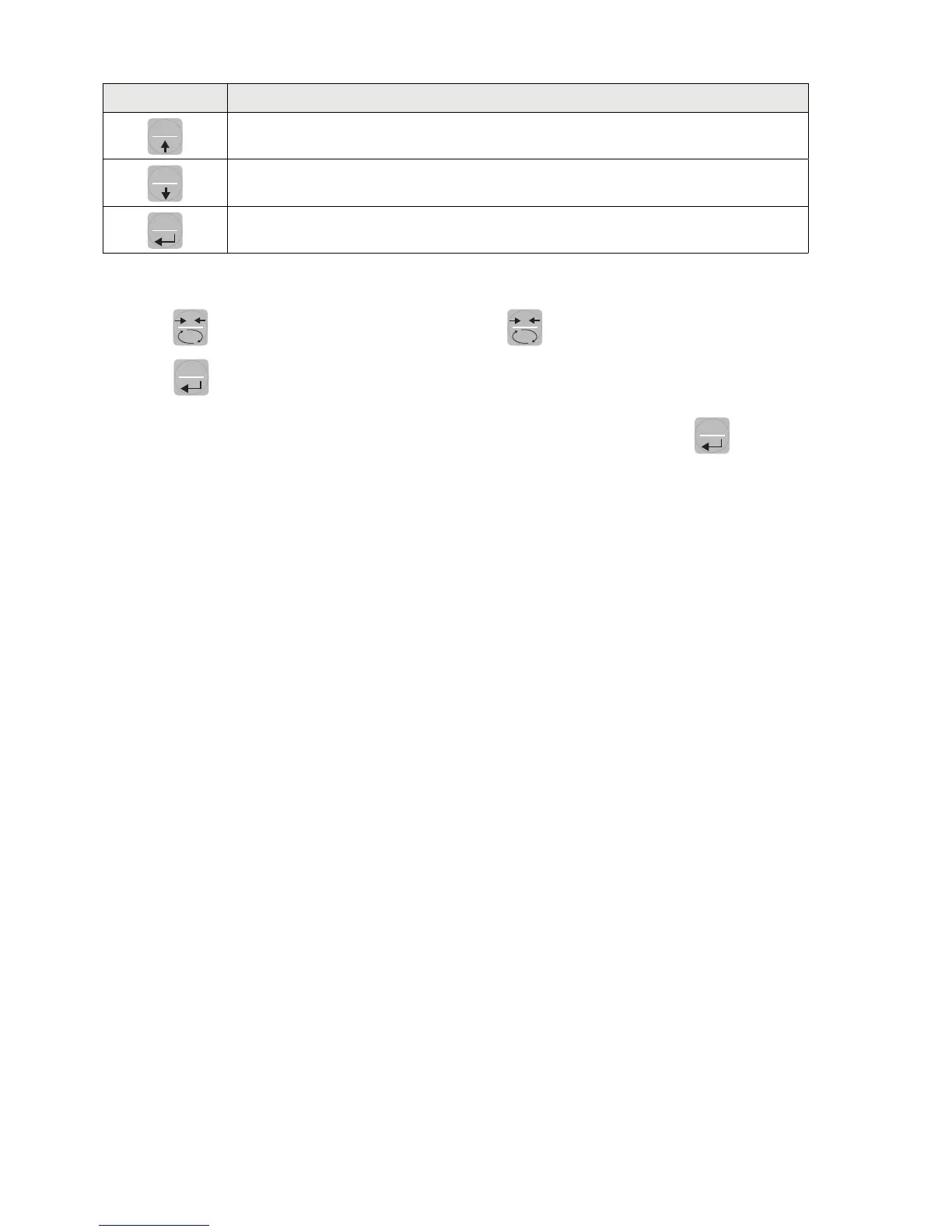
KEY FUNCTION WHEN SETTING THE NUMERICAL VALUES
SET
It selects the next value.
FUN
It selects the previous value.
PRG
It confirms and store the displayed value.
EXIT FROM THE SETTING MENU
Press the
0
key to return to the main menu. Press the
0
. key again. It’s displayed “StORE?”.
Press the
PRG
key to return to the main menu.
To exit without saving any changes, switch off the instrument instead of pressing the
PRG
key.


 To Next Page