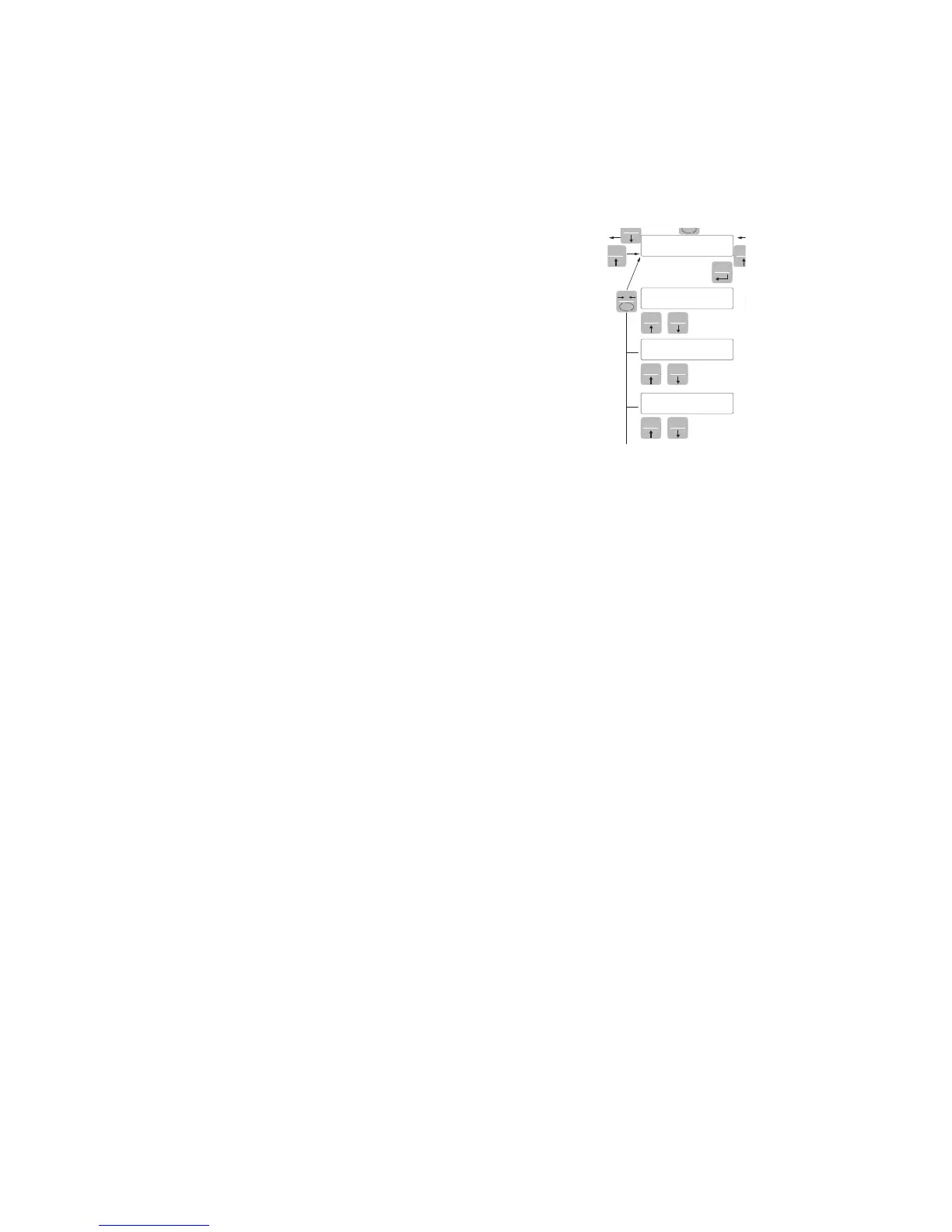
SERIAL OUTPUT PARAMETERS
This menu allows you to set the serial ports COM1 and COM2 and the communication parameters.
The instrument has two independent serial ports:
COM1 with RS232 or RS422/RS485 interface
COM2 with optional FIELDBUS interface.
baUd r BAUD RATE COM1
It defines the baudrate of the RS232 serial port.
The value must be set to the same value of the PC / PLC or remote
display.
Value to be selected:
2400
9600
19200
38400
115200
Default: 9600
baud2r BAUD RATE COM2 (DEVICENET VERSION)
It defines the baudrate of the DEVICENET interface.
The value must be set to the same value of the PC/PLC.
Value to be selected:
125 250 500 DeviceNet
Default:
125 DeviceNet
Prot-1 COM1 PROTOCOL
It defines how to use the RS232 serial port
None: Serial communication OFF
Contin: Continuous transmission of the weight string. It can be used,
for example, to drive a weight repeater. See details in the relevant
paragraph.
Demand: When the Operator presses the front button or through
Input 2, a string of weight is transmitted. The command is accepted
if the weight is stable. Between two consecutive transmissions the
weight must have a variation of at least 20 divisions.
Autom-: It’s automatically transferred to a string of weight when the
weight stabilizes at a value higher than the minimum weight (20
divisions). Between two consecutive transmissions, the weight must
have a variation of at least 20 divisions.
Slave: ASCII protocol. See details in the relevant paragraph.


 To Next Page