f1LtEr
Not1on
auto 0
0 trac
0 band
0
0
0
0
0
PRG
SET FUN
SET FUN
SET FUN
SET FUN
SET FUN
PRG
Select Value
PRG
PRG
Select Value
PRG
PRG
Enter Value
PRG
PRG
Select Value
PRG
PRG
Enter Value
PRG
0 ALL
0
SET FUN
PRG
Select Value
PRG
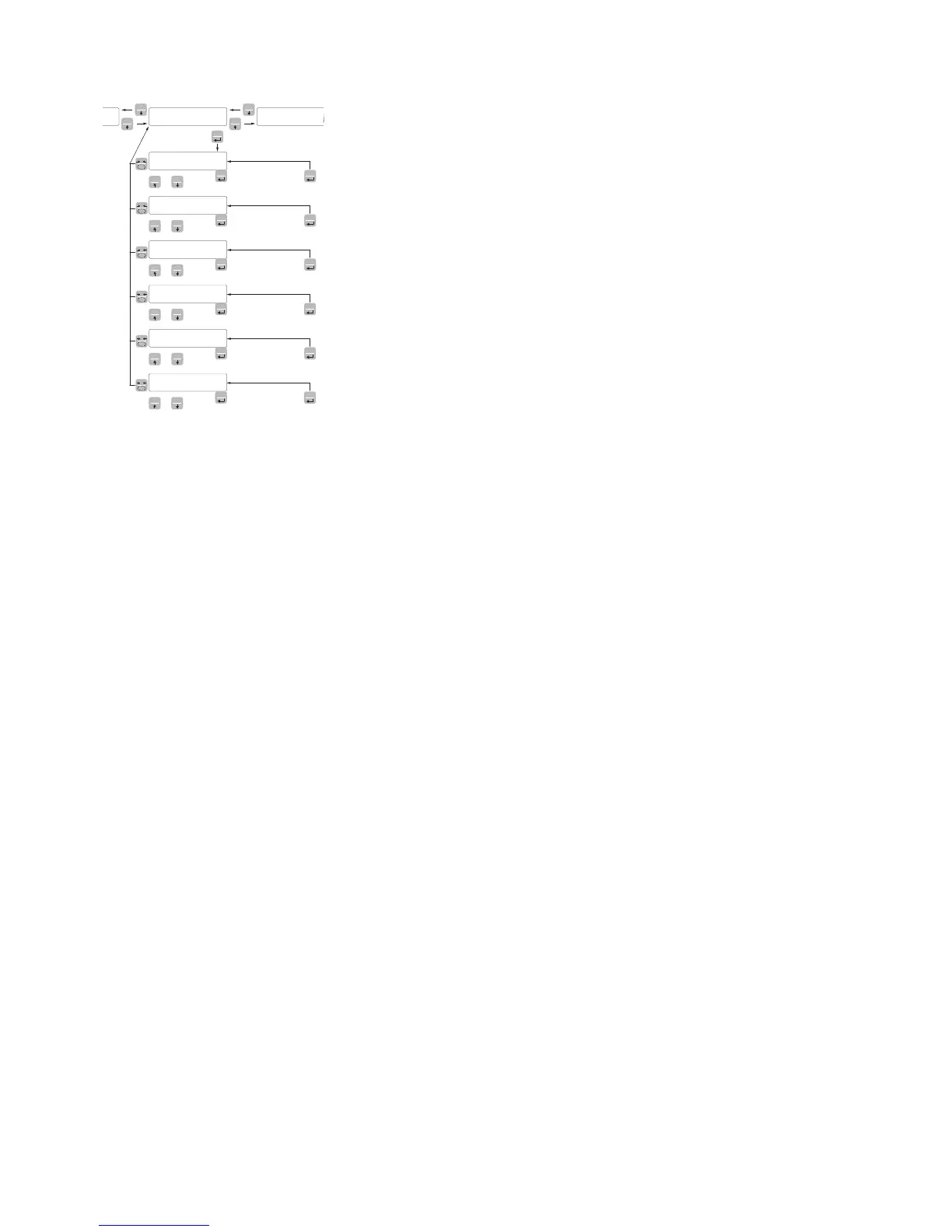
0 trAc TRACKING THE ZERO
This function allows you to perform a momentary zero calibration
compensating for the temperature drift of the weight.
At swithching off, it automatically returns to the previous zero cali-
bration.
The maximum weight resettable by this parameter is 2% of the range
of the system.
To disable this feature, use the value 0.
Value Change
0 Control OFF
1 0.5 div/sec
2 1 div/sec
3 2 div/sec
4 3 div/sec
Default: 0
0 band ZERO BAND
This parameter defines the number of divisions resettable by the
pressure of the front button of zero or by Input 1.
Values: from 0 to 200
Default: 100
0 ALL ZERO CAL
Enables the function that allows to perform zero calibration by pres-
sing and holding the 0 key or input 1 for 5 sec.
Value:
Off Function disabled
On Function Enabled
Default: Off


 To Next Page