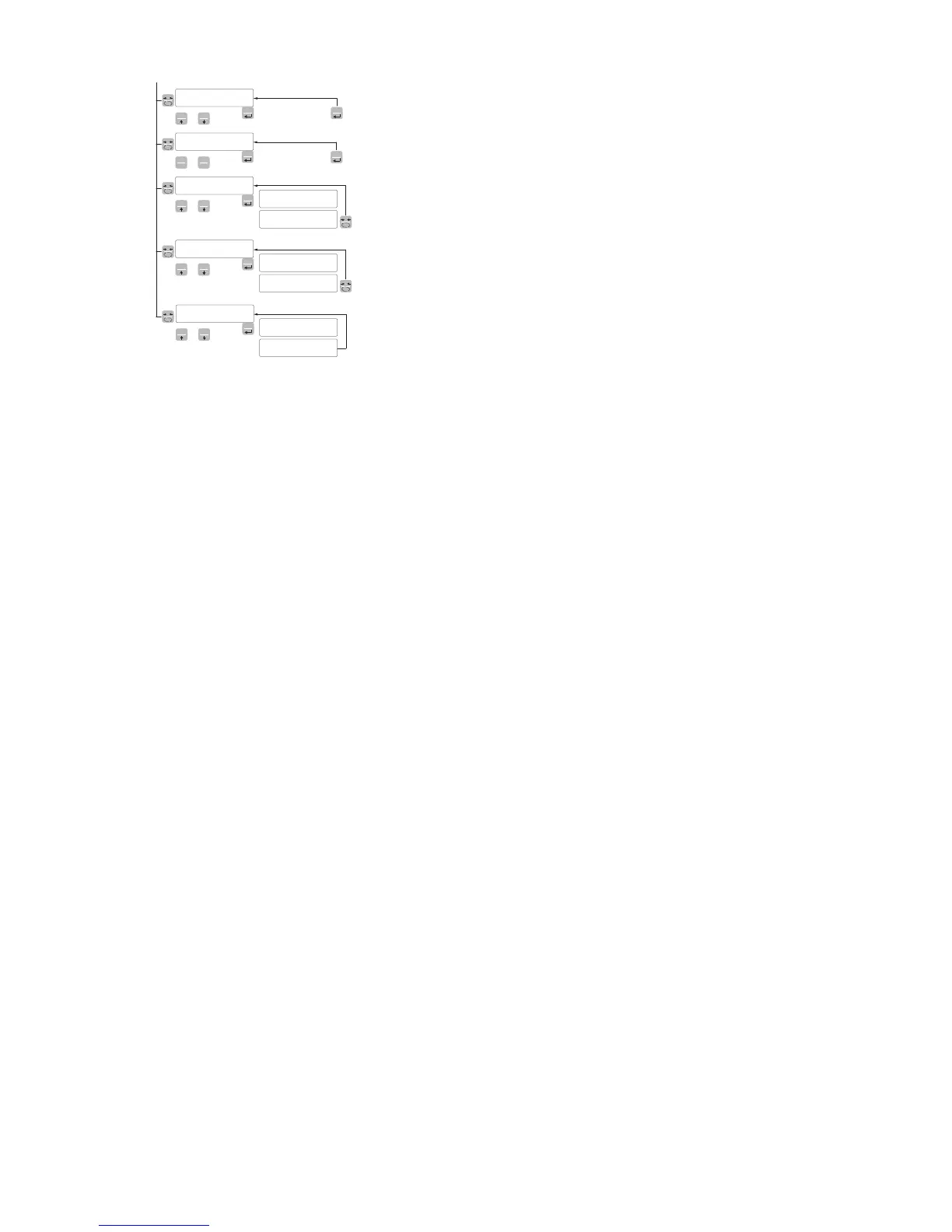
rEN-Co REMOTE COMMUNICATION
It enables communication with a PC for the setting via the PC program
data F REMOTE COMMUNICATION
Parameters of the serial COM1 protocols (parity, bits n., stop bits)
except MODBUS.
t-Nap SENDING DATA TO THE PC
This function allows to transfer the mapping of the registers from the
DAT 400 instrument to the PC program. Before starting the transmis-
sion of the mapping, you should enable the reception of the map
(Receive button) on the PC program. During transmission, the display
of the instrument displays TRASM, at the end of the transmission it
shows END-OK.
To end the mapping transferring process, press the key 0.
r-Nap RECEIVING DATA FROM THE PC
This function allows to receive the registers mapping from the PC
program.
Before starting the mapping transmission in the PC (Send key), the
receiving function must be enabled on the DAT 400 by pressing the
PRG key. When receiving, the display shows RECEIV, at the end
of the receiving it shows END-OK. To end the process of mapping
transferring, press the 0 key.
dELNap DATA RESET
This function allows you to restore the default mapping of the instru-
ment, while restoring the default mapping of the instrument, ERASE
is displayed.


 To Next Page