7 Error analysis and diagnostics
D 159195 © Precitec GmbH & Co. KG • EN 09/2019
7-63
7 Error analysis and diagnostics
7.1 Safety notes
Any repair work and any work relating to troubleshooting require special
knowledge and must only be carried out by trained specialist staff.
Precitec
shall not be liable for any damage caused by not complying with or having
insufficient knowledge about the information contained in the operating
instructions.
Manufacturer's and supplier's regulations must be observed. The prescribed
protective equipment must be used.
7.2 Malfunctions
7.2.1 Electrical malfunctions
Table 7-1 Error analysis: Electrical malfunctions
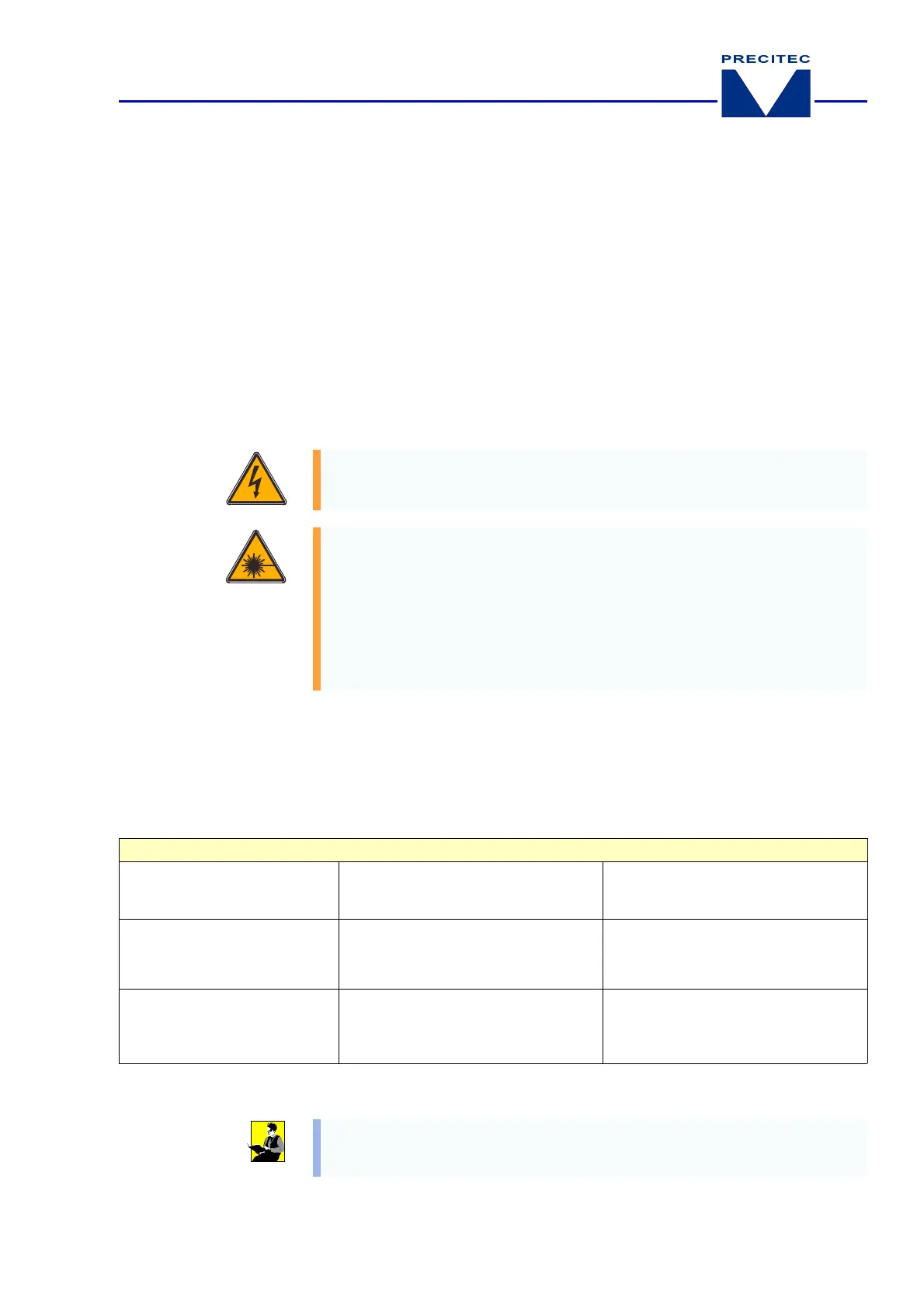
Caution – Dangerous electrical voltage!
The system must be switched off and protected against being switched on
again before carrying out any maintenance or repair work on the laser head.
Caution – Laser beam!
The machine must be switched off before carrying out any maintenance or
repair work on the laser head. During commissioning the machine may operate
in
laser class 4
:
• Avoid radiation to eyes or skin caused by direct or scattered radiation.
• Do not look directly at the laser beam even using optical instruments.
• Use laser goggles complying with DIN EN 207 and BGV B2 that are
designed for the wavelength of the connected laser.
Malfunction Cause Action to be taken
Distance display is wrong
and
changes depending on the
position of the machine
Sensor cable
damaged or loose
plug-in connection
– Replace the sensor cable or fix the
plug-in connection
Minor standoff distance
changes
– Sensor temperature drift
– Worn nozzle
– Contamination
Repeat reference point/ 2-point
calibration (plus
[NozzLost]
calibration)
Distance sensor
measuring
distance
to
small
, large distance
between laser head and
workpiece
Ceramic part is dirty or wet
– Clean and dry the ceramic part
– Check the cutting gas
(observe cutting
gas quality, see chapter 3.4.1, page 3-31)
Electrical malfunctions
For detailed information on how to troubleshoot electrical malfunctions of the
Lasermatic® analysing electronics, please refer to the separate documentation.


 To Next Page