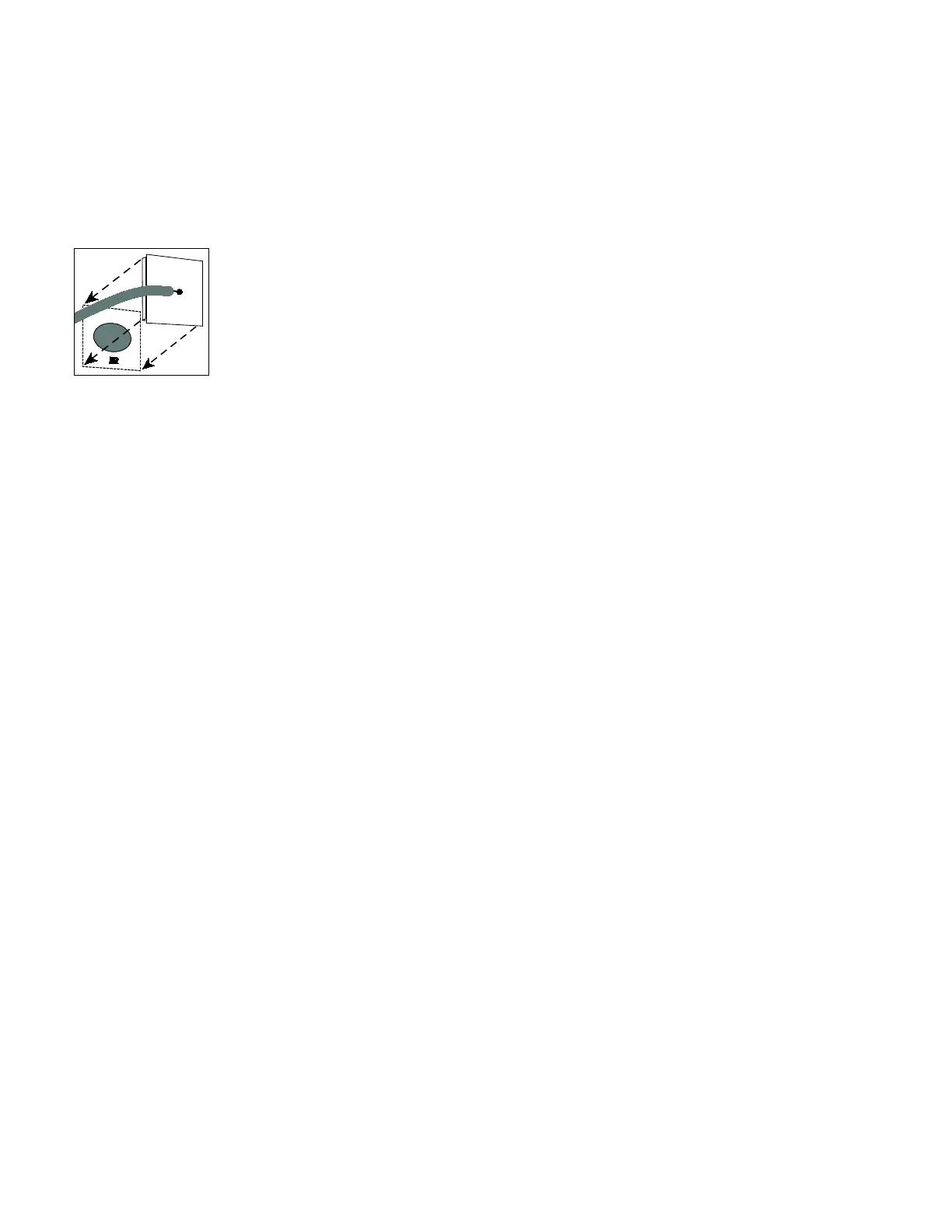
4. Locate the IR port on the receiver. This port is usually a small, transparent opening in the front panel of the receiver, but it may be
designed to be difficult to see.
Important If you are not sure about where the IR port is, refer to the documentation for the receiver or contact the receiver's
manufacturer.
5. Position the IR transmitter so that the gasket can surround the IR port without placing any strain on the remote control cable.
6. Remove the liner from the gasket.
7. Make sure the gasket does not block any part of the IR port, then press the IR transmitter into place as shown in the following
figure.
Figure 1: IR transmit ter placement
Create the Channel List
While one of the receivers is connected and operating, create a list of the channels that should eventually be available in the channel
guide on the P82 and P62 consoles. For each channel, note the digit sequence that you must enter through the remote control to select
the channel directly (without using the "channel up" and "channel down" buttons).
Tip In many cases, the channel listing furnished by the facility's TV service provider contains the digit sequence information you will
need.
If you are using I-O DATA receivers, choose the twelve channels that the facility’s owner wants to offer. Program these channels into
the quick selection list, while making note of which channel is assigned to which quick selection key.
Important When configuring or moving a DirecTV receiver, DO NOT press its Resolution key.
Configure consoles
After the external receivers have been installed and set up, configuring P82 or P62 consoles to recognize them involves the following
tasks:
• Activating the Media Adapter on each networked fitness console
• Building the channel list on the first console
• Exporting the finished channel list from the first console to the others
This section discusses how to perform these tasks.



 To Next Page