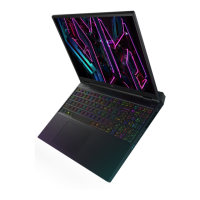
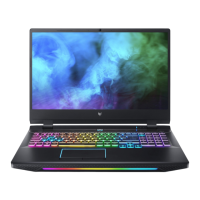
Your Predator notebook tour - 14
YOUR PREDATOR NOTEBOOK
TOUR
After setting up your computer as illustrated in the Setup
Guide, let us show you around your new Predator computer.
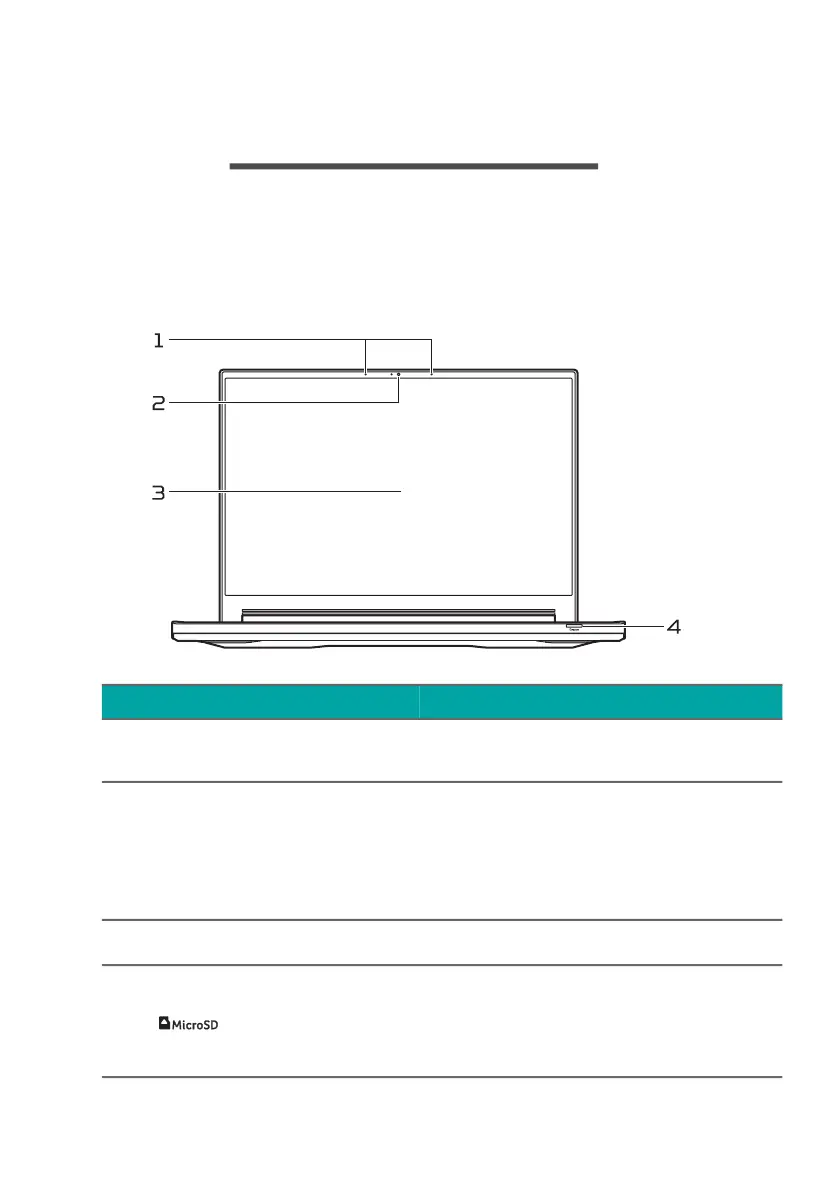
Screen view
# Icon Item Description
1 Microphones
Internal digital microphones
for sound recording.
2 Webcam
Web camera for video
communication.
A light next to the webcam
indicates that the webcam is
active.
3 Screen Displays computer output.
4
MicroSD card
reader
Accepts one Secure Digital
(microSD) card.
Only one card can operate at a
time.



 To Next Page